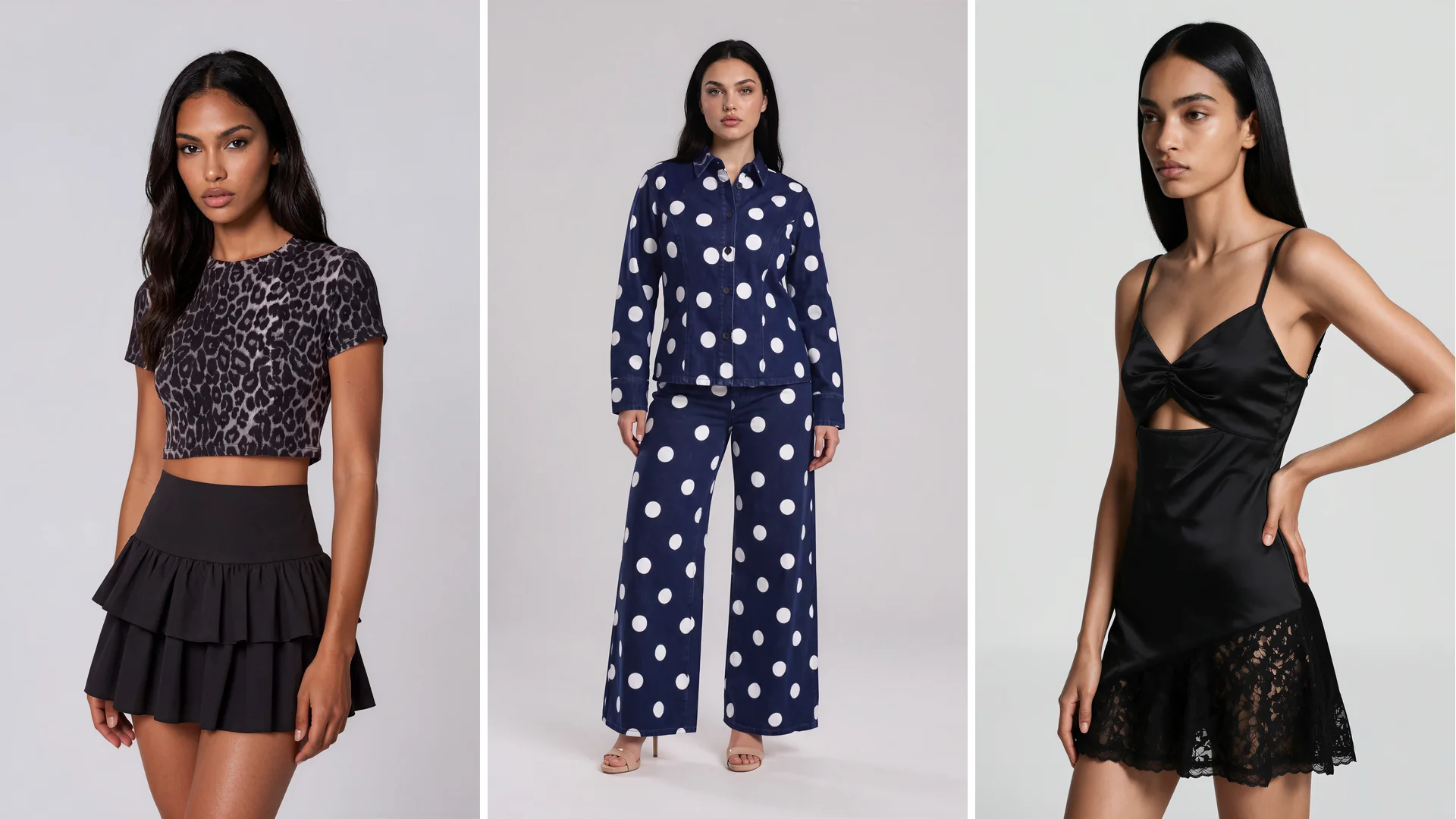
How apparel startups keep creative control with AI fashion models
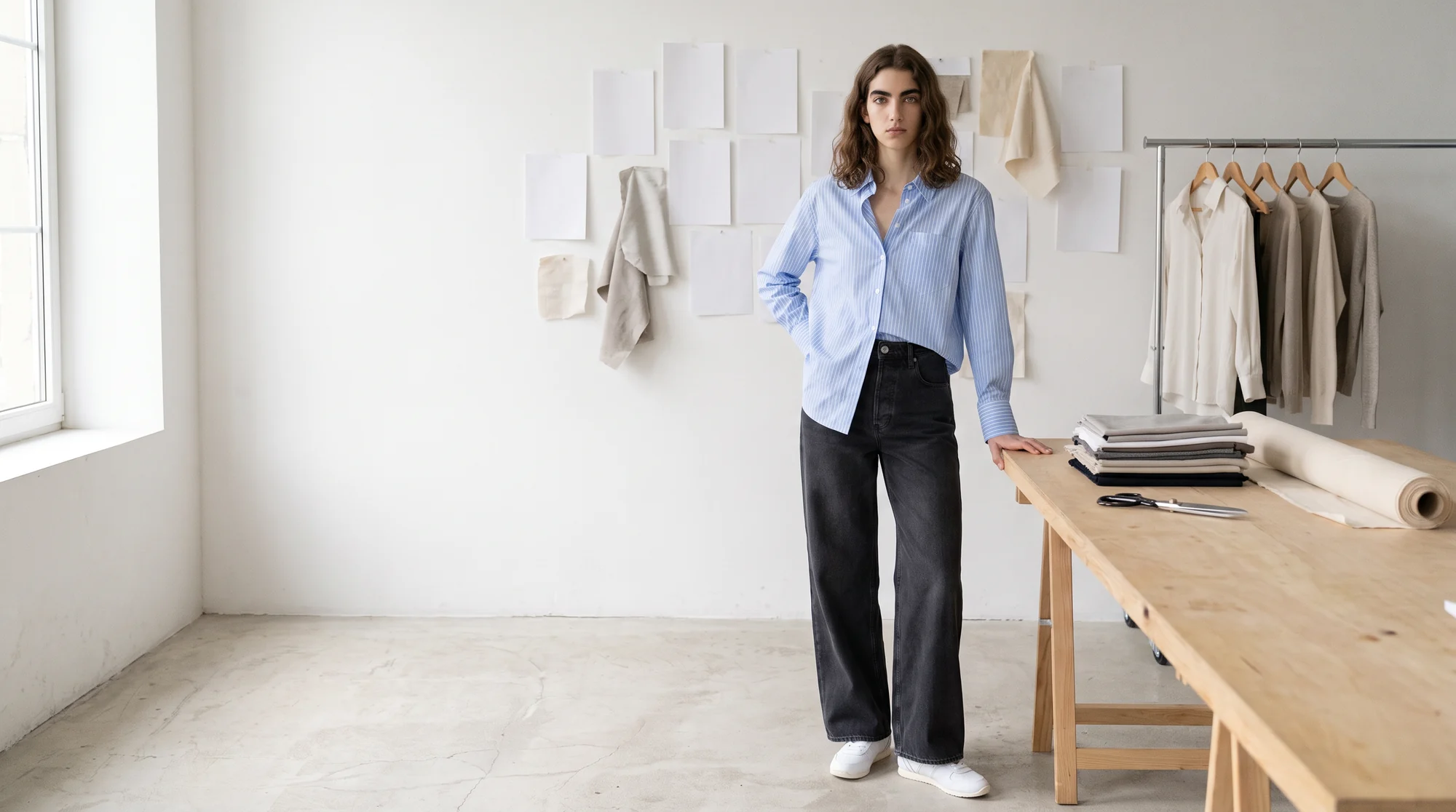
Most founders know exactly what their label should look like long before they can afford to show it. The mood board is clear. The shoot budget, the model booking and the studio day are not.
AI fashion models promise a way round that, and many first attempts disappoint for the same reason. The face changes from one product to the next, a button moves, and the scene is whatever the tool decided to make. That is speed without control, and a young brand cannot build recognition on it.
For an apparel startup, creative control with AI fashion models means choosing the model, the pose and the setting yourself, while the garment stays exactly as you designed it, and then repeating those choices across every product and every drop.
This guide explains where that control actually sits, the kinds of tools on offer, eight controls to check before you choose one, and how to run a first pilot.
Why creative control matters more for an apparel startup
A large retailer can absorb an off-brand image. A new label cannot. With a few dozen products and no advertising history, the imagery is the brand, and shoppers meet it before they meet anything else.
Control is also a commercial matter. The National Retail Federation estimates that 19.3% of online sales will be returned in 2025, and a survey cited by Narvar found that almost half of shoppers said their purchases looked different in person than online.
For an apparel startup, an image that drifts from the real garment is not only a creative problem. It is a return, a refund and a shopper who may not come back.
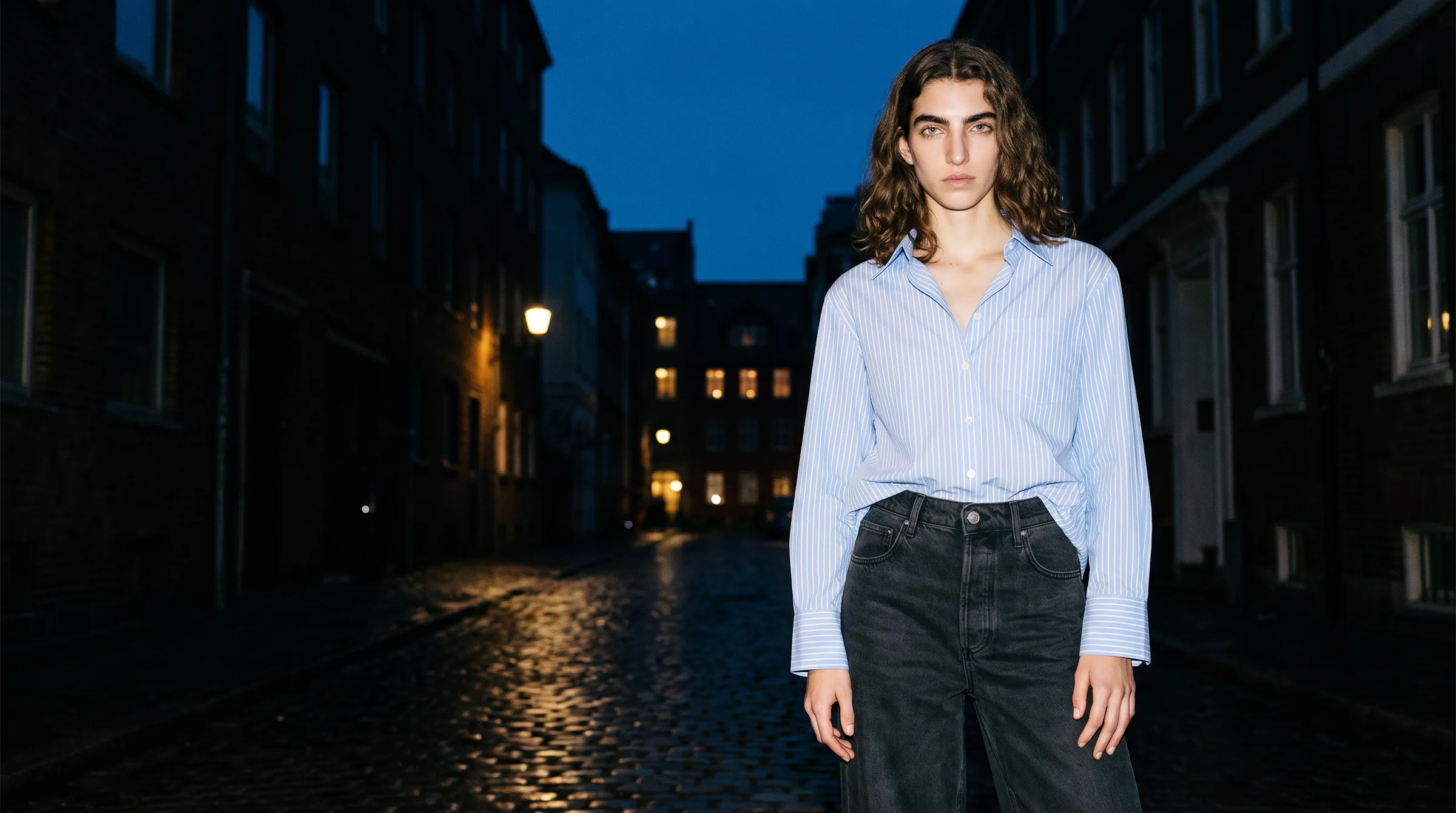
Where control sits in an AI fashion workflow
It helps to split the work into three layers, because different tools give you control over different ones.
The garment. This should be fixed. The product in the image must be the real one, taken from your own photo, with the fabric, print and construction intact. Botika does not generate clothes from text. It starts from a flat lay, a ghost mannequin shot or an existing on-model photo.
The talent. This is who wears it. Control here means the same face, build and look every time, a consistent model persona, and the option of a model that belongs only to your brand.
The scene. This is the pose, the framing and the background. Control here means choosing them deliberately and changing them without disturbing the garment.
On Botika you make those choices from a model gallery, a pose bank and a set of backgrounds, rather than by writing prompts. That is a deliberate trade: less open-ended invention, far more repeatability. Our piece on how the models are made explains why.
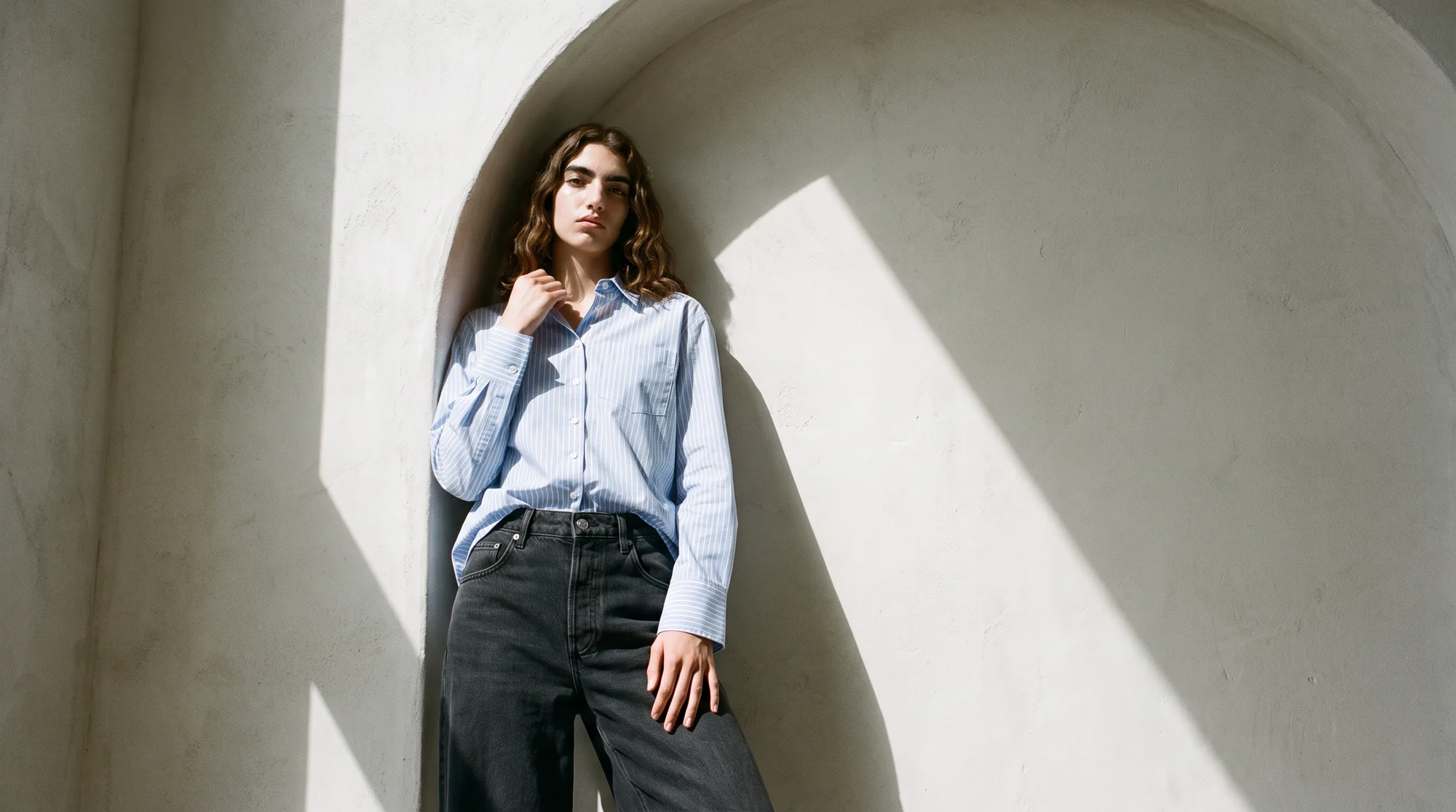
The options for creative control, by type
Five kinds of tools get grouped under AI fashion imagery. Each gives you a different amount of control over the garment, the talent and the scene.
General image generators
Strong control over mood and scene, little over the garment. Because the clothes come from a description, buttons, seams and prints are reinterpreted on every attempt, and the same face rarely returns. They suit moodboards and concepts, not product pages.
Virtual try-on tools
These sit on the shopper's side of the screen, showing a garment on the customer's own photo. They help a shopper decide, but they do not control how your brand is presented. Our comparison of virtual try-on and AI on-model photography covers the split.
Self-serve on-model apps
Upload a product photo, pick a model, download. Good for small ranges and quick tests. Control depends on how many models, poses and backgrounds the app offers, and on how much checking you do yourself.
Digital model agencies
Virtual faces plus a production team. Control comes through briefing and revisions, which suits a campaign more than a weekly product drop. See agencies versus platforms for the trade-offs.
A fashion-specific platform with a service layer
Your real garments on AI models, with a gallery or custom models, directed poses and backgrounds, and people reviewing the output. This is where Botika sits, and it is the type built to give you control over all three layers at catalog scale.
Eight controls to check before you commit
Whatever you shortlist, test it against these eight points using your hardest products, not a showcase.
1. Garment fidelity
Try a busy print, a knit, a sheer fabric and a structured jacket. Colour, texture, print scale and stitching should match the source at full size. Ask to see close-ups, because that is where a reinterpreted garment gives itself away.
2. A locked model identity
Ask whether you can use the same model on every product and every season, so shoppers learn a face. For a face no other brand uses, ask about a custom model licensed exclusively to you. Our guide to custom AI fashion models and digital twins covers consent and licensing.
3. The range of the gallery
Look for breadth across age, ethnicity, body type and gender, so you can cast for each market you sell in. Botika's gallery has 150+ fully synthetic models, with no real person behind any of them.
4. Pose direction
Check the pose bank and the framing options. Tops, dresses and trousers each need a different crop, and product-specific framing matters more than a long menu of poses.
5. Scene and background
You should be able to move from a clean studio to a bold or on-location background without touching the garment. If a new background changes the product, the control is not real.
6. Input flexibility
Does it accept flat lays, ghost mannequin shots and existing on-model photos, including cropped or headless ones? The more of your current library it can use, the less you have to reshoot.
7. Output formats
Look for stills in the sizes your store and marketplaces need, and short video for social. On Botika one credit makes one photo and five make one video.
8. Who checks the images, and how they are labelled
Ask what happens between generation and publishing. On managed accounts, Botika Creative Ops reviews and retouches every visual before it goes live.
And ask how the files are marked. The IPTC publishes guidance on a Digital Source Type value for media created by a trained AI model, which platforms and publishers can read.
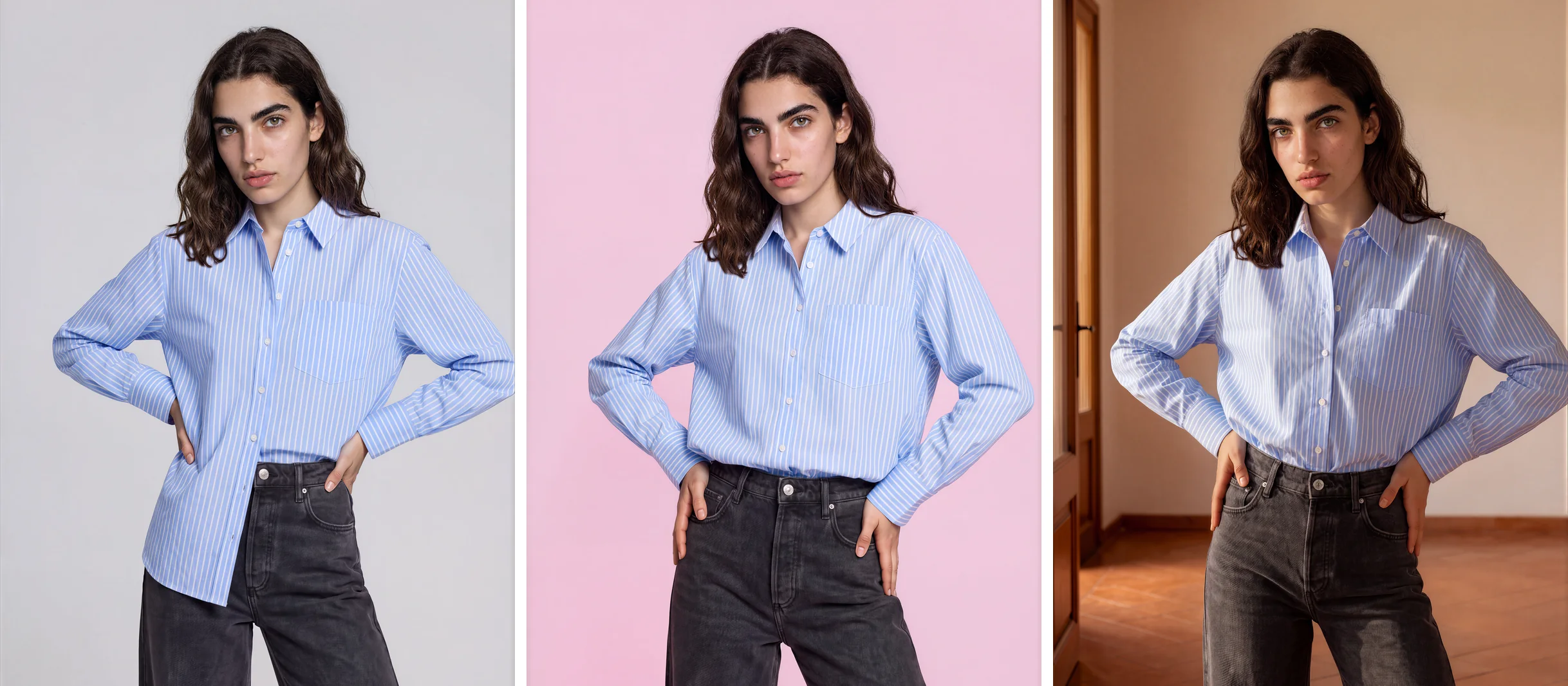
Studio, editorial and ghost mannequin: what each is for
Not every image has the same job, so a startup should split its visual effort by purpose rather than treat every image as a campaign.
Clean studio. A neutral background, crisp light and precise fit. This is the workhorse for product pages, marketplace listings and the grid view.
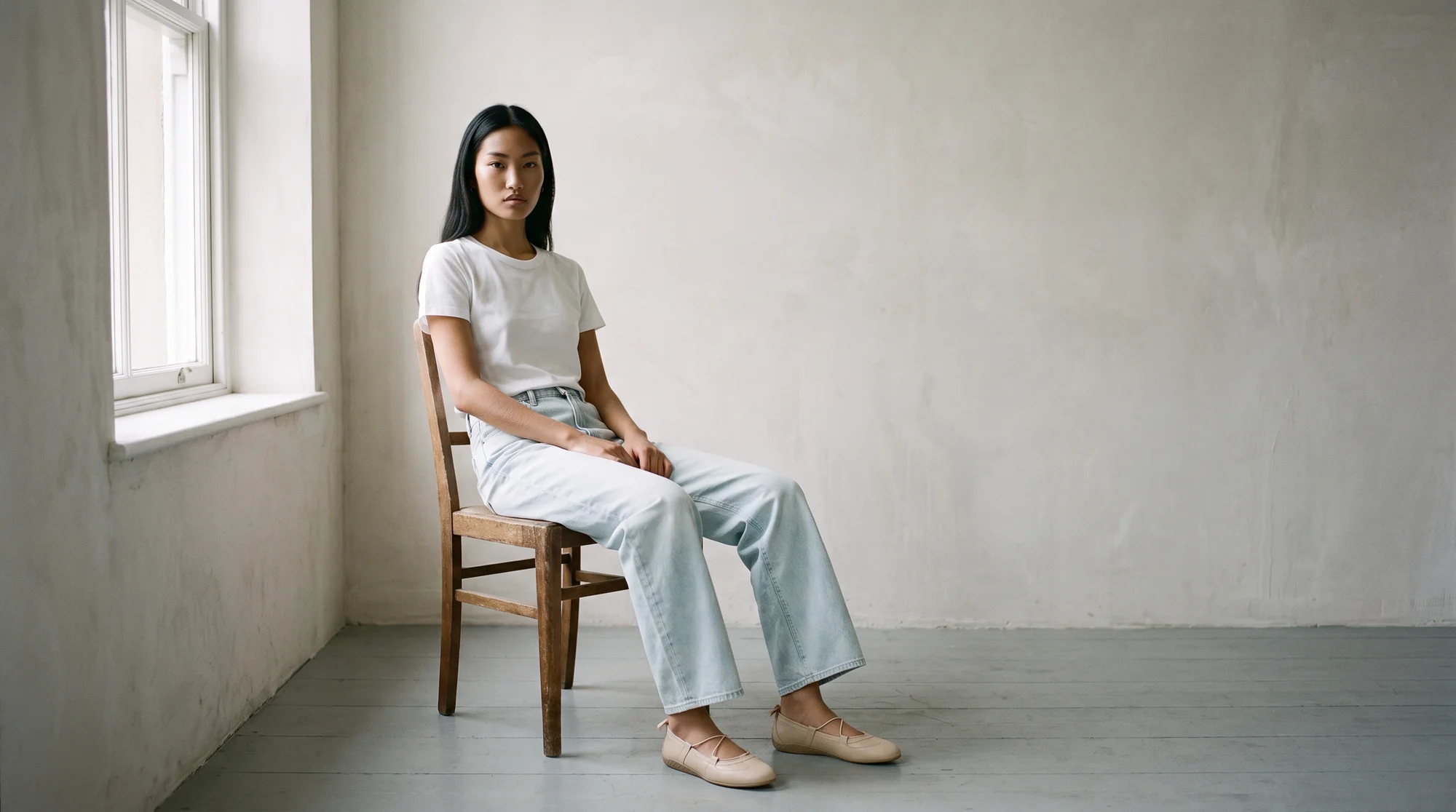
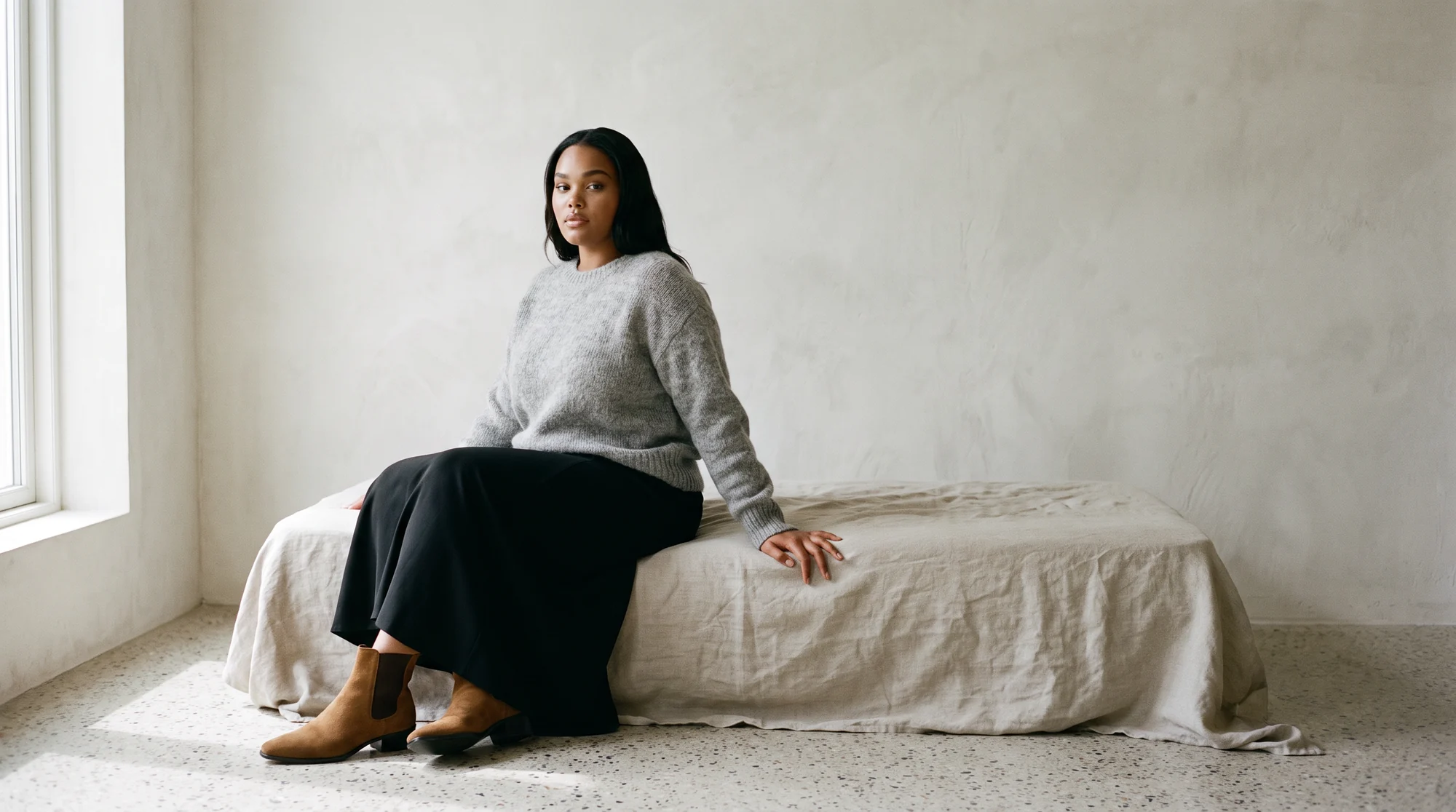
Bold or on-location editorial. Staged settings, atmosphere and a point of view. These carry lookbooks, the homepage banner, social posts and ads. Our guide to AI fashion campaign imagery goes deeper.
Ghost mannequin and flat lay. Model-free views, and the inputs for everything else. Photographed well, they feed both of the above. See how ghost mannequin shots become on-model photos and how flat lays convert to on-model images.
Using all three gives a young label the depth of a much larger catalog, without three separate production teams.
What a first drop looks like in practice
Start with a capsule, not the whole range. Five to ten finished garments is enough to learn how a tool treats your fabrics.
Photograph each one the same way. Steam the garment, keep the light even, and show the full length with hems and cuffs shaped. Creases and colour shifts in the input travel straight into the output.
Then write a one-page direction card: the model, two poses, two backgrounds and the crop rule for each product category. It is your visual style guide in practice, and it is what you reuse next season.
Review every image at full size next to the real garment. Check the print, the trims, the hem and the hands. Score what a shopper notices first, which is accuracy, realism and consistency, and only then speed. Our guide to choosing a virtual model studio sets out a fair pilot in more detail.
Keep the same model and the same settings from the first capsule onward. A shopper who sees the same face and the same light on every product starts to recognise the brand before they read its name.
Botika is the AI operating system for fashion content, built for brands that need on-model imagery to a dependable standard. It works from flat lays, ghost mannequin shots and existing photos, including cropped and headless ones, and produces on-model photography, ghost mannequin conversion and video, at up to 4K depending on the plan.
You choose from 150+ AI models, or license a custom model exclusive to your brand, then pick the pose and the background. Processing takes about 15 minutes per photo, with no daily upload cap.
Brands on Botika cut production costs by 90%, move from sample to live 10x faster, and lift conversion by 40%.
Common questions about creative control with AI fashion models
Which AI fashion model tools give startups the most creative control?
Fashion-specific platforms that fix the garment from your own photo and let you choose the model, pose and background. General image generators reinterpret the garment each time, so they give less control where it matters. Judge any tool on the eight controls above.
Can I keep the same AI model across every product?
Yes, on a platform that lets you select a model and reuse it. At Botika you can use the same gallery model across products and seasons, or license a custom model that no other brand uses.
Can I direct the scene with a text prompt?
Not at Botika. You choose the model, the pose and the background from the platform's options, which is what keeps the garment accurate from one image to the next.
Do I need a photoshoot to start?
No new shoot is needed, but you do need a photo of each product, such as a flat lay, a ghost mannequin shot or an existing on-model image.
Can I use the images commercially?
Yes. Gallery models are fully synthetic, with no real person behind them, and generated photos carry no usage rights fees. Sensible limits apply, such as not reselling the photos or presenting the AI models as real people.
What is a custom AI model?
A model built for your brand and licensed exclusively to you, so no other label shares the face. Our guide to custom AI fashion models and digital twins explains how consent and licensing work.
Where this is heading
As the tools mature, the question stops being whether AI can make a convincing image and becomes whether a brand can direct it as precisely as it once directed a studio.
The labels that benefit most decide their model, poses and settings early, write them down, and repeat them every drop. Control becomes a habit rather than a feature.
See the model gallery, read how consistent models change the way shoppers respond, or start with a free trial.