How to Choose a Virtual Model Studio for Fashion Ecommerce in 2026
Search for a virtual model studio and you will find very different products under one name. Some let shoppers try clothes on a photo of themselves. Some generate an image of anything from a sentence. Only some of them photograph your actual product on a model.
That confusion is expensive. Teams pilot the wrong category, conclude that AI imagery is not ready, and go back to booking shoots for a catalog that never quite gets finished.
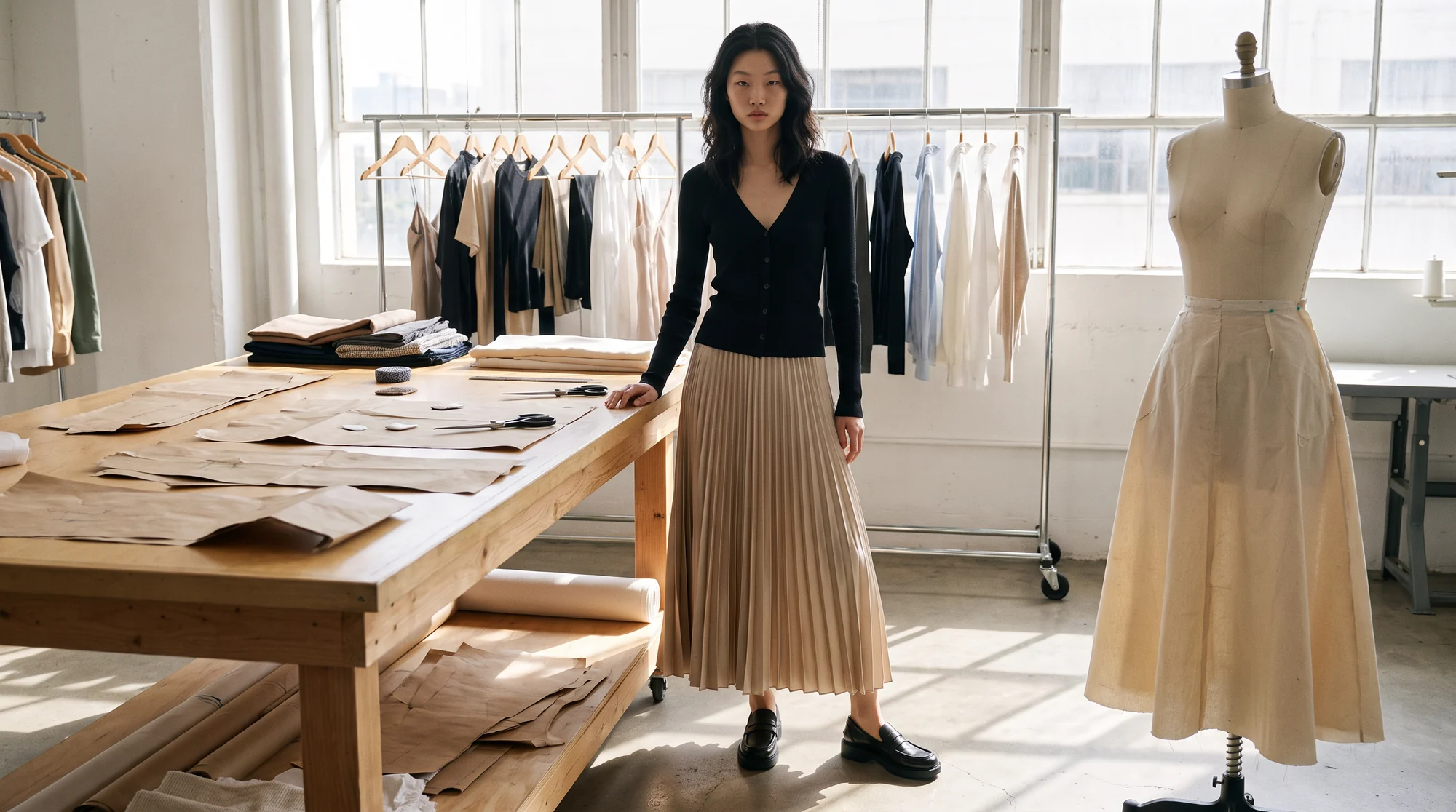
A virtual model studio is a platform that produces on-model fashion photography with AI models instead of a physical shoot. You supply an image of the garment, choose a model, a pose and a setting, and get back publish-ready photos of that exact garment being worn.
This guide maps the category, explains what each type of tool is for, and sets out what to compare when choosing one for fashion ecommerce.
What counts as a virtual model studio, and what does not
Three neighbouring categories are often confused with a virtual model studio. Each is useful, but none of them replaces product photography on its own.
Virtual try-on tools sit on the shopper's side of the screen, showing a garment on the customer's own photo or avatar. Our comparison of virtual try-on and AI on-model photography explains where each earns its place.
General image generators create pictures from text prompts, which means they invent the clothes. Digital model agencies license virtual faces for campaigns, often with a production team attached; our guide to agencies versus platforms covers that choice.
The options for on-model imagery, by type
When a buyer asks for the best virtual model studio for fashion ecommerce, the useful answer sorts the options by how they work and who they suit.
A traditional studio with real models
The benchmark for quality and control, and the most expensive per image. It suits hero imagery and brands with a small, slow-moving range.
A digital model agency
Virtual faces plus a service team that produces imagery for you. It suits campaign work where the brand wants a hands-off production, with timelines closer to an agency than to software.
A general-purpose image generator
Fast and flexible for concepts and moodboards. Because the garment comes from a prompt rather than your photo, it cannot show your actual product accurately.
A self-serve on-model app
Upload a product photo, pick a model, download. Quick and inexpensive for small ranges, with quality that depends on how much checking you do yourself.
A fashion-specific virtual model studio with a service layer
Your real garments on AI models, plus people who review the output and help keep the brand consistent. It suits brands that need on-model imagery across a full range, every season, at a dependable standard.
What to compare when you choose one
Once you know the category, compare platforms on the eight points that decide whether the images can actually go live.
1. Garment fidelity on your hardest products
Test prints, knits, sheer fabrics and structured pieces, not a plain tee. Colour, texture, print scale and construction must match the source at full resolution.
2. The inputs it accepts
Check whether it works from flat lays, ghost mannequin shots and existing on-model photos, including cropped or headless ones. The more of your current library it can use, the less you need to reshoot.
3. The range of the model gallery
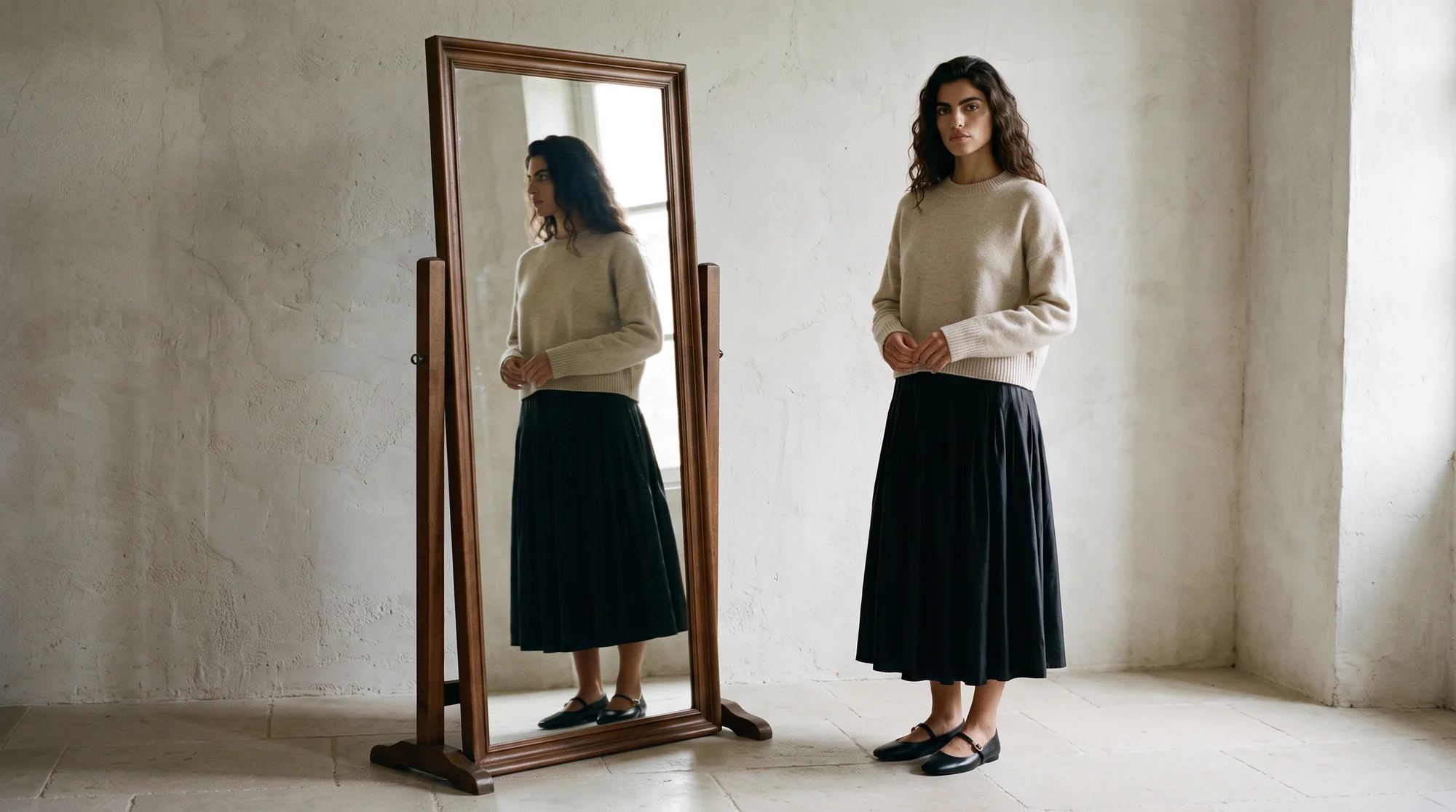
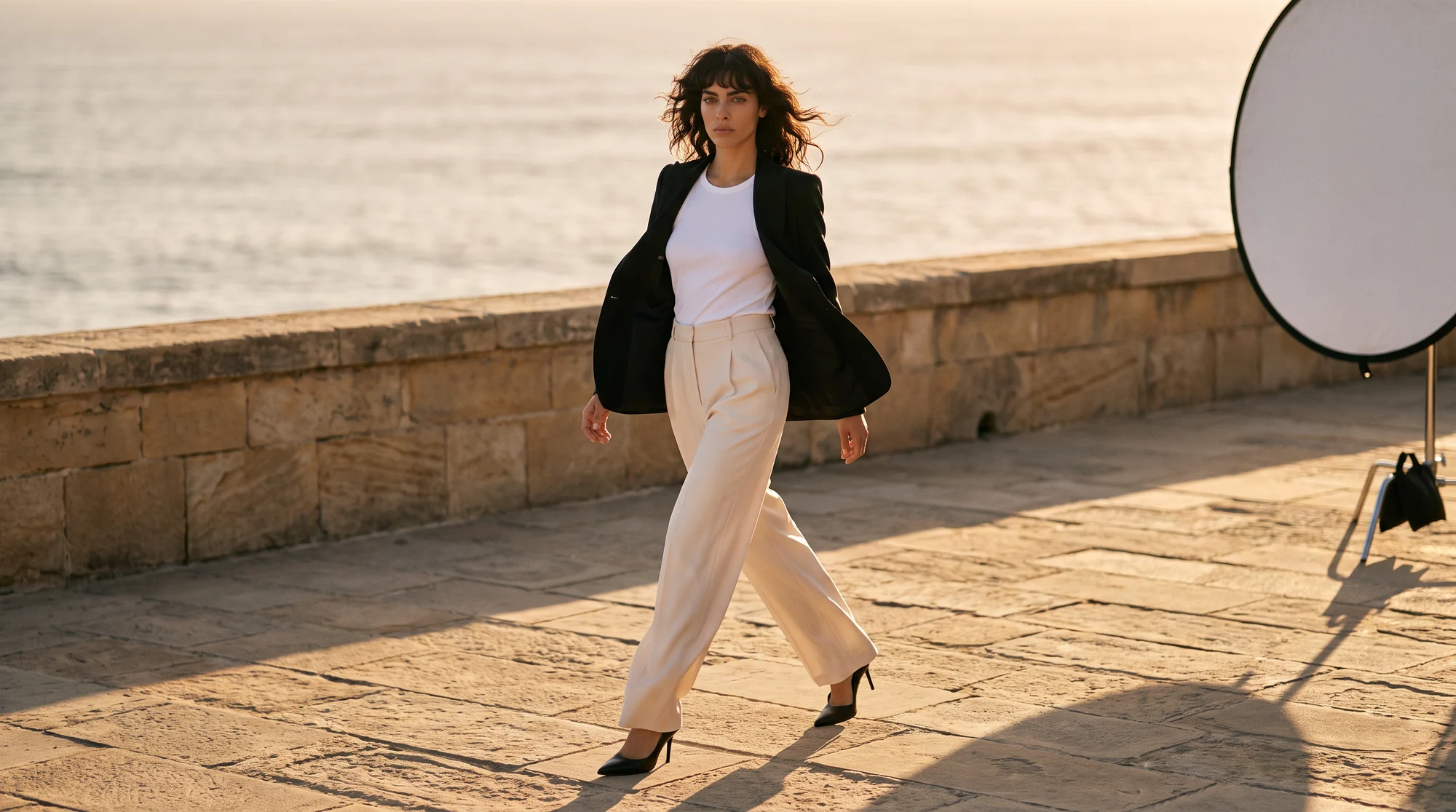
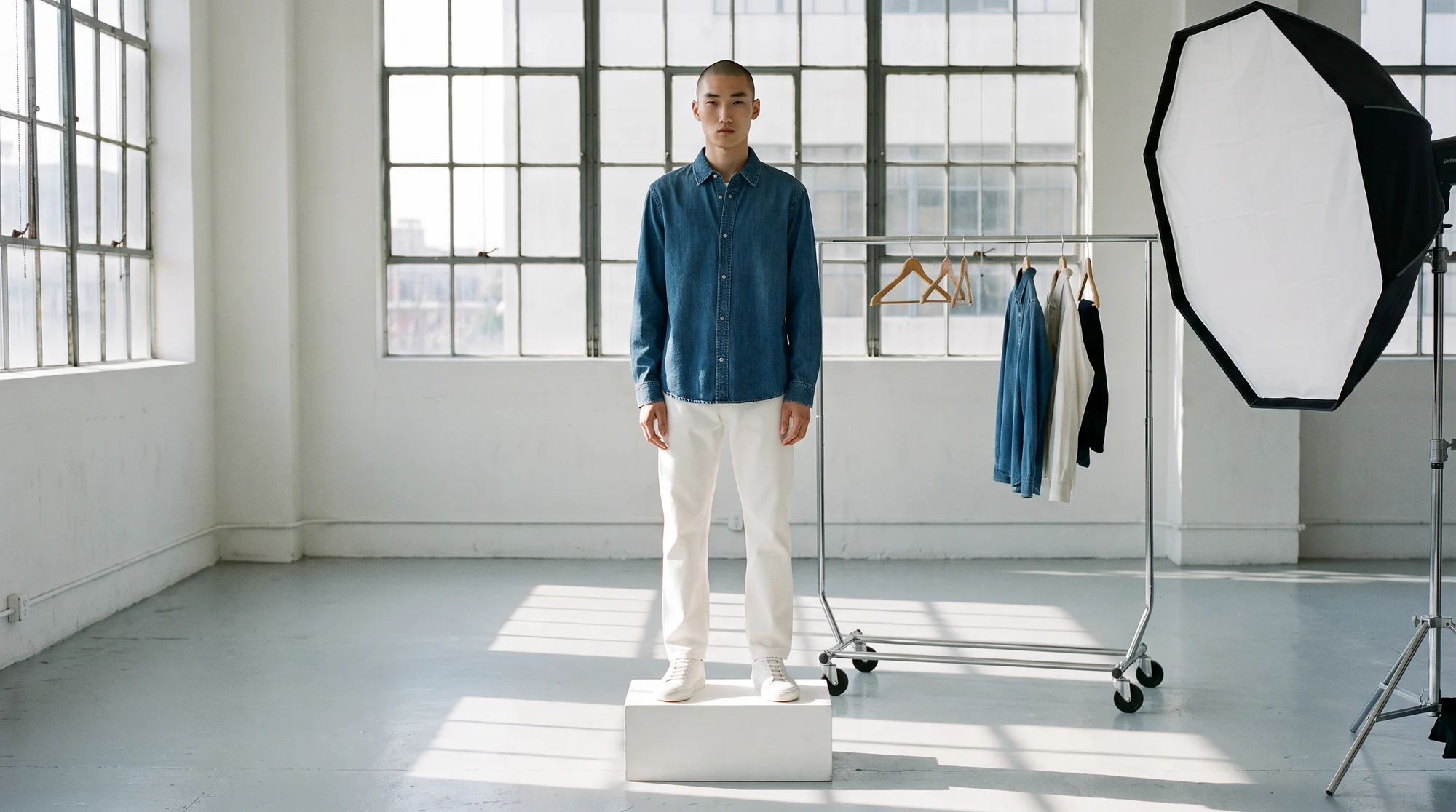
Look for breadth across ethnicity, age, body type and gender, and models that read as real people. Botika's gallery carries 150+ fully synthetic models, licensed for commercial use.
4. Consistency across the catalog
The same model should look like the same person on every product and in every season. Ask whether a brand-exclusive custom model is available when a shared gallery is not enough.
5. Poses, framing and settings
Check the pose bank, the framing options for tops versus full-length pieces, and the backgrounds. Product-specific framing matters more than an endless menu.
6. Output that meets your channels' specs
Resolution, aspect ratios and backgrounds need to suit your site and marketplaces. Google Merchant Center sets minimum image sizes, rejects promotional overlays and watermarks, and has specific rules for AI-generated product images, and Shopify recommends 2048 by 2048 pixels for square product photos.
7. Who checks the images
Ask what happens between generation and publishing. On managed accounts, Botika Creative Ops reviews and retouches every visual before it goes live; self-serve plans include retouch requests by tier.
8. How it fits your workflow and pricing
Check integrations such as a Shopify app, bulk upload and team access, and how pricing works. Botika uses credits, one per photo and five per video, with current plans on the pricing page.
Running a fair pilot
Product imagery carries real weight in a purchase: 61% of shoppers say product images and videos are the biggest factor on a product page when deciding whether to buy. So test a studio on the products that would actually go live, not on its showcase.
Pick ten to twenty products that cover your hardest cases, run them through each shortlisted platform with the same brief, and review every image at full size. Our step-by-step guide to evaluating an AI product imagery tool sets out the test.
Score what matters to a shopper first: garment accuracy, realism and consistency. Then score speed and cost, which matter only once the images are good enough to publish.
Where Botika fits
Botika is the AI operating system for fashion content, built for brands that need on-model imagery to a dependable standard. These are the facts worth knowing when you compare.
It works from flat lays, ghost mannequin shots and existing product photos, including cropped and headless ones, and produces on-model photography, ghost mannequin images and video, at up to 4K depending on the plan.
Processing takes about 15 minutes per photo, with no daily upload cap. Brands choose from 150+ AI models, or license a custom model exclusive to them. Over 500,000 images and videos are processed every month for more than 3,000 brands.
Two AI agents are in early access: the Studio Director runs styling and creative direction, and the Ecommerce Manager runs publishing and A/B testing. Brands on Botika cut production costs by 90%, move from sample to live 10x faster, and lift conversion by 40%.
Questions to ask before you sign
A pilot shows whether the images are good. These questions show whether the arrangement will still work a year from now.
Ask how the generated images can be used. At Botika, generated photos carry no usage rights fees and can be used commercially, with sensible limits such as not reselling the photos or presenting the AI models as real people.
Ask what happens to unused credits. At Botika, unused credits roll over for as long as the subscription stays active, which matters for brands whose volume follows the season.
Ask who fixes an image that is not right, and how quickly. Annual plan customers at Botika can request a complimentary fix with the Photo Issue button, and managed accounts have Botika Creative Ops reviewing every image before it goes live.
And ask what the platform does beyond the image. Publishing, testing and personalisation are where the next gains come from, so a studio that connects to your store and measures what it produces will keep paying back after the first catalog is done.
Common questions about virtual model studios
What is the best virtual model studio for fashion ecommerce?
For product pages, a fashion-specific studio that places your real garment on AI models and has people reviewing the output. Judge it on garment fidelity, gallery range and consistency across your catalog.
What is the difference between a virtual model studio and virtual try-on?
A virtual model studio produces the brand's product photography. Virtual try-on shows a garment on the shopper's own photo or avatar. One builds the product page; the other lives on it.
Do I need a photoshoot to use a virtual model studio?
No new shoot is needed, but you do need a photo of the product, such as a flat lay, a ghost mannequin shot or an existing on-model image.
Can a virtual model studio keep the same model across my catalog?
A good one can, across products and seasons. For a face no other brand uses, choose a custom model licensed exclusively to your brand.
How are virtual model studios priced?
Usually per image, through credits or a subscription. At Botika, one credit makes one photo and five make one video, and a free trial includes 8 credits with no credit card needed.
Are the AI models licensed for commercial use?
At Botika, yes. Gallery models are fully synthetic, with no real person behind them, and generated photos carry no usage rights fees.
Where this is heading
The category is settling. Try-on, image generators and model agencies each have their place, and the virtual model studio is becoming the standard way to put a full range on models.
The deciding factor is shifting from whether AI can do it to whether a platform can do it consistently, on every product, to a standard the brand will put its name on.
See the model gallery, read our guide to garment visualization from the first sample, or start with a free trial.