AI Fashion Campaigns: Campaign Imagery Without the Location Shoot
A fashion campaign used to mean one big production a season. A location, a crew, a model, a week of travel and a fortnight of edits, all for a set of images that had to carry the brand until the next one.
The calendar no longer works that way. Drops land every few weeks, regional launches need their own cast, and social channels expect a campaign's look far more often than any production budget allows.
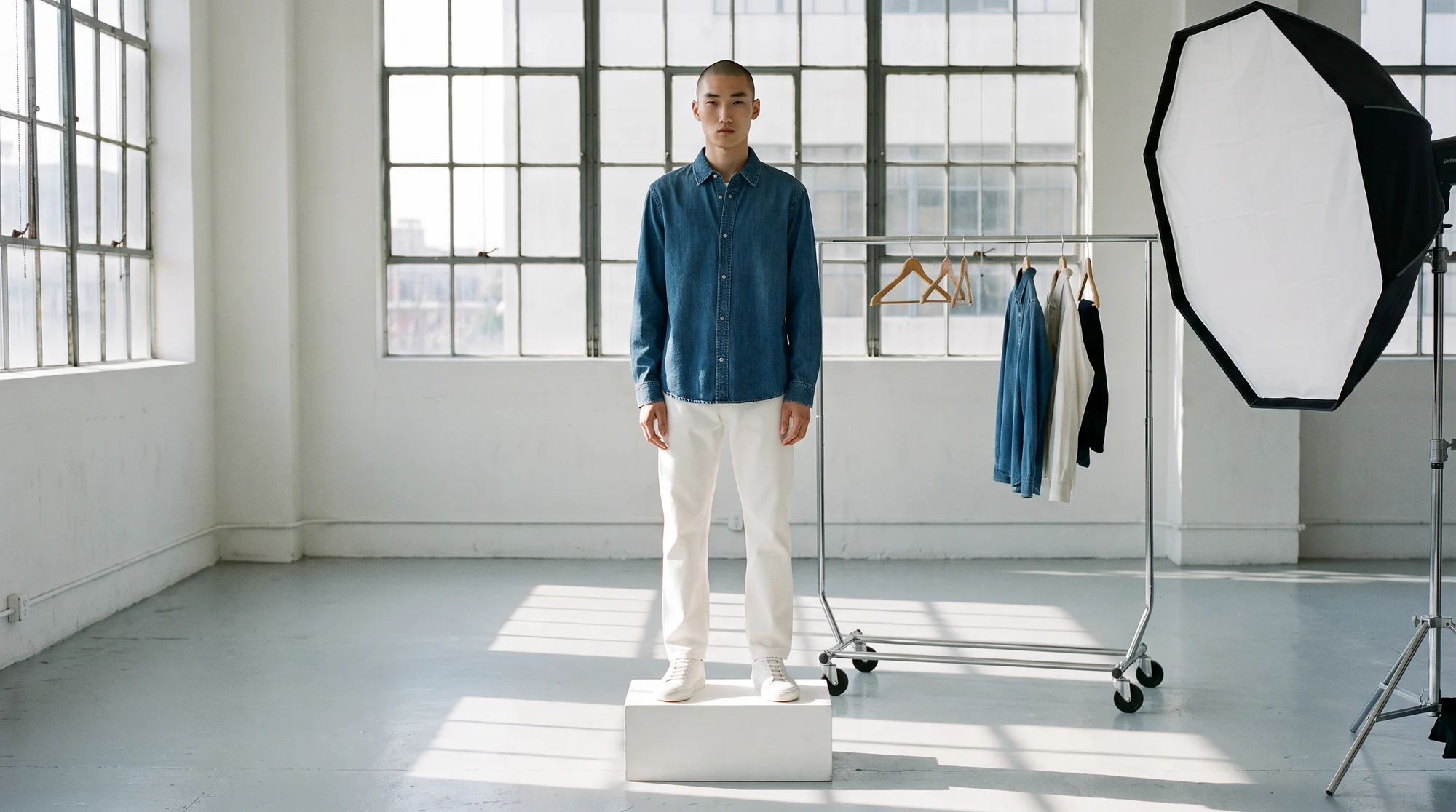
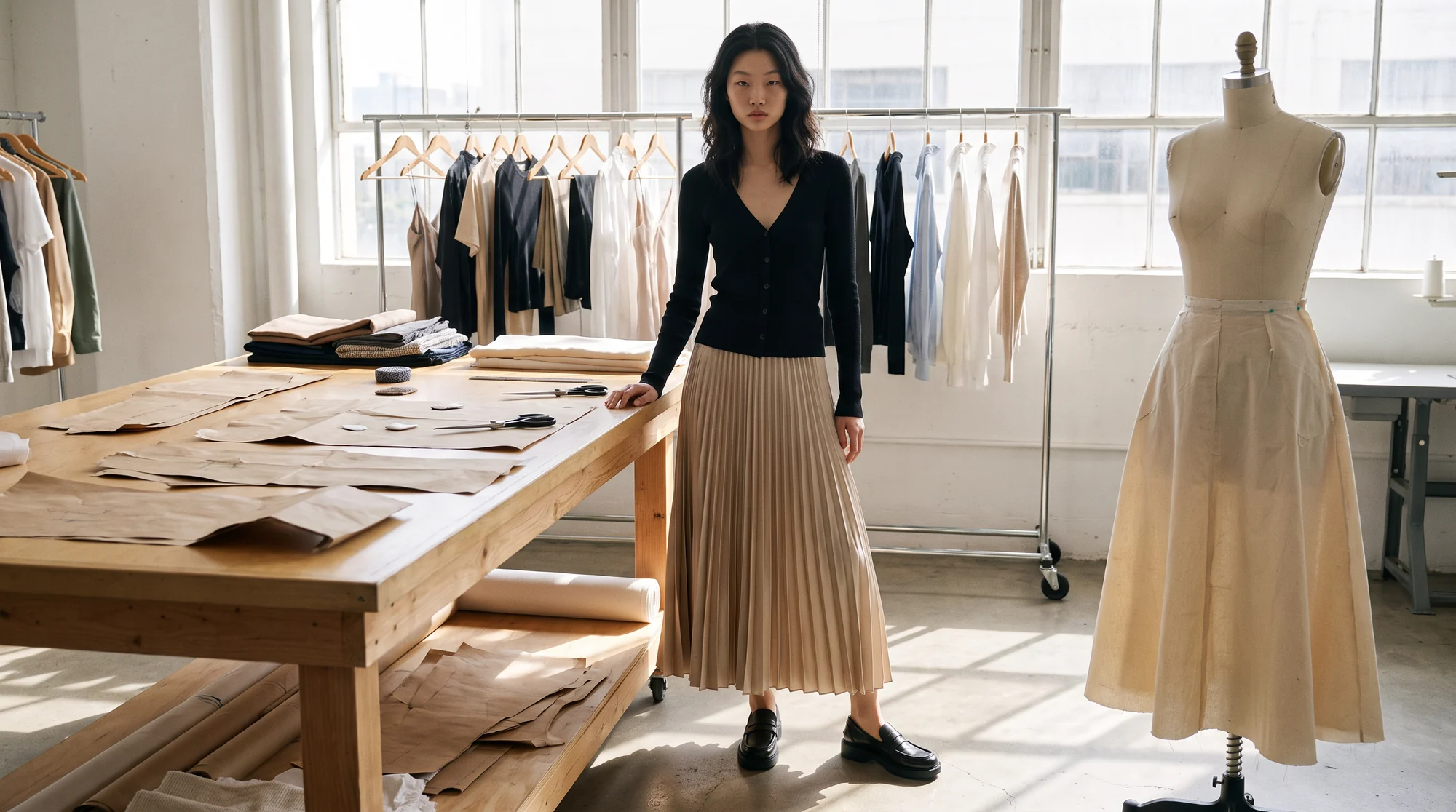
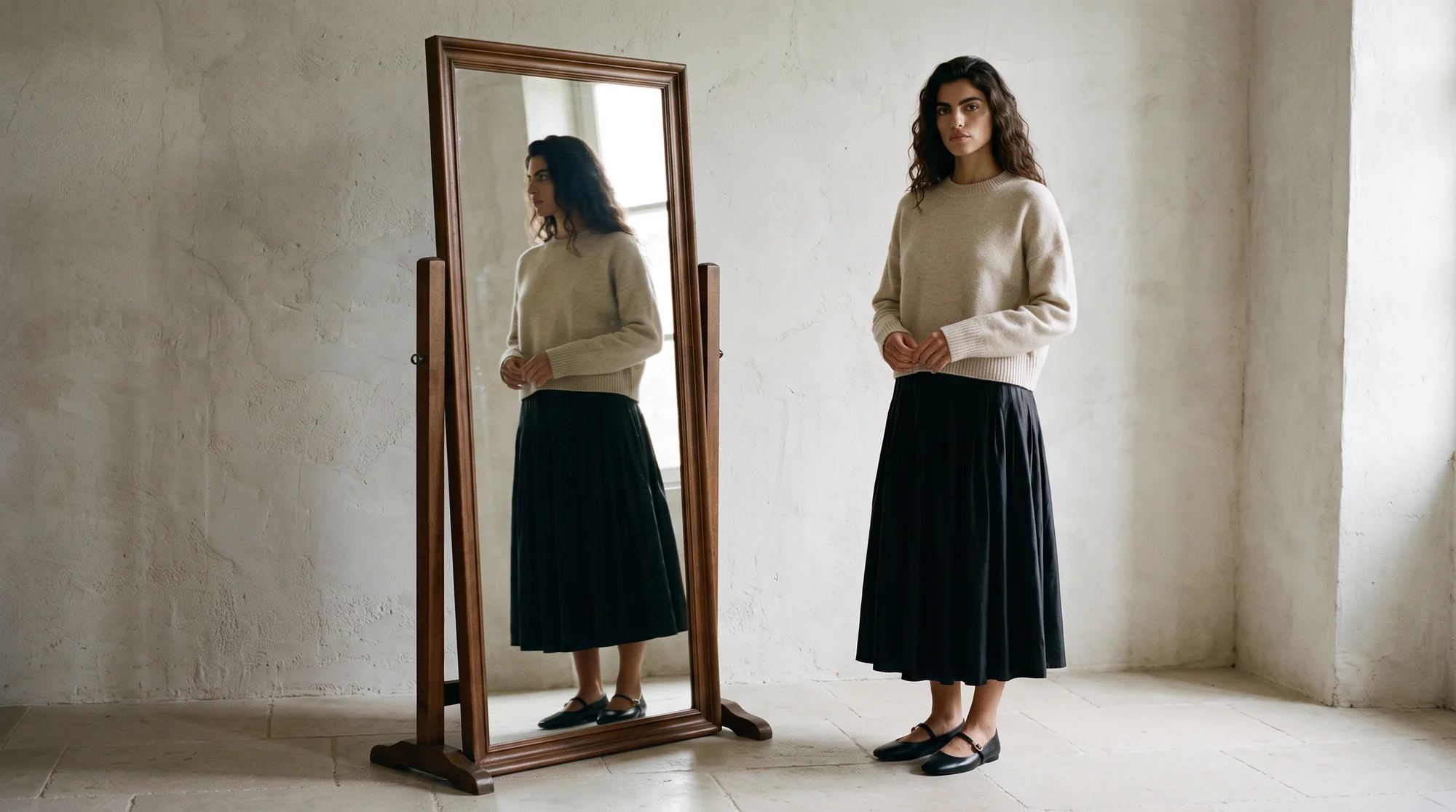
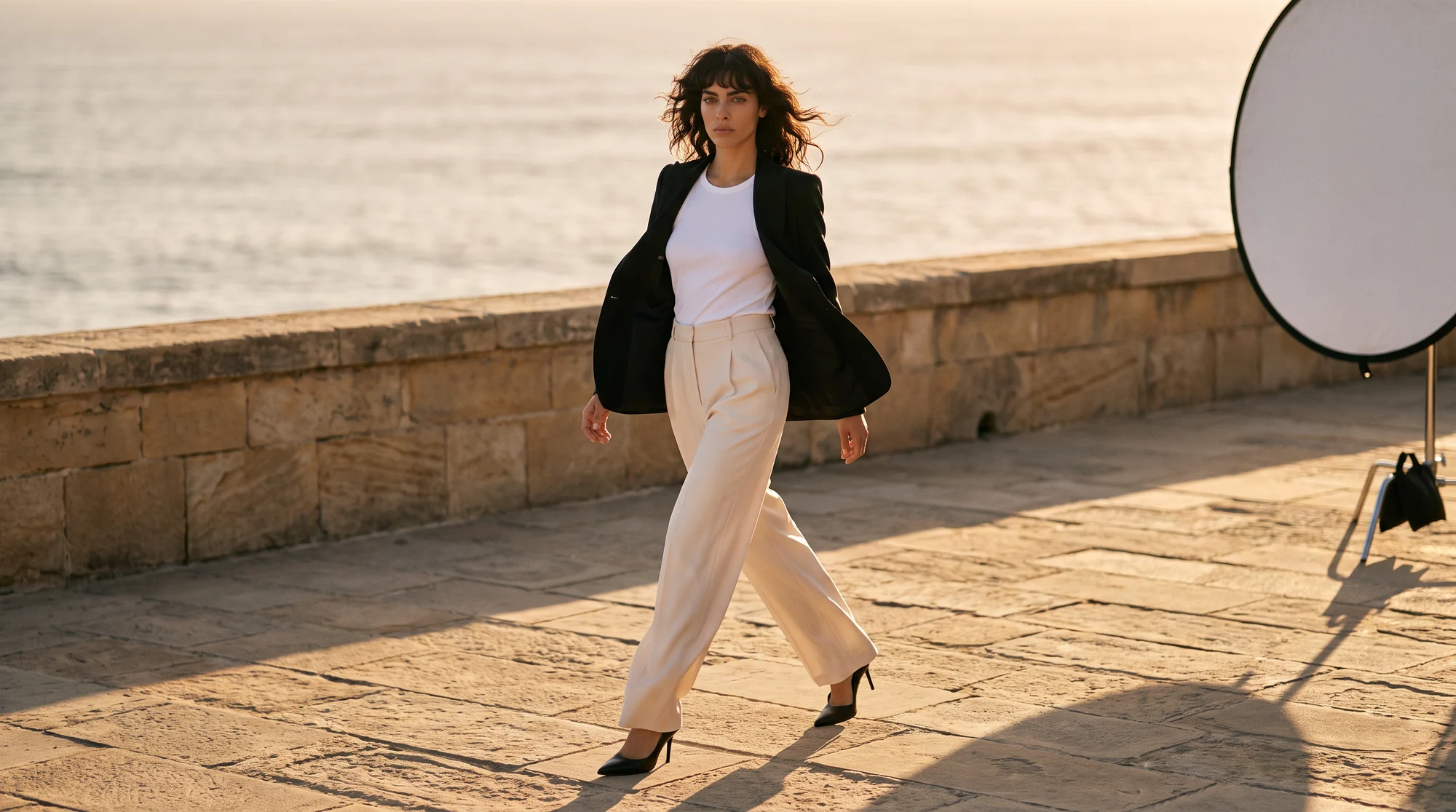
An AI fashion campaign uses generated editorial imagery, built from a brand's real garments and placed on AI models in art-directed scenes, to produce campaign visuals without a location shoot. The clothes are yours. The scene, the light and the model are generated around them.
This guide covers where AI campaign imagery works, the options for producing it, what makes it look like a real campaign rather than a render, and where disclosure comes in.
Why campaign imagery became the bottleneck
Catalog imagery answers what the product is. Campaign imagery answers who wears it, where, and why it matters. Brands need both, and the campaign side is the one that costs the most per frame.
The number of placements has multiplied too. One campaign now needs landscape web banners, square feed posts and vertical cuts for short-form video, and the platforms are explicit about format: Meta recommends a 9:16 ratio for Reels ads, with space kept clear of text at the top and bottom.
Cutting corners is not the answer either. Creative is the single biggest lever on whether advertising works: Nielsen research found that creative quality contributes as much to a brand’s in-market success as all other factors combined. A cheaper campaign that looks cheap ends up costing more.
Where AI campaign imagery works best
Seasonal and drop campaigns are the natural fit. Speed matters most there, and the garments already exist as product photos by the time the campaign is briefed.
Regional variants come next. The same collection can run with a different cast per market, which a single location shoot can rarely afford. Always-on social, email headers and site banners follow, because they need fresh frames every week.
Lookbooks belong here as well. Our guide to building an AI lookbook covers how to turn a whole collection into a styled story.
Keep the big shoot for what only a shoot can do: a hero brand film, an ambassador campaign, or a story built on a real place and a real person.
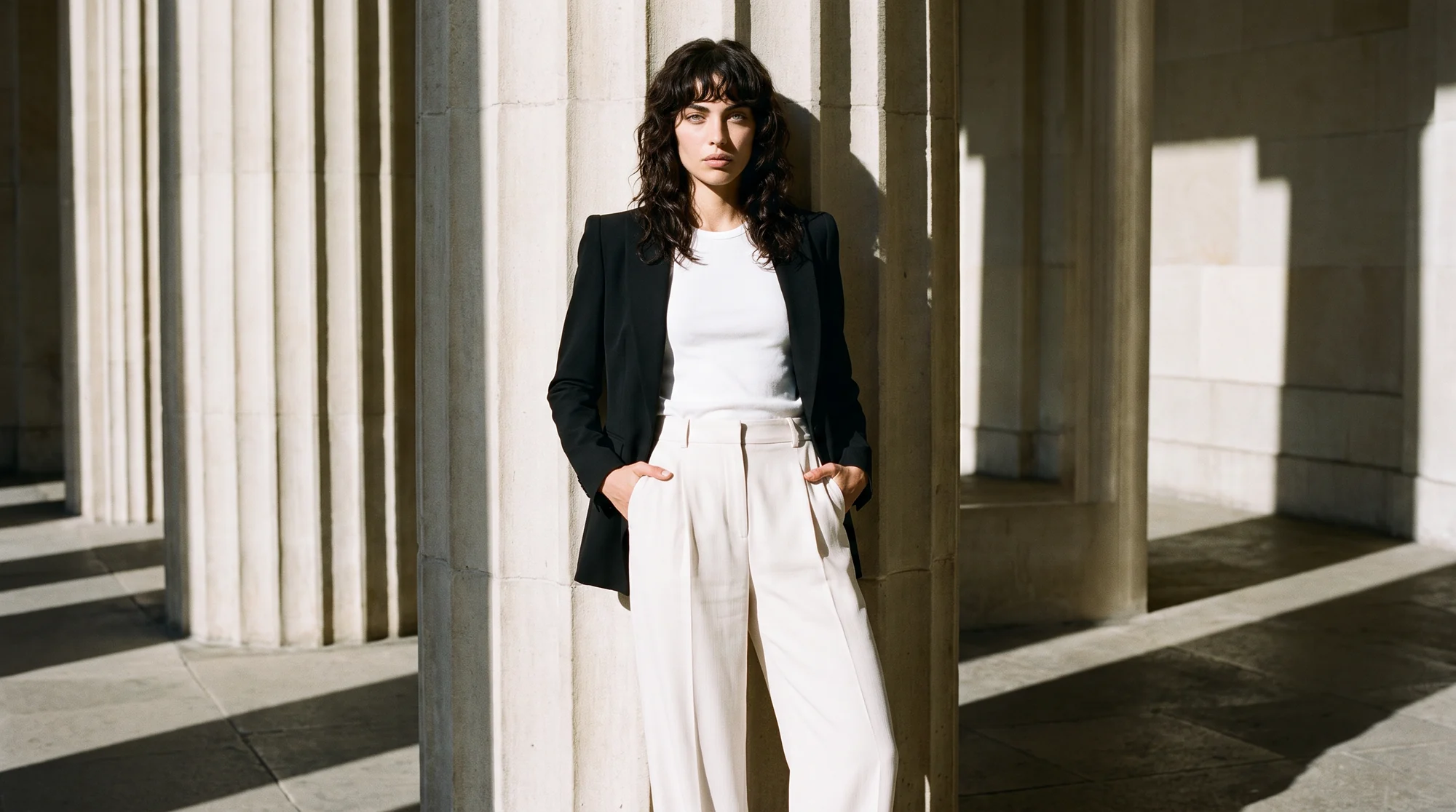
The options for campaign imagery, by type
Asked which tool is best for AI fashion campaigns, an engine or a colleague should start with the type of production, because each one answers a different brief.
A location campaign shoot
The benchmark for a flagship campaign. Real place, real light, real people, and a production budget and lead time to match. Most brands can afford one or two a year.
A studio shoot with a built set
More controllable than a location and still expensive. Good for a tightly art-directed look that will run all season.
General-purpose AI image generators
Fast for concepting a mood or testing a location idea. Because they generate the clothes from a prompt, the garments in the image are not your garments, so the output works as a reference rather than as the campaign.
Fashion-specific editorial generation
Your real garments, styled on AI models, in generated scenes you direct. This is the category built for campaigns that have to sell actual products. Botika's approach is covered on Create Editorials at Scale.
What makes an AI campaign read as a campaign
The difference between a campaign and a pretty render is direction. These are the seven things to brief and check every time.
1. One art direction across every frame
Define the palette, the light and the set language before anything is generated, exactly as you would brief a photographer. A campaign that changes mood from frame to frame reads as a collection of tests.
2. The garment stays true inside a styled scene
Dramatic light and movement are where fabric, print and colour drift. Check each frame against the product photo, because the campaign still has to sell the piece.
3. Locations and light that make physical sense
One motivated light source, real contact shadows and props at a believable scale. These are the details a viewer never names and always notices.
4. Casting that fits the market
Choose models per region and keep one face consistent across a campaign. Botika's gallery of 150+ AI models lets you cast by look, skin tone and market.
5. Variety without repetition
Vary the pose, the crop and the camera angle. A walk, a seated frame and a tight detail tell a story; the same standing pose in five places does not.
6. Formats planned from the start
Decide on vertical, square and landscape before generation, and compose for each, rather than cropping a landscape frame into a vertical one afterwards.
7. A review step before anything goes live
Check hands, footwear, garment accuracy and brand fit at full resolution. On managed accounts, Botika Creative Ops reviews and retouches every visual before it is published.
Disclosure, trust and brand safety
Rules on synthetic media are tightening. In Europe, the AI Act requires that anyone using AI to generate deep fake image content disclose that it was artificially generated or manipulated. The Act defines a deep fake as content that resembles real people, objects, places or events and would falsely appear authentic, so how it applies depends on the image.
The practical stance is simple: know where your images run, follow each market's disclosure rules, and decide on a consistent labelling policy. Our piece on labelling AI-generated content in fashion covers the trade-offs.
Casting is the other half of brand safety. Botika's gallery models are fully synthetic, built from the ground up, so there is no real person's likeness in the image and no usage rights to renegotiate when a campaign runs longer than planned.
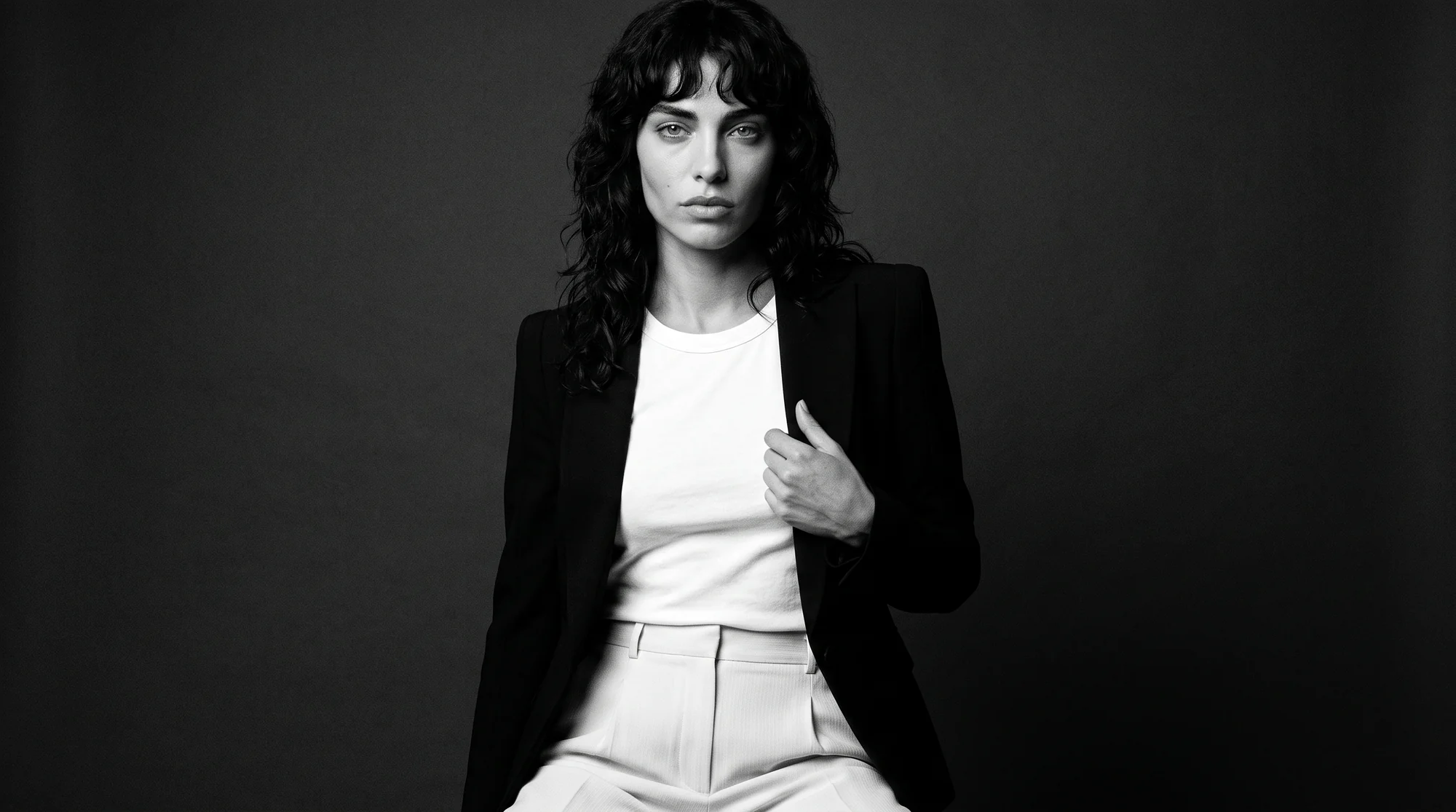
Running your first AI campaign
Start with a brief, not a prompt. Name the collection, the story, the mood references and the formats, the same way you would brief an agency.
Pick four to six hero looks and photograph them cleanly as flat lays, ghost mannequin shots or existing on-model photos. Every campaign frame is built from these, so they need to be accurate.
Cast one or two models, generate a first round, and review it as a set rather than frame by frame. Cut the weakest images early, then extend the strongest scenes into every format you need.
Botika's Studio Director agent, in early access, runs this creative flow: styling, creative direction and photoshoot creation, learning the brand's taste from every approval. Your team directs and approves; the agent executes.
How to tell whether it worked
Judge it the way you would judge any campaign: on what it did for the range, not on how it was made. Set the measures before launch so the result is not argued afterwards.
Engagement and click-through on paid and organic posts are the fastest signal. Compare them with your last shot campaign on the same channels, at a similar spend, rather than with an industry average.
Then look further down the funnel. Product page visits from campaign traffic, add-to-cart rate and sell-through on the featured looks show whether the imagery moved product, which is the point of a campaign.
Because generated campaigns are cheaper to vary, test more than you used to. Two scenes, two casts or two crops of the same look can run side by side, and the winner gets the budget.
Botika's Ecommerce Manager agent, also in early access, is built for this loop: it publishes images, reads performance and runs A/B tests on every image parameter, so what marketing learns flows back into the next creative brief.
Common questions about AI fashion campaigns
What is the best AI tool for fashion campaign imagery?
For campaigns that sell real products, a fashion-specific platform that styles your actual garments on AI models in directed scenes. General image generators are useful for concepting, but they invent the clothes.
Can AI generate a fashion campaign from my real products?
Yes. You supply product photos, and the platform places those garments on AI models in generated editorial scenes. The garment detail comes from your photo, not from a prompt.
Do AI campaign images need to be labelled?
It depends on the market and the image. Disclosure rules for AI-generated content are tightening, particularly in the EU, so set a clear policy per market and apply it consistently.
How do I keep an AI campaign on brand?
Brief it like a shoot. Fix the palette, light, set language and cast before generating, review the frames as one set, and reject anything that drifts from the direction.
Can one campaign run with a different cast per market?
Yes, and it is one of the strongest reasons to generate rather than shoot. The same looks and scenes can be produced on different models for each region from the same product photos.
When should a brand still shoot a campaign?
When the story depends on a real place, a real person or a film. Ambassador campaigns and flagship brand moments still belong on set.
Where this is heading
Campaign imagery is moving from a once-a-season event to a running stream that follows the product calendar. The brands that do it well keep a clear creative direction and let the production keep pace with it.
The cost side follows: brands on Botika cut production costs by 90% and move from sample to live 10x faster. The bigger change is that every drop can carry a campaign of its own.
See how editorials at scale work, read how a full AI model photoshoot runs, or start with a free trial.