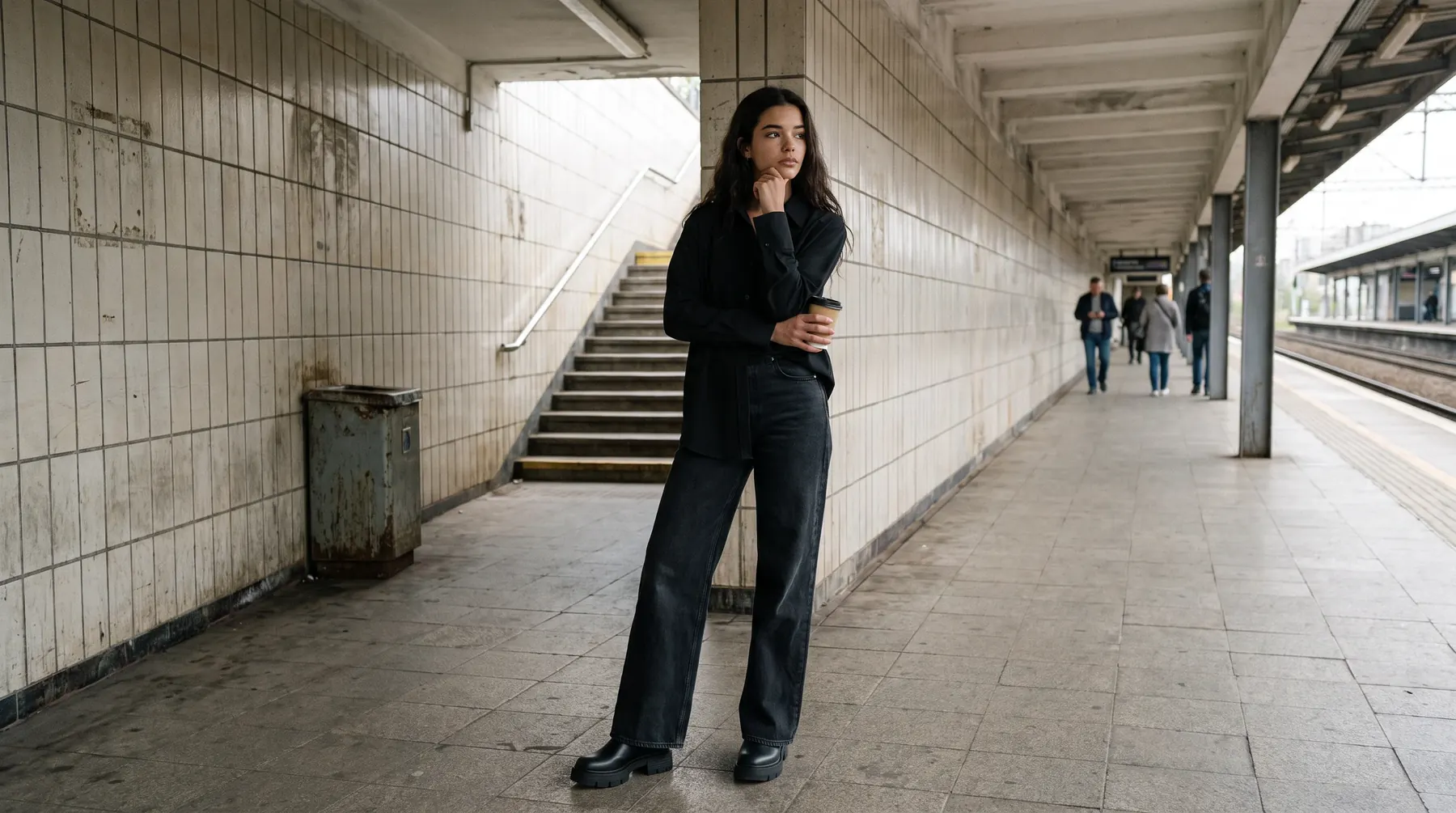
Ghost mannequin to AI model: Turn mannequin shots into on-model photos


Ghost mannequin photography solved a real problem for fashion ecommerce. It shows a garment with shape and structure, as if worn, without booking a model. Clean, repeatable, affordable.
But it stops short of what a shopper actually wants to see. A hollow garment shows cut and construction. It does not show how a piece sits on a body, how a sleeve falls, or how a fabric moves. That gap is where AI now picks up.
Turning a ghost mannequin shot into an on-model photo means feeding the mannequin image you already have into AI trained on fashion, and getting back the same garment worn by a real-looking model. No reshoot, no casting, no new sample.
This guide covers why brands are making the switch, how the conversion works, where mannequin shots still earn their place, and how to keep the output good enough to publish.
Why on-model beats a hollow garment
A ghost mannequin image answers one question well: what is the shape of this piece? On-model imagery answers the ones that actually decide a purchase. How does it fit? How long is it? Does it look like something a person would wear?
That distinction shows up in the numbers. High-quality product images lead the list of what fashion shoppers say matters most. And when an apparel order does come back, size, fit, or color is the reason more often than anything else.
A hollow garment leaves that judgment to the shopper's imagination. A model wearing the piece does the work for them, and removes a reason to hesitate.
None of that makes ghost mannequin photography wrong. It makes it a starting point rather than a finish line.
How mannequin to model conversion works
The input is the asset you already own. A ghost mannequin shot, a shot still on the mannequin, or a flat lay, uploaded as-is.
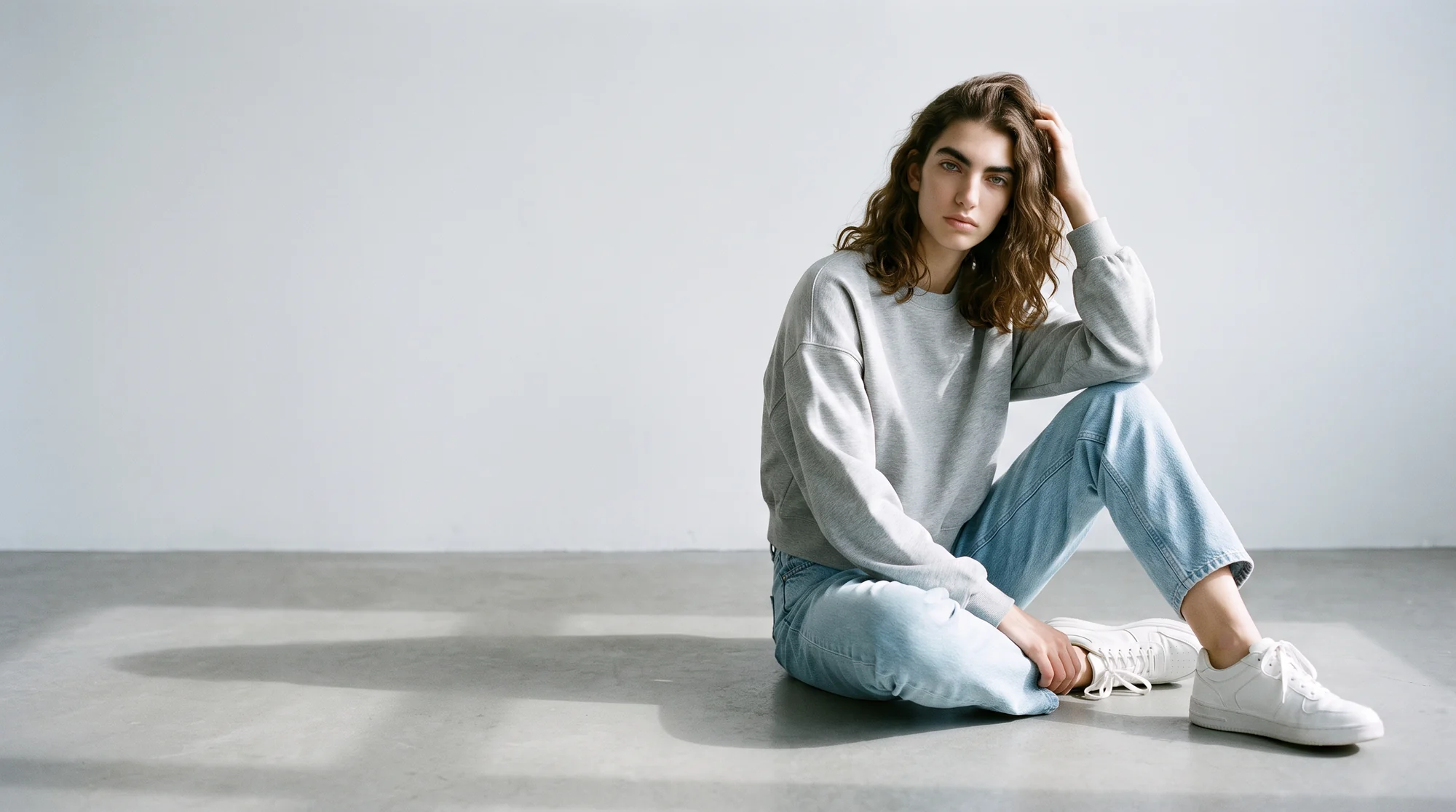
The AI reads the garment, its cut, fabric, print, and proportions, then renders it worn by a model you select. The piece stays the piece. What changes is the body inside it and the setting around it.
Because the source is a single still, one product can become several images. Different models, different framing, different backgrounds, all from the same upload, without returning to a studio.
That is the practical difference from a traditional workflow. A reshoot costs a sample, a booking, and a turnaround. A conversion costs an upload.

Where each format still fits
| Image slot | Format that belongs there | What the shopper judges | Where it comes from |
|---|---|---|---|
| Primary | On-model | Fit, drape, length, proportion | Generated from a mannequin or flat shot |
| Secondary | Ghost mannequin | Construction and exact silhouette | The shot you already took |
| Secondary | Flat lay | Colour, print, basic shape | The shot you already took |
| Detail | Close crop | Fabric texture, hardware, stitching | A detail frame from the same session |
| Optional | Short video | How the garment moves | Generated from the on-model still |
The honest answer is that most catalogs want both, in a specific order.
Treating this as a replacement decision is where brands get it wrong. The two formats answer different questions, and a product page has room for both answers.
Ghost mannequin still earns its slot as a secondary image. It is the cleanest way to show construction, a lining, a hem, or the exact silhouette of a piece with no body language in the way. Shoppers who are comparing cut appreciate it.
On-model belongs first. It is the image that loads at the top of the product page, sets the first impression, and reaches every visitor whether they scroll or not.
Getting that order right is most of the win. Brands that lead with a hollow garment and bury the on-model shot are showing their least persuasive asset first.
The business case, in order
1. Garment accuracy above all
The converted image has to remain a photograph of your actual product. Fabric, print, drape, and fit all need to survive the process, because an image that flatters a garment it no longer resembles buys you a return instead of a sale.
2. Consistency across the catalog
One good conversion is easy. Making the two-hundredth product match the first, in lighting, framing, and model treatment, is the hard part, and it is what lets a whole category look like one brand.
3. Reliability at catalog scale
A workflow that handles a deep catalog without a queue is worth more than one that produces a single stunning result. Volume is where mannequin conversion pays off, since most brands have years of mannequin assets sitting in a folder.
4. AI with a human check
Fashion is unforgiving on detail. A busy print or a fine knit is where weak output gives itself away, which is why Botika runs its AI alongside a QA and retouching team that reviews results before delivery.
5. Cost that stops scaling with volume
Traditional production gets more expensive with every additional look. Converting existing assets moves the work to a self-serve step, so producing more stops meaning spending proportionally more.
How to keep the output publish-ready
Start with a clean source. The conversion inherits whatever the mannequin shot gives it, so an evenly lit, sharp image of the real garment produces a better result than a soft or cluttered one.
Test on your hardest products first. A plain tee converts easily. A striped shirt, a sheer layer, or a cable knit is where quality separates, so judge a tool on those rather than the easy wins.
Check fit logic, not just realism. The model should wear the size the garment actually is. A piece that reads a size too small on the render will read as a misrepresentation to a shopper.
Roll it out in order. Convert your highest-traffic products first, measure what happens to conversion and returns, then widen it across the catalog once the numbers are yours rather than a vendor benchmark.
Where this is heading
Hollow-garment imagery is becoming the supporting act rather than the lead. Shoppers expect to see clothes on people, and the cost argument that once justified mannequin-only catalogs has largely gone away.
Discovery is shifting at the same time. More product research now begins inside AI-powered search and overviews, which lean on clear, well-structured product content when they decide what to surface. Catalogs with complete on-model imagery give those systems more to work with than a folder of hollow garments does.
There is also a practical argument for converting rather than waiting. The mannequin assets sitting in your archive were already paid for. Turning them into on-model imagery recovers value from work you have done instead of adding a new line to the production budget.
The fastest way to judge it is on your own products. See how Botika turns mannequin and flat product shots into on-model imagery, look at the ghost mannequin workflow, browse the model roster, or start a free trial and convert one product to see the difference.
Common questions about ghost mannequin to AI model conversion
Can I turn a ghost mannequin photo into an on-model image?
Yes. The mannequin shot becomes the input, and a fashion-trained platform renders that same piece worn by a model of your choosing. No reshoot, no new sample, no photographer.
Is ghost mannequin photography still worth doing?
As a secondary image, yes. It is the cleanest way to show construction and exact silhouette. It works best behind an on-model shot rather than in place of one.
Will the garment still look like my actual product?
That is the whole test of a fashion-specific tool. Weave, print placement, and the way a hem hangs all have to survive the render, and a QA pass exists to catch the ones that do not.
How long does a conversion take?
Minutes per image from an asset you already own, against the days a reshoot takes to schedule, shoot, and retouch.
Do I need a new sample or a photographer?
No. The existing mannequin image is the input. That is the point of converting rather than reshooting.
Can one product appear on several models?
Yes, and it is one of the main reasons to convert. The same upload can produce the same garment on different model types, which helps you reflect your actual customer base.