AI clothing generator: Turn product photos into on-model images
Search for an AI clothing generator and you get two very different products wearing the same name.
One invents garments that do not exist. You describe a jacket, it designs a jacket. Useful for mood boards and early concepting, useless for selling, because the thing on screen is not in your warehouse.
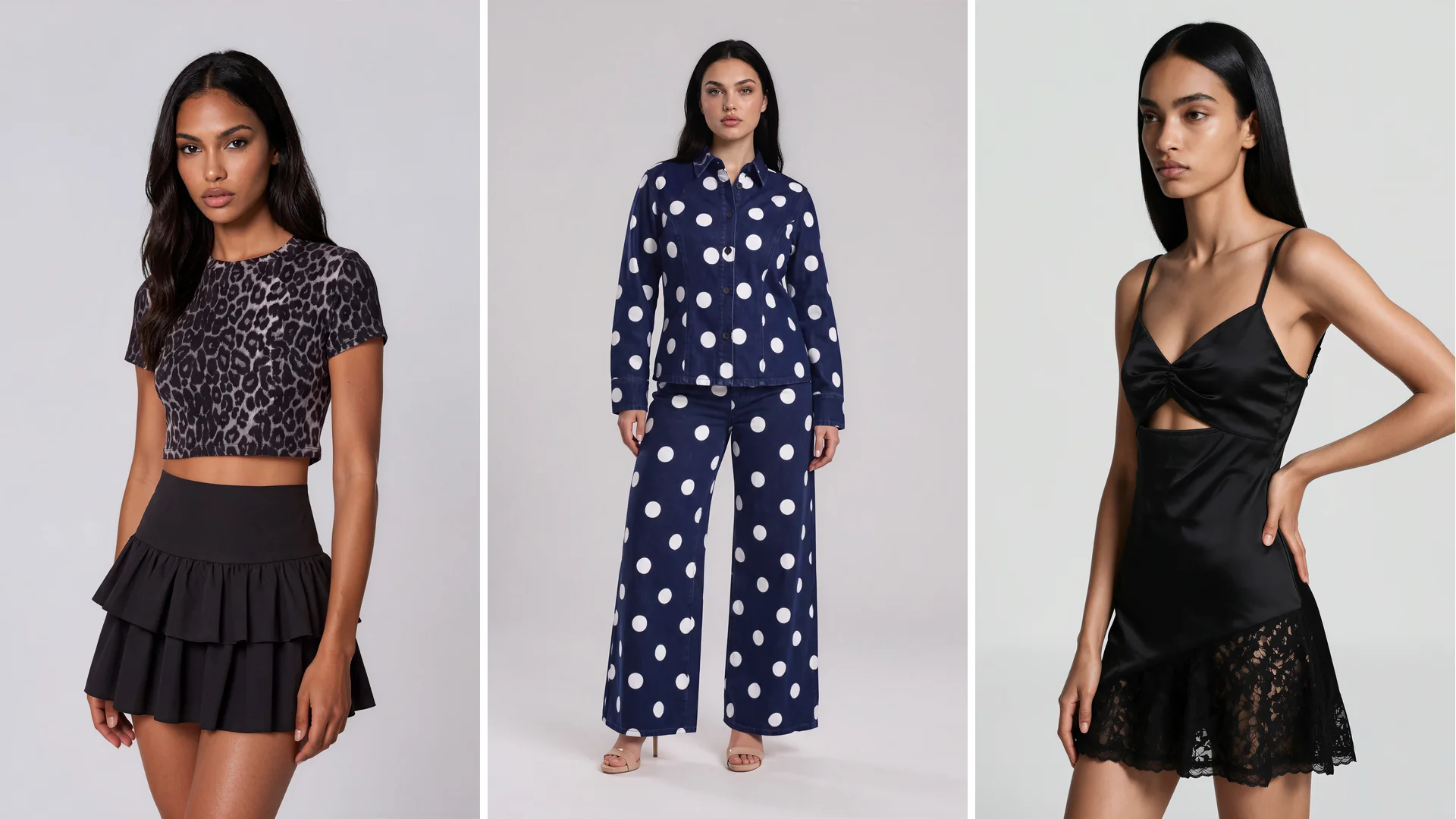
The other takes the garment you already make and shows it worn by a model. Same fabric, same print, same fit, on a body, ready for a product page. That is the one fashion ecommerce teams actually need, and it is what this guide is about.
An AI clothing generator for ecommerce turns a photo of a real garment into finished on-model imagery, without a shoot, a sample shipment, or a booked model.
The stakes are simply higher on the product side. High-quality product images lead the list of what fashion shoppers say matters most, so the image is not decoration on a listing, it is the thing doing the persuading.
Design generation and product generation are not the same tool
| Design generation | Product generation | |
|---|---|---|
| What it makes | A garment that does not exist yet | Imagery of the garment you already sell |
| Input | A text prompt or sketch | A photo of your real product |
| Who it is for | Design and concept teams | Ecommerce, merchandising and marketing |
| Can you sell from the output | No, the item is not in your warehouse | Yes, it is your actual product |
| Where it fits | Mood boards, early concepting | Product pages, ads, lookbooks |
The distinction matters commercially, so it is worth being precise.
A design generator produces a new garment from a text prompt. It is a creative instrument. Nothing it makes can be photographed for a listing, because the item is fictional.
A product generator starts from your actual inventory. You feed it a flat lay, a packshot, or a ghost mannequin shot, and it returns that specific piece on a model. Nothing is invented. The garment is preserved and the body around it is generated.
If you are choosing a tool and the demo only shows prompt-to-garment output, it will not solve a catalog problem. Ask to see a real product image go in and a usable on-model shot come out.
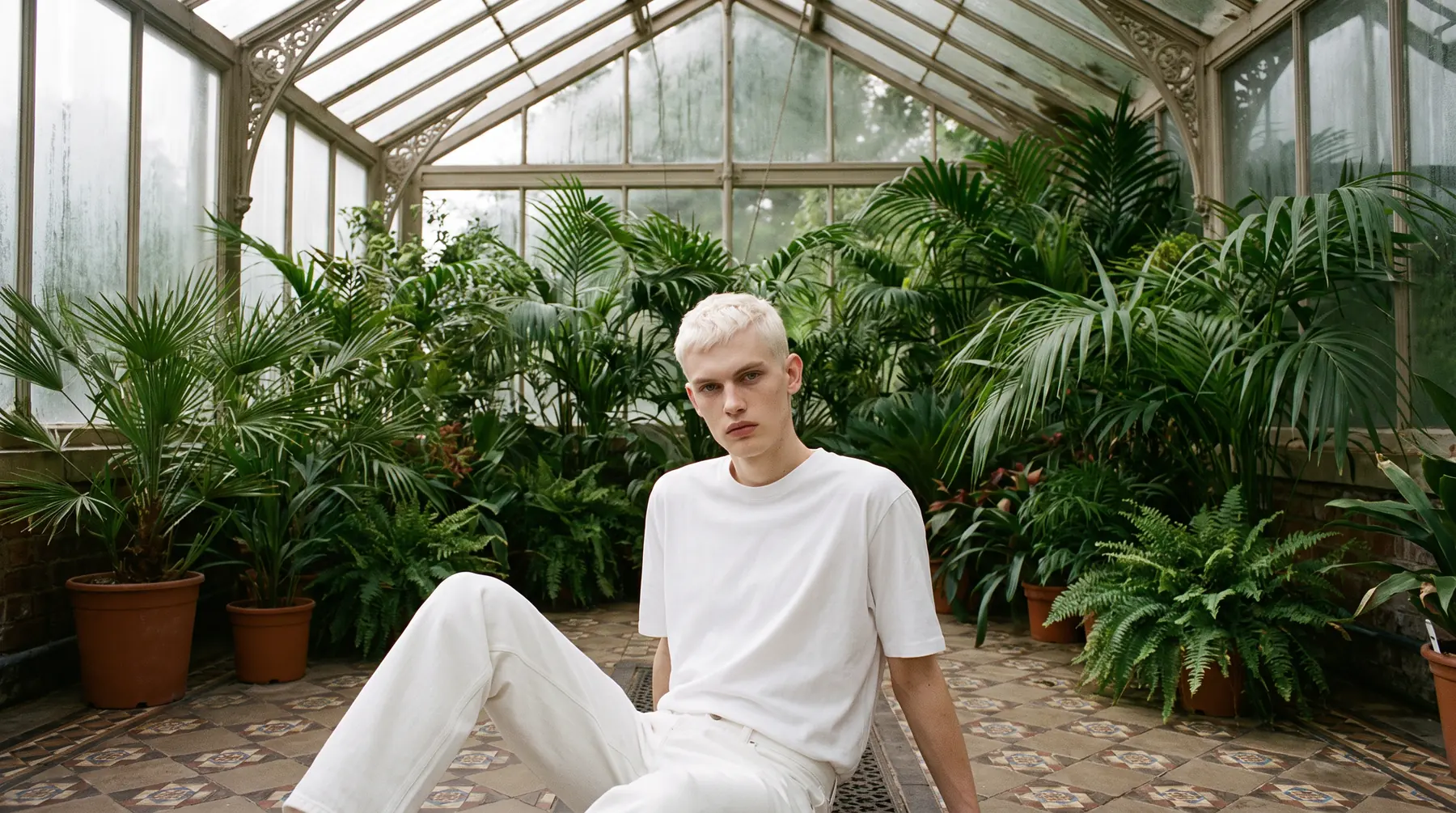
What a product-side generator actually produces
From one input image you should expect a set, not a single file.
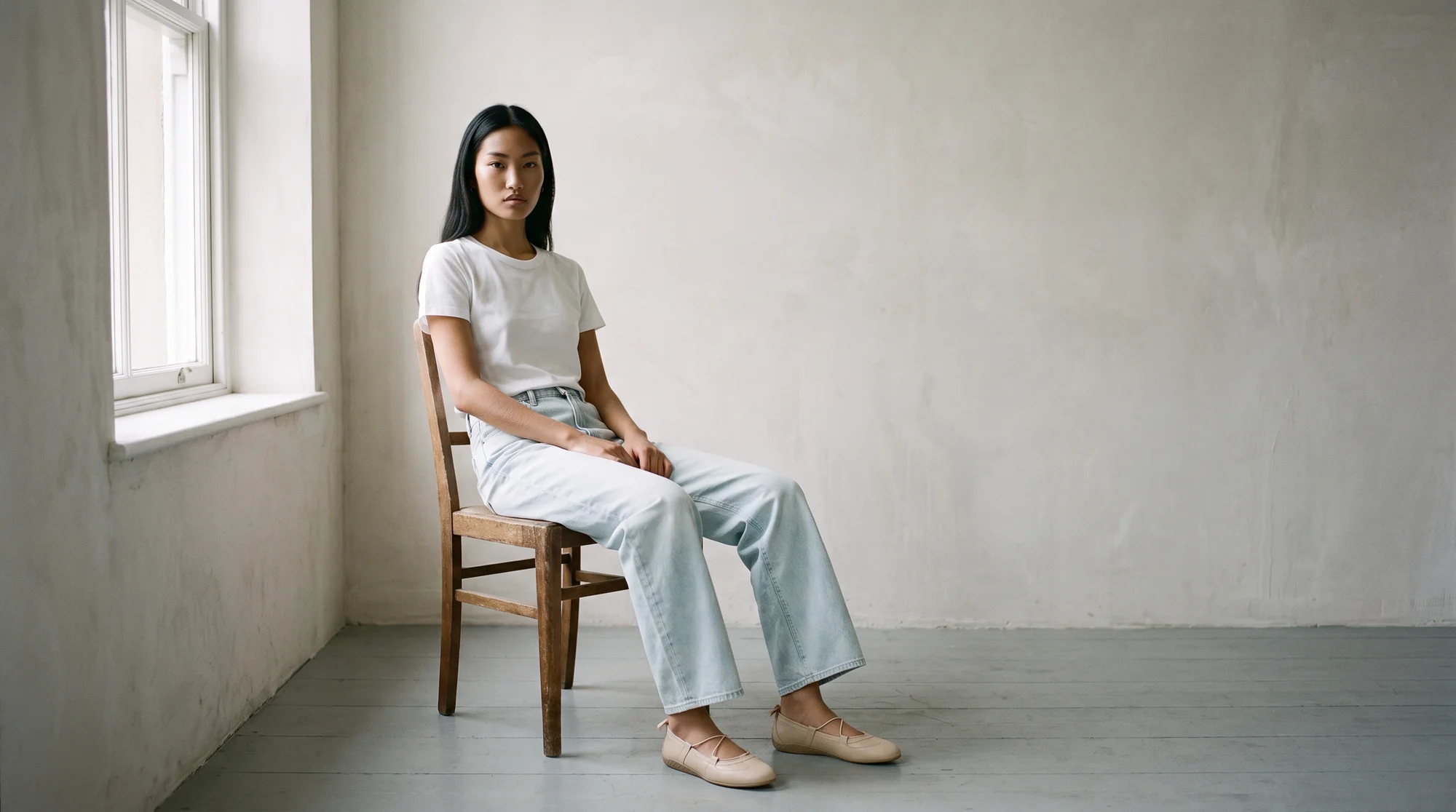
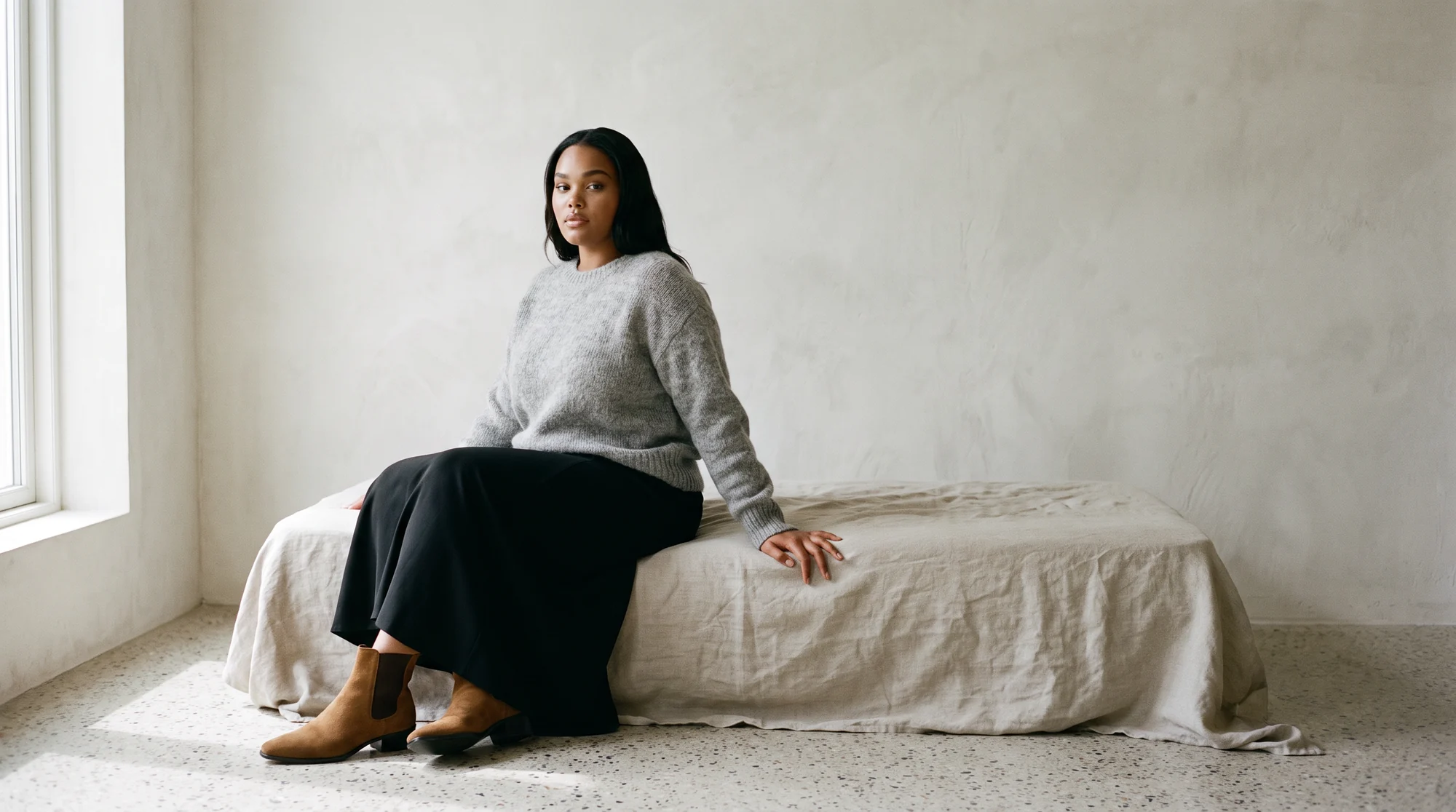
On-model stills come first: your garment worn by a model you pick, in the aspect ratios each placement needs.
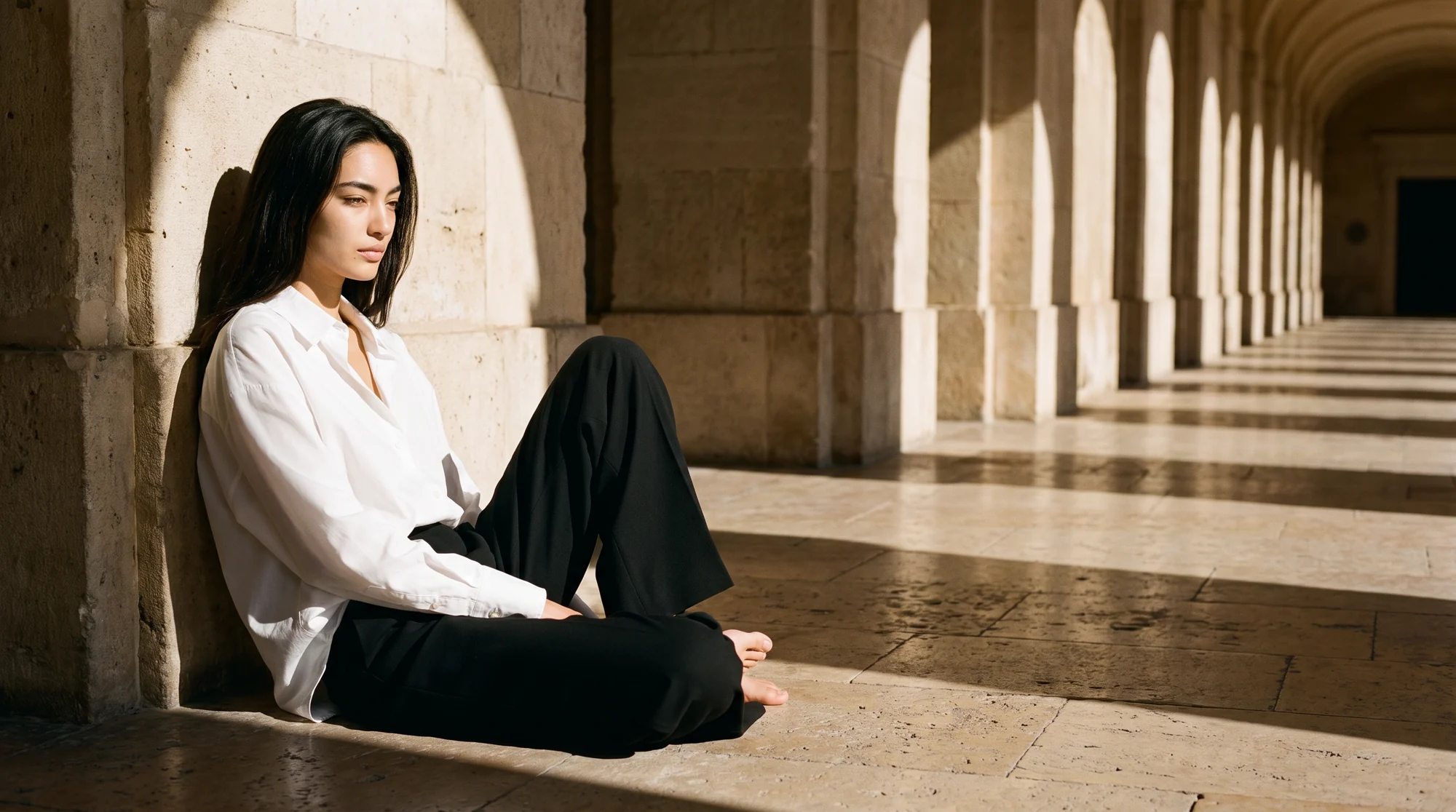
Then variation. The same piece across different models, poses, and backgrounds, which is what lets you test rather than guess which version converts.
Then motion. A still can become a short product video for a feed or a story slot, which matters because 45 percent of shoppers say video helped them choose what to buy.
All of it traces back to a garment you already own, which is the part that makes it safe to publish.
The business case, in order
1. The garment has to survive
Fabric, print, drape, and fit all need to come through unchanged. An image that flatters a garment it no longer resembles earns a return instead of a sale, and size, fit, or color is already the leading reason an order comes back.
2. Consistency across a catalog
One convincing image is easy. Making the three-hundredth product match the first, in lighting and framing and model treatment, is what lets a category page read as one brand instead of a dozen shoots.
3. Reliability at real volume
Most brands are not generating ten images. A workflow that holds up across thousands matters more than a single impressive sample.
4. AI with a human check
Small errors read loudly on clothing. A QA and retouching team sits behind Botika's AI checking output, and that review step is the reason a merchandiser can approve a batch instead of auditing it frame by frame.
5. Cost that stops tracking volume
Traditional production gets more expensive with every product and every variation. Generating from existing assets moves that to a self-serve step.
How to evaluate one properly
Bring your own products. A vendor's sample gallery is chosen to flatter the tool. Your catalog is not.
Test the difficult pieces first. A plain tee generates cleanly for almost everybody. A stripe that has to line up, a sheer layer, a cable knit, a busy print: that is where tools separate.
Check fit logic, not just realism. The model should be wearing the size the garment actually is. A piece rendered a size too tight photographs better and sells worse.
Run five products from one category and compare them side by side. Drift in lighting or framing between them tells you the tool cannot hold a catalog together.
Count the retouching. If every output needs cleanup before it can go live, the time saving is smaller than the demo suggested.
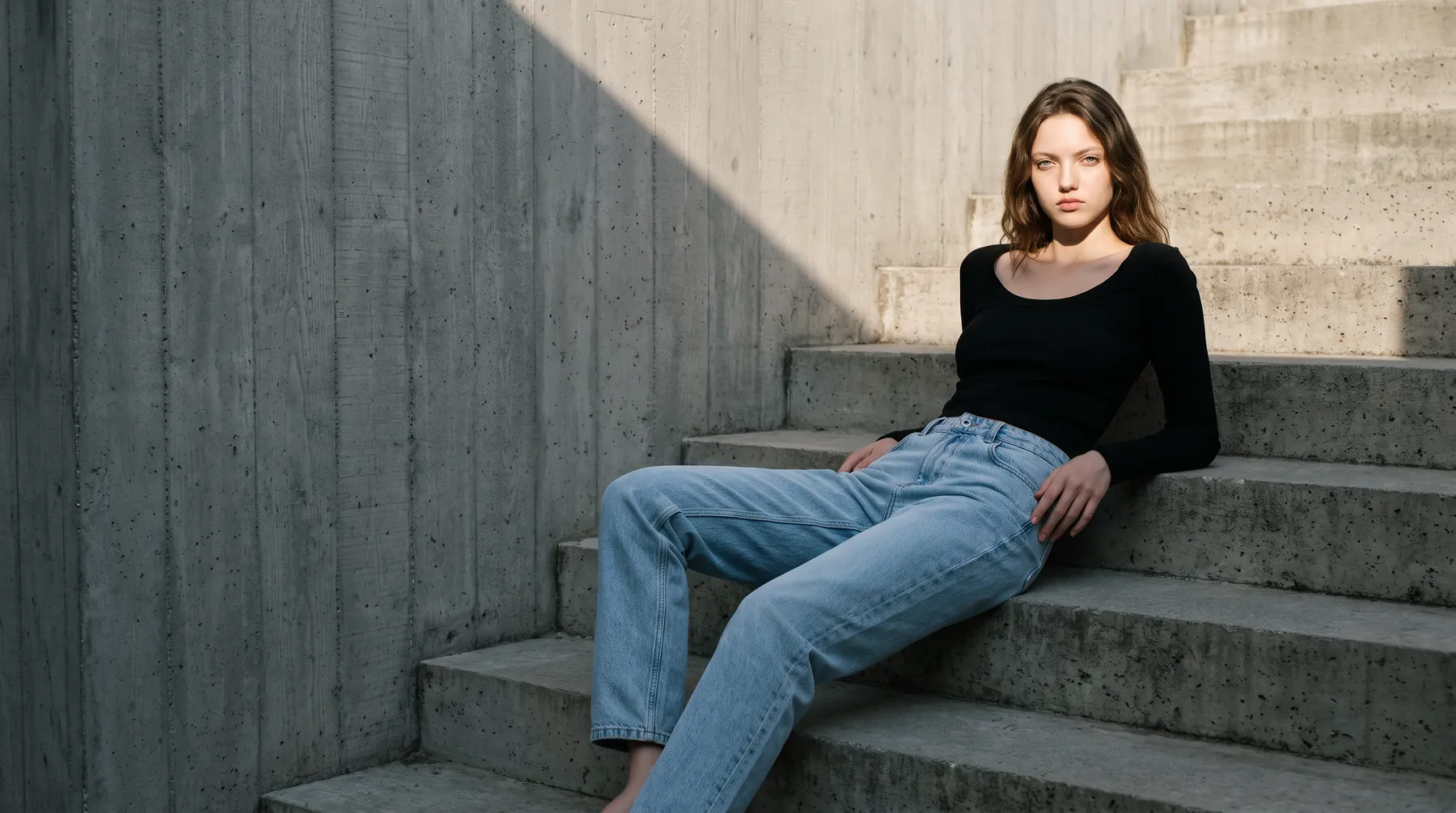
Where it fits in the workflow
Keep shooting flat lays. They are the input, and they still earn a slot as a secondary image for shoppers who want to see a garment plainly.
Lead with on-model. It is the image that loads first and reaches every visitor, whether they scroll or not.
Standardise once. Pick your model set, framing, and background conventions, then apply them across a category so the page holds together.
Start where it pays. Generate for your highest-traffic products first, watch conversion and returns for a few weeks, then widen it on your own numbers.
The mistake most teams make first
The first instinct is usually to run the whole catalog through in one pass, then judge the tool on the average result. That produces a pile of images nobody trusts and a conclusion that AI is not ready.
The better sequence is narrower. Take one category, ten products, and the hardest pieces in it. Generate, then hold each output next to its source image and look for three things: has the print moved, has the neckline changed shape, and is the model wearing the size the garment actually is.
If those three hold across ten difficult products, the tool will hold across a thousand easy ones. If they do not, no amount of volume fixes it.
The second common mistake is treating generated imagery as a replacement for photography rather than a different stage of it. You still need good source images. What you stop needing is a model, a studio, and a shoot day for every product.
Common questions about AI clothing generators
What is an AI clothing generator?
Two different things share the name. One designs imaginary garments from a text prompt. The other takes a photo of a garment you actually sell and generates on-model imagery of that specific piece. For ecommerce, you want the second.
Can it use my own clothes?
Yes, and that is the point. A fashion-specific tool takes your flat lay, packshot, or mannequin shot and puts that exact garment on a model. No sample is shipped anywhere.
Will the garment stay accurate?
With a tool trained on clothing, the weave, print placement, and the way a piece hangs all carry through. A QA step exists for the cases where something slips.
Is there a free AI clothing generator?
Free tiers exist and are worth using to test output quality on your own hardest products. What free tiers rarely cover is volume, consistency across a catalog, and a human QA pass, which is where paid workflows earn their place.
Do I still need a photographer?
You need clean source images of the real garment, which most teams already shoot in-house. You do not need a model, a studio, or a shoot day per product.
How many images can I get from one photo?
There is no practical ceiling. The same source file can be reused for as many model, pose and ratio combinations as your testing plan calls for.
Where this is heading
The category will keep splitting. Design tools will get better at inventing clothes, and product tools will get better at photographing the ones that exist. Ecommerce teams need the second and are often sold the first.
Discovery is shifting too. More product research now starts inside AI-powered search and overviews, which favour catalogs whose imagery and product content are complete and consistent.
The fastest way to judge any of this is on your own products. See how Botika builds on-model imagery from photos you already have, or start a free trial and run one garment through it.