Putting clothes on an AI model: What free tools cover
It is one of the most searched questions in fashion tech right now, and it is a completely fair one to ask. Can you put clothes on an AI model for free, and if you can, is the result good enough to sell with?
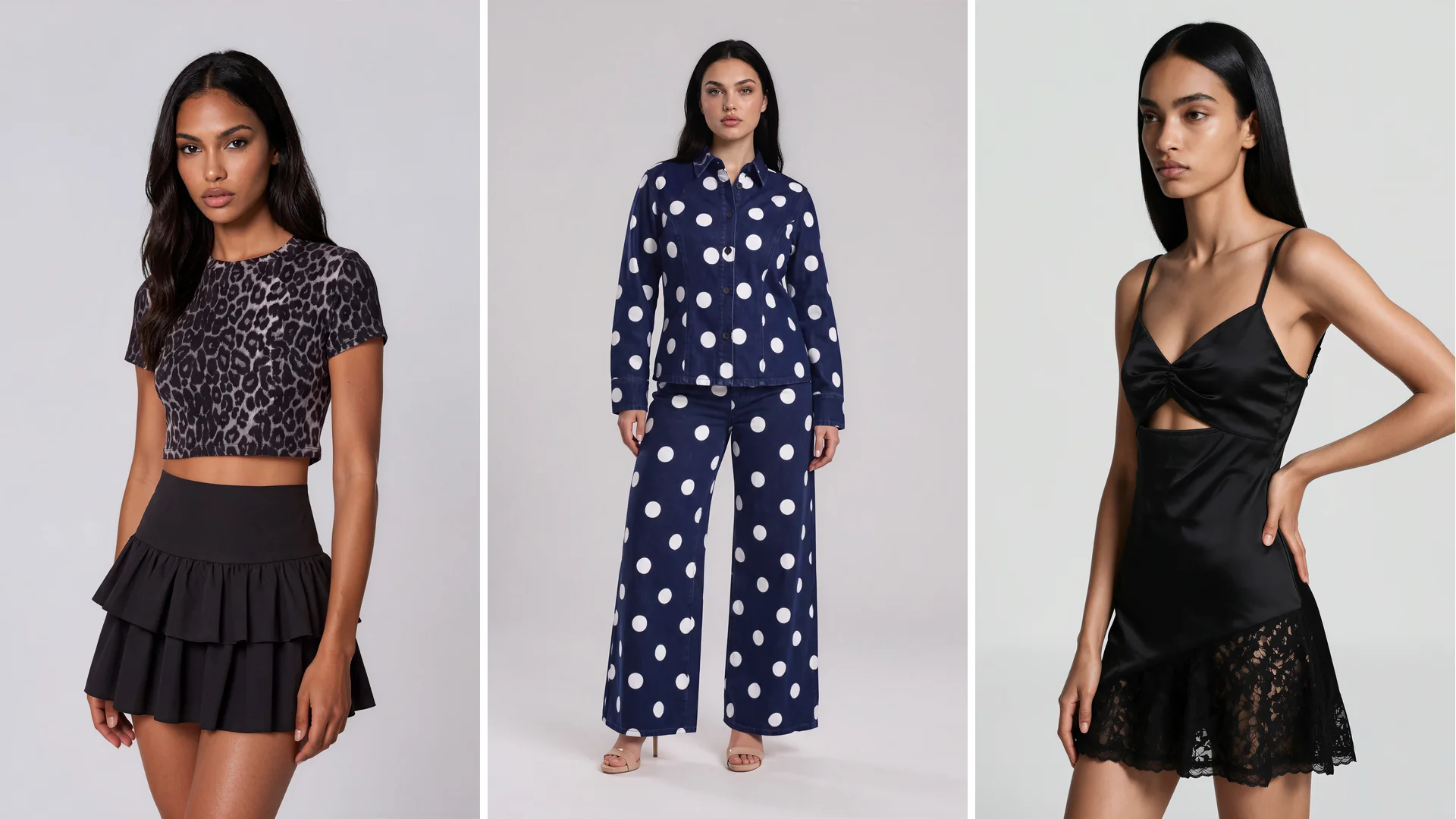
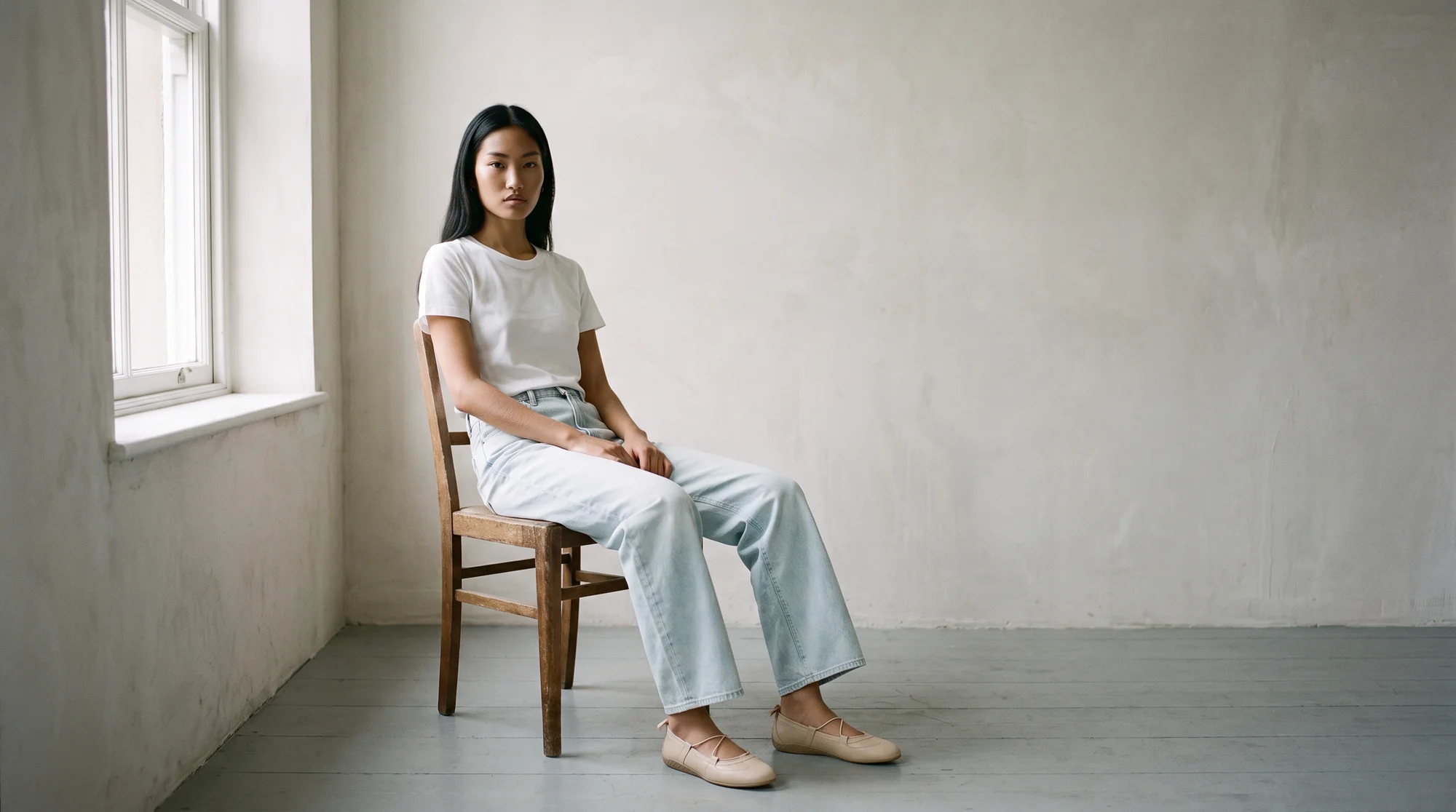
The short answer is that yes, you can, and there is a healthy set of free tools that will do it. Putting clothes on an AI model means generating an on-model photograph from a flat lay, mannequin, or packshot image, so a garment appears worn without booking a physical shoot.
The longer answer is that free and production are answering two different questions. One is "can this be done", and the other is "can this go on my product page for the next three years". Both are worth knowing.
This is a practical guide to what you get without paying, where the requirements change, and how to tell which side of that line you are on.
What free tools are genuinely good for
Free generation has done something useful for the industry. It has made the concept legible. A merchandiser can see a flat lay become an on-model image in a minute and immediately understand the workflow.
For exploration, that is exactly right. If you want to know whether AI on-model imagery suits your aesthetic at all, a free tool answers it quickly and at no risk.
They also work well for low-stakes output. A quick social post, an internal mood reference, a slide for a planning meeting, a test of how a colourway reads on a person.
None of that requires the guarantees a product page needs. If the image is disposable, free is the correct budget.
Where the requirements change
A product page image has a different job. It has to survive being enlarged, sitting beside forty other images from your catalogue, and being the basis of a purchase decision.
That introduces four requirements free tiers usually are not built to meet. The first is garment fidelity: the print placement, the seam lines, the button spacing, and the drape all have to match the actual product.
The second is resolution and file format. PDP imagery needs to hold up at zoom, and it needs to be delivered in formats that keep pages fast. Google's guidance on modern image formats covers why format choice matters for the page as much as the picture.
The third is consistency. One good image is a demo. Four hundred images that share lighting, framing, and model treatment are a catalogue.
The fourth is commercial usage. Before an image goes on a storefront, you need to know you are licensed to use it that way, indefinitely, in paid media.
Why accuracy matters more than it looks like it should
An image that is nearly right is a commercial problem, not an aesthetic one. Shoppers make fit and quality judgements from photography, and when the garment arrives differently, it comes back.
Shopify's enterprise guidance is direct about it, naming a mismatch between the item and its online description or images as a primary cause of returns, and noting that if a product arrives differently than expected, it is likely to come back.
The scale of that is significant. Consumers returned $849.9 billion of merchandise in 2025, about 15.8% of purchases, according to National Retail Federation data reported by Digital Commerce 360.
So the real cost of an inaccurate image is not the image. It is the return, the restocking, and the customer who does not come back.
What a production workflow adds
1. Garment accuracy you can rely on
The product in the photograph has to be the product in the box. That means preserving print scale, hardware, stitching, and how the fabric actually falls.
2. Consistency across the whole catalogue
Lighting, crop, posture, and background treatment stay stable from the first SKU to the last. This is what makes a collection page look considered rather than assembled.
3. Full resolution, publish-ready files
Images arrive at a size and format you can put straight onto a PDP, with no watermark and no upscaling artefacts.
4. Clear commercial rights
You know where the imagery can be used, for how long, and in which channels, which matters as soon as paid media is involved.
5. Human review before delivery
Generative output always produces near-misses. Botika's approach pairs proprietary AI with a fashion-trained QA and retouching team, so the images you receive have already been checked by people who know garments.
6. Volume without a drop in standard
Producing four hundred images has to feel like producing four. That is a workflow property, not a model property.
What to read in a free tier's terms
Free tools are usually clear about their limits, but the limits live in the terms rather than on the pricing page. Four clauses decide whether the output can be used commercially.
The first is the licence itself. Some free tiers grant personal or evaluation use only, which rules out a product page and a paid ad regardless of how good the image looks.
The second is attribution and watermarking. A watermark disqualifies an image from Google Shopping outright, and an attribution requirement is awkward on a PDP.
The third is what happens to your uploads. If your product images are used to train a shared model, your unreleased range may inform someone else's output. For a brand with a distinctive design language, that is worth checking before uploading a look book.
The fourth is the cap, and specifically what happens when you hit it. Some tiers stop, some downgrade resolution quietly. The second kind is the one that damages a catalogue, because the drop is easy to miss.
How to test this properly without spending anything
You do not have to choose between a free toy and a signed contract. The useful middle step is trying a production tool on a free trial, which is how most brands should evaluate this.
Botika offers a free trial with no card required, so you can run your own products through it rather than judging from a marketing sample. Pick your hardest garment, not your easiest: a busy print, a technical fabric, or something with structured tailoring.
Then judge the output where it will actually live. Put it on a staging product page, at full size, directly beside your existing photography. Zoom in the way a shopper does before spending money.
If it holds up there, you have your answer. Start with flat lay conversion if that is most of your existing library, browse the model library to check the range fits your customer, and compare plans on the pricing page once you have seen your own results.
Common questions about putting clothes on an AI model for free
Can you put clothes on an AI model for free?
Yes. Several free tools will generate an on-model image from a product photo, and they are a fast way to understand the workflow. Free output is usually best suited to exploration, social, and internal use rather than product pages.
Is free AI on-model imagery good enough for a product page?
Sometimes, but you have to check four things: whether the garment details are accurate, whether resolution holds up at zoom, whether you can produce consistent images across the catalogue, and whether you have commercial usage rights.
What is the catch with free AI clothing tools?
Usually a combination of resolution limits, watermarks, monthly caps, and restrictions on commercial use. None of that is unreasonable for a free product, it simply means the output is designed for trying rather than selling.
Do I need a photoshoot first?
No. On-model images can be generated from product photography you already have, including flat lays, packshots, and ghost mannequin shots, so no samples or models are needed.
Can I use AI-generated model images in paid ads?
Only if your licence allows it, which is where free tiers most often differ from paid ones. Confirm commercial rights explicitly before putting imagery behind media spend.
Is there a free way to try a production-grade tool?
Yes. Botika has a free trial with no card required, which lets you run your own products through the full workflow, QA included, and judge the result on your own product page.
Where this is heading
Free tools have made on-model AI imagery something every fashion team understands. That is a good thing, and it is why the conversation has moved on from whether this works to what it takes to run it at catalogue scale.
The brands doing this well are not the ones who spent the most. They are the ones who tested honestly on their hardest product, then held every image to the standard their product page deserves. Try it on on-model photography and judge it against your current shots.