The limits of AI fashion models, and how to work around them

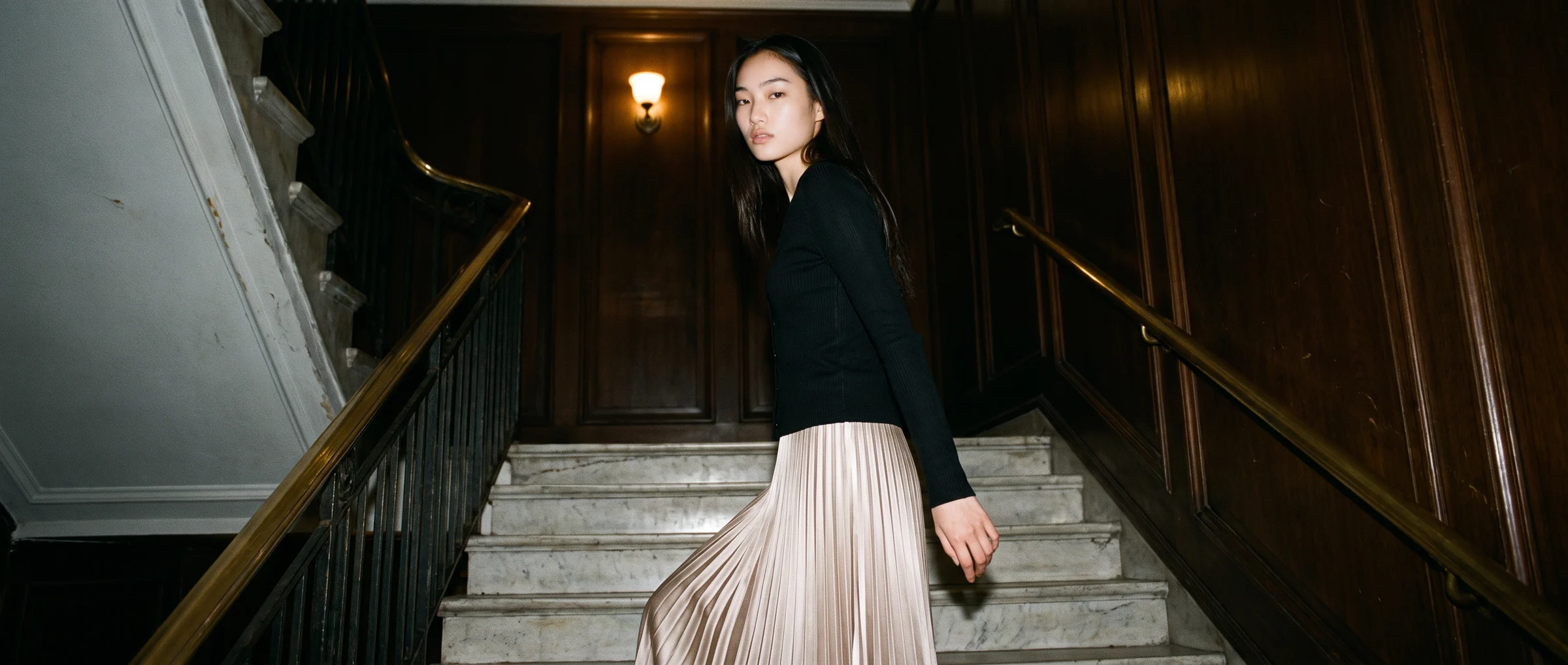
Ask ten people whether AI fashion models look real and you will get ten answers, usually based on the last image each of them saw. Some were convinced. Some spotted a wrong hand in two seconds.
Both reactions are fair. AI fashion models are good enough to carry a product page and still imperfect enough that a careful eye will find something. The useful question is not whether they are perfect. It is where they fall short, and what to do about it.
This guide sets out the main limits of AI fashion models today, in plain terms, with a practical workaround for each. It is meant to help you decide where to use them with confidence and where to add a check.
Realistic, with conditions
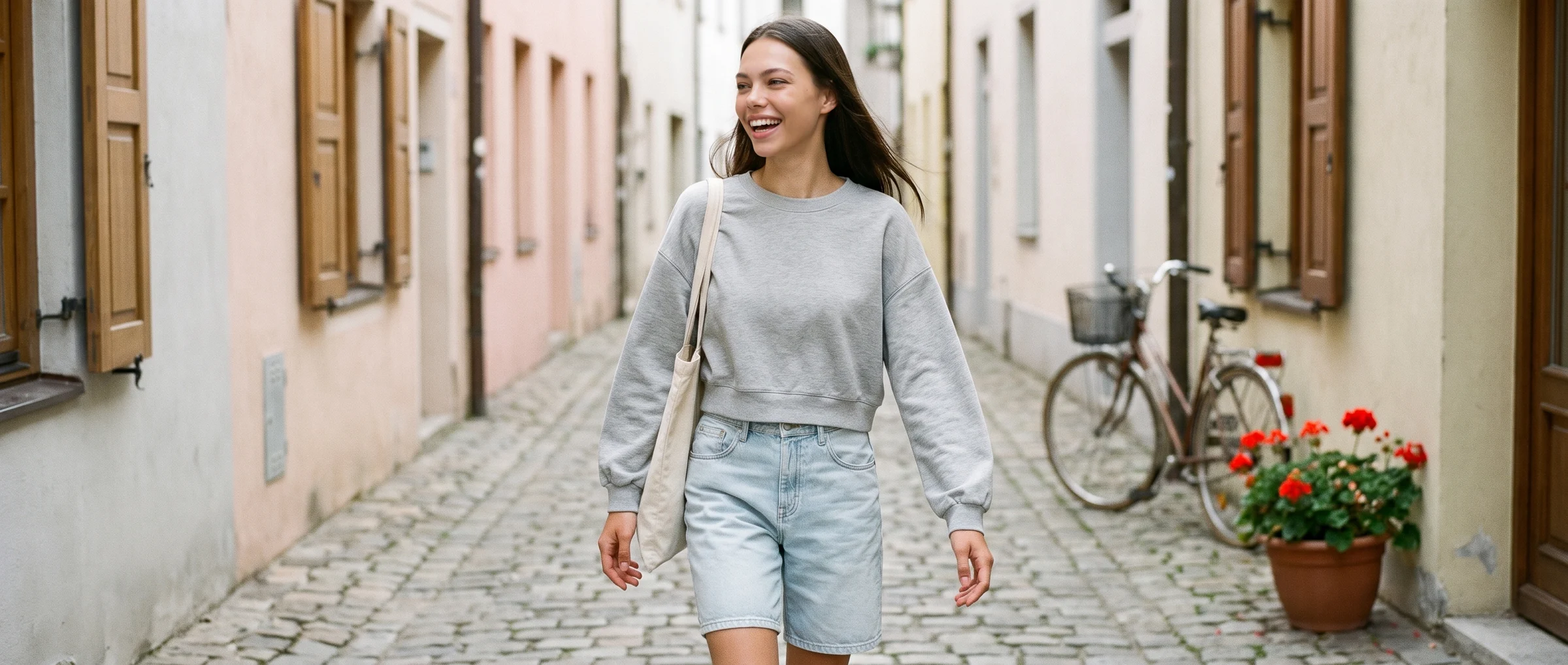
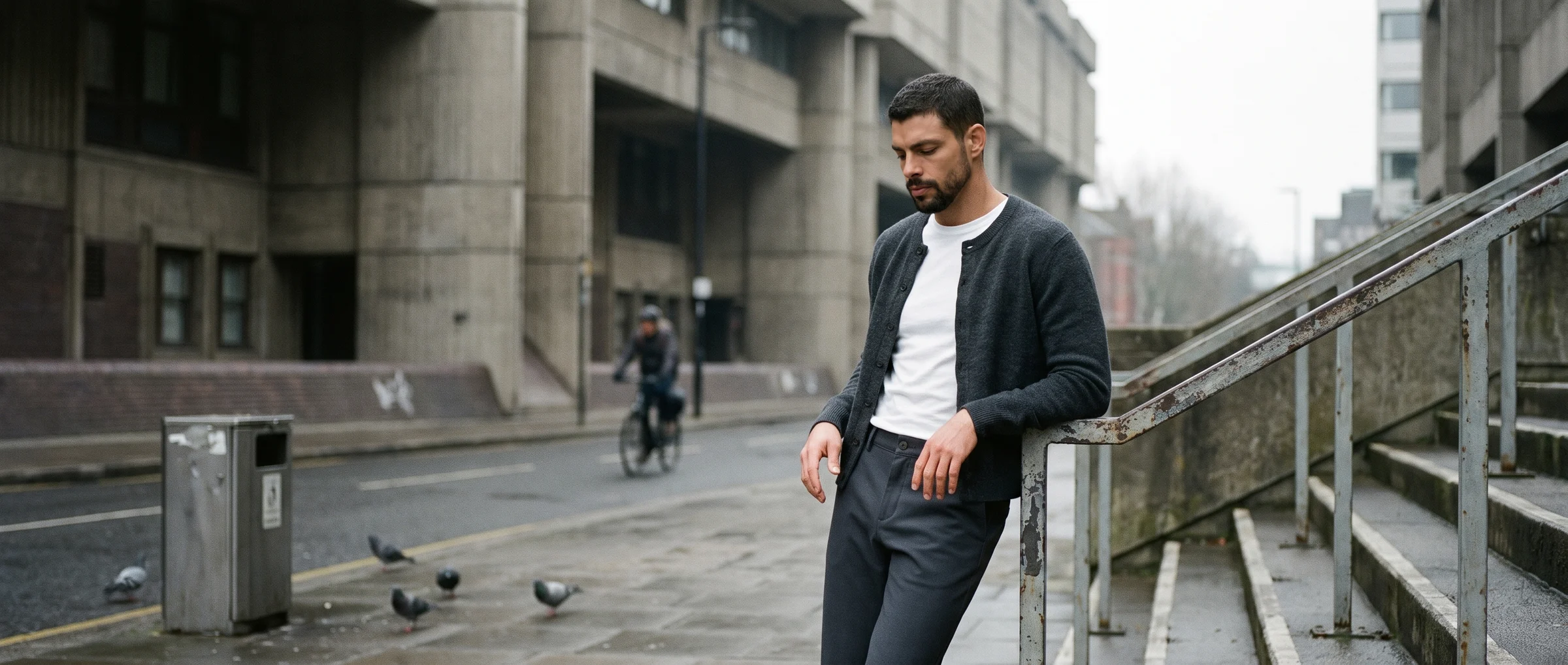
Are AI fashion models realistic? Yes, when the input is good, the framing is sensible and someone reviews the result. Natural skin texture, believable light and a garment that matches the real item are what make an image pass a close look.
Realism is not one setting. It depends on the photo that went in, what you ask the model to do, and how carefully the output is checked. Our guide to best practices for realistic AI model creation covers the habits that help.
The limits, and what to do about each
- Fine detail can slip. Lace, sheer fabric, sequins, tiny trims and prints that must line up across a seam are the hardest to reproduce. Use a sharp, well-lit source photo, shoot the detail separately if it matters, and check it at full size before you publish.
- Accessories are not fully supported yet. Glasses, hats and jewellery may be removed, changed or kept close to the original. If an accessory is part of the story, keep the source photo accessory-free, add the accessory in your own photography, or choose a crop where it does not appear.
- Hairstyles and expressions are fixed. You choose from a gallery of models, each with a set look. You cannot yet direct a specific hairstyle or expression. Pick the model whose look fits the product, and use the same one across a range.
- Hands and feet need a look. These are the places where generated images most often go wrong, such as an extra finger or a mismatched pair of shoes. Crop above the shoes when they are not the subject, and inspect hands at full resolution.
- The garment has to exist. The best results come from a real photo of a real garment. The tools are not built to design a garment from a text description. See AI fashion design tools versus product imagery.
- It takes minutes, not seconds. Generation is fast compared with a shoot, but not instant. Plan batches rather than expecting live results in a meeting.
- Very complex poses and layering take care. Heavy layering, unusual silhouettes and unusual poses are harder. A curated bank of poses covers most catalogue needs, and complex pieces benefit from a mannequin shot that shows how they hold their shape.
Why a person still belongs in the loop
Every limit above is easier to live with when someone looks. A thumbnail hides almost every problem, and a contact sheet at a small size will pass images that fall apart at full resolution.
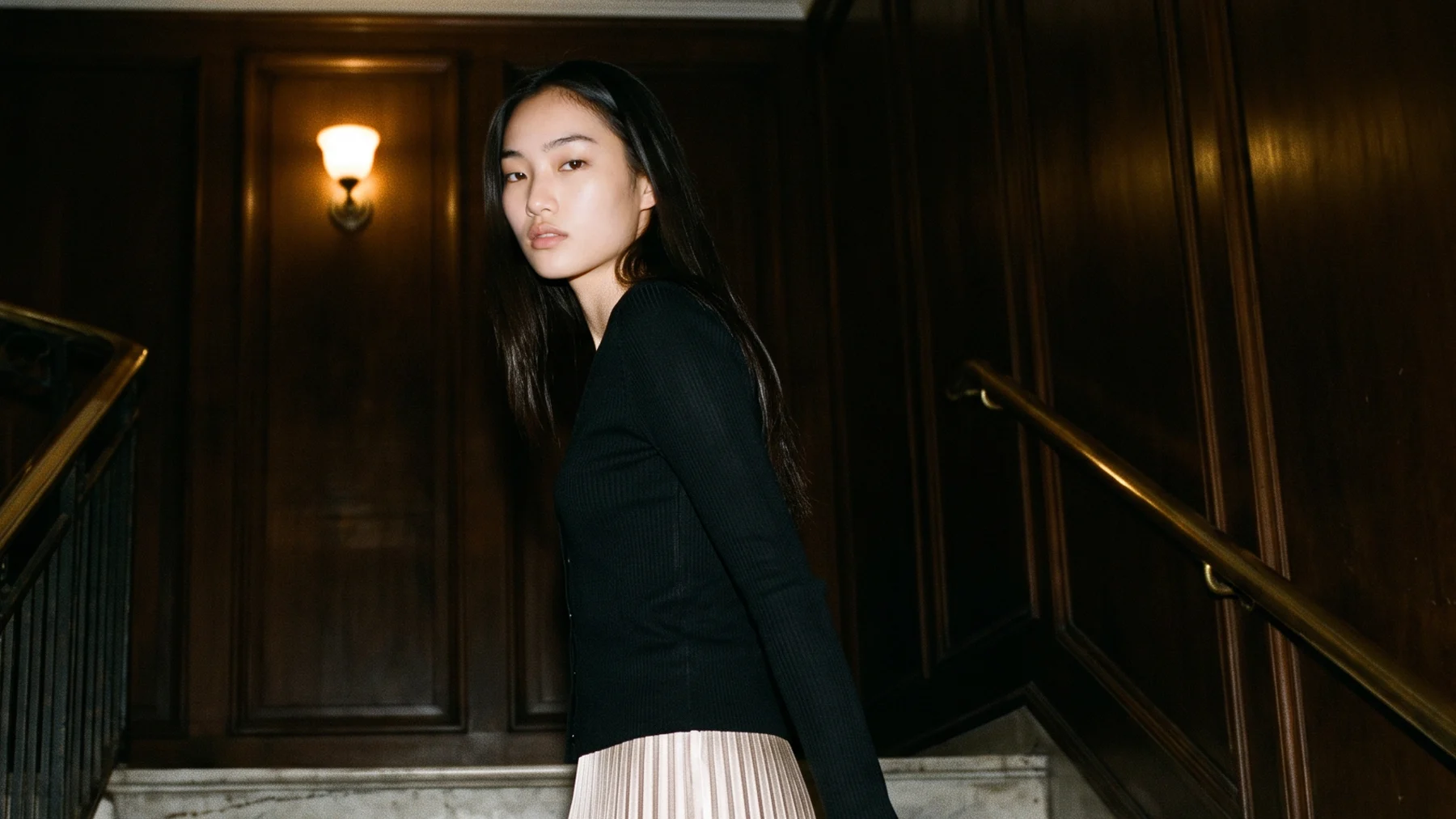
Work in a fixed order. Check the garment against the real product first. Then hands, feet and joins. Then shadows, edges and any text or logos that should not be there. Our guide to the pros and cons of AI fashion models gives the wider picture.
Choosing where to use them
Some uses are low risk. A clean front view of a plain garment on a product page, a new background for an existing look, a colourway of a style you already shot.
Some call for more care. Garments with fine detail, anything where fit is the selling point, and imagery for paid media. For these, add a second review and keep a real photo available for comparison.
Working with the limits
The practical approach is to treat the limits as part of the brief. Choose source photos that suit the tool. Pick garments for the first rollout that play to its strengths. Decide in advance which images need a second review.
Start from a good input. Our guide to photo requirements for AI fashion imagery covers it, and a flat lay or ghost mannequin shot both work well when prepared properly.
How Botika handles this
Botika is the AI operating system for fashion content. It works from your garment photo, offers 150+ AI models and a curated bank of poses, and is open about what it does not do yet, including accessories and fully custom hairstyles.
On managed accounts, Botika Creative Ops, a dedicated team, reviews and retouches images before they reach you. On self-serve plans, annual customers can request a retouch on a result that needs a change, and everyone can review each image against the real garment before publishing.
Where this is heading
The list of limits shortens every season. Accessories, more model options and finer control are the kinds of things teams ask for most, and they are the areas that move.
The sensible stance is neither enthusiasm nor suspicion. Use the tools where they are strong, check where they are weak, and revisit the list every few months.
Common questions about the limits of AI fashion models
Are AI fashion models realistic?
Yes, when the source photo is good, the framing is sensible and someone reviews the result. Natural skin texture, believable light and an accurate garment make an image pass a close look.
What are the limitations of AI fashion models?
Fine detail such as lace and sequins can slip, accessories are not fully supported yet, hairstyles and expressions are fixed, hands and feet need checking, and the tools work from a real garment photo rather than designing a garment. Generation takes minutes, not seconds.
Can AI fashion models wear jewellery or accessories?
Support is limited today. Accessories may be removed, changed or kept close to the original, so keep the source photo accessory-free and add accessories in your own photography where they matter.
Do I need to review AI fashion images before publishing?
Yes. Check the garment against the real product, then hands, feet, joins, shadows and any stray text, at full size.
What source photo works best?
A pressed garment shot whole, in even light, with true colour, on a plain background. A steamed, sharp, full-length shot gives the best output.
Will these limits go away?
Some will. Accessories, more model options and finer control are the areas that move most. Revisit the list every few months.