AI fashion photography: How brands produce on-model imagery


Every fashion brand reaches the same bottleneck eventually. The line is designed, the samples land, the buy is committed, and then everything waits on a studio calendar.
The photography is rarely the part anyone planned to be slow. It just is, because it depends on a model, a photographer, a stylist and a location all being free on the same morning.
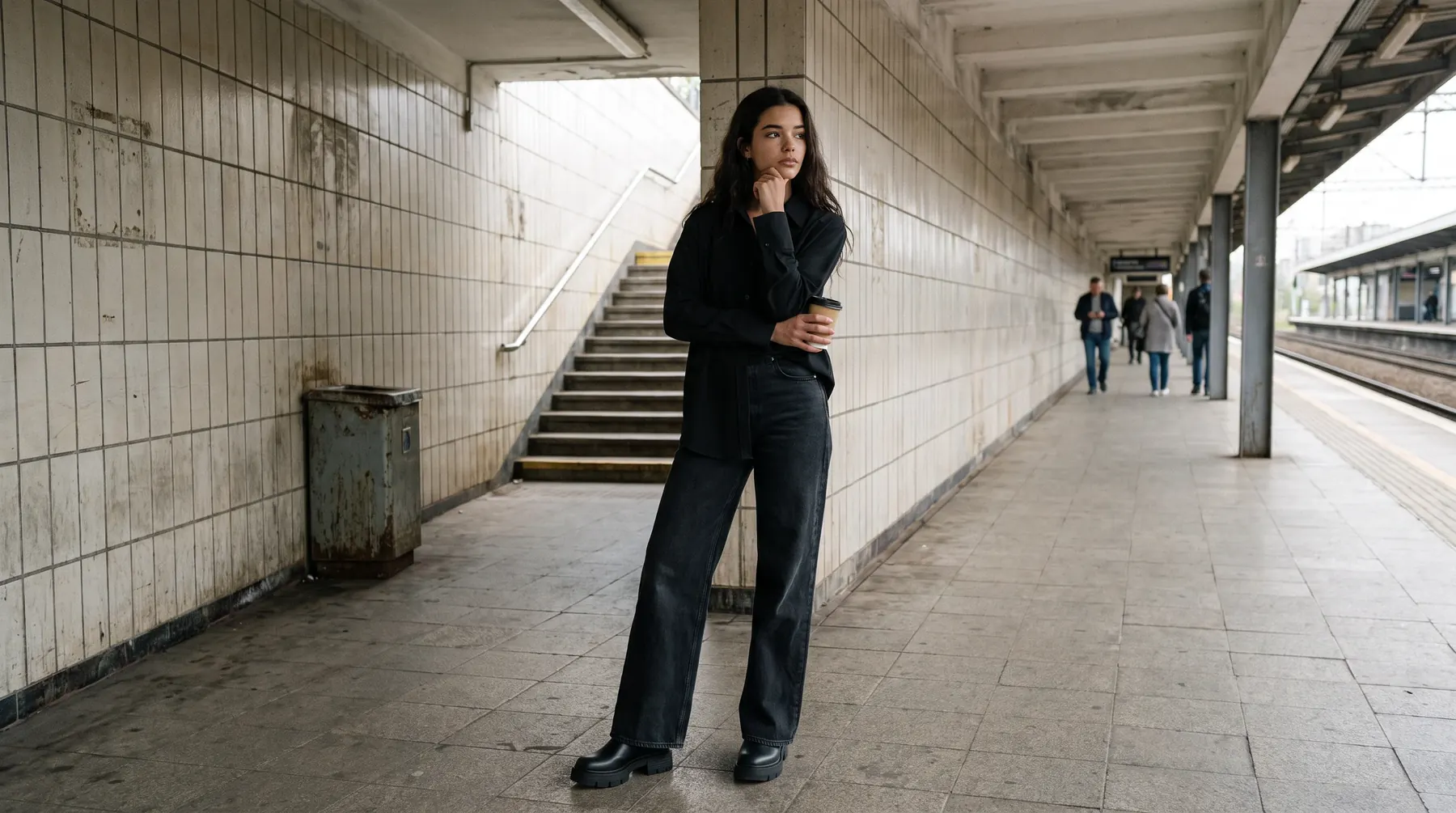
AI fashion photography is the practice of producing on-model product imagery from photographs a brand already owns, using generative models instead of a live shoot. The input is a flat lay, a mannequin shot or an existing on-model frame. The output is that same garment worn by a model, ready for a product page.
It is worth being precise about what that does and does not change, because the category has collected a lot of loose claims.
Why the photography step became the constraint
Catalogues grew faster than production capacity. A brand that once shot two collections a year now needs imagery for continuous drops, marketplace listings, paid social and a website that expects several angles per style.
Shooting scales linearly. Every additional style costs another slot, another sample shipped, another round of selects and retouching.
The result is a familiar split. Hero styles get a proper shoot. The long tail gets a flat lay, or nothing, and converts accordingly.
That gap is the actual problem worth solving, and it is a volume problem rather than a creative one.
What the imagery has to get right
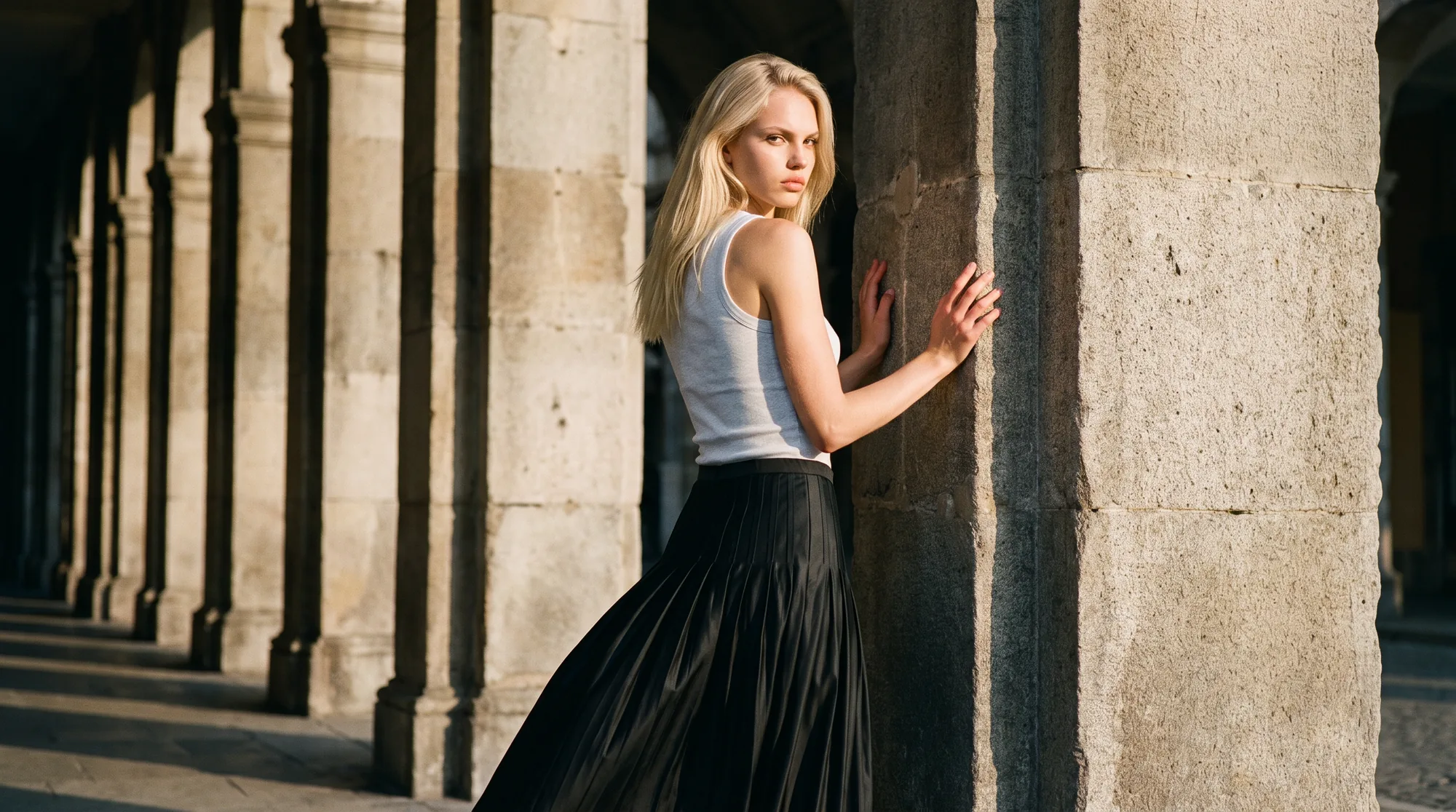
A product page image is not decoration. It is the only thing standing in for the physical garment at the moment someone decides to buy.
Shopify's analysis of ecommerce returns puts the 2025 online return rate at 19.3% of online sales, with apparel running above average, and it names a mismatch between the item and its online images as one of the primary causes alongside fit.
That single line sets the bar. Imagery that looks good but reinterprets the garment does not save money, it moves the cost from production into returns.
So the requirement for any tool that touches a product page is fidelity before beauty. Print scale, seam placement, hardware, button spacing and drape all have to survive the process.
What separates a usable result from a plausible one
1. The garment stays itself
The piece in the photograph has to be the piece in the box. A pattern that repeats at the wrong interval, or a collar that softens into something plainer, is a failed image regardless of how good the lighting looks.
2. Consistency across the whole range
One striking image is easy. Four hundred images that look like one considered set is a different problem, and it is a workflow property rather than a prompt property.
3. Casting that suits the customer
The model range has to reflect who actually buys the product, across body types, ages and ethnicities, at full catalogue scale rather than on a handful of hero styles.
4. Output that is genuinely publish ready
Consistent dimensions, clean edges, no watermark, correct colour. Anything that still needs an hour in retouching has not saved the hour it promised.
5. A review gate before delivery
Someone who understands garments should look at every batch. Automated checks cannot see a mismatched shoe pair or a hem that does not connect.
6. Source images you can actually supply
If the process needs studio-grade input you do not have, the bottleneck has only moved upstream.
Where it fits in a real workflow
The natural entry point is the gap, not the hero. Most brands already hold packshots for the entire range and on-model imagery for a fraction of it.
Converting the existing library is the fastest path to a visible result, because the source material is already sitting in the DAM. Flat lay conversion covers most of it, and ghost mannequin conversion covers the rest.
From there it becomes a standing step in the product launch process rather than a project. Samples photographed once on a mannequin, then produced on model across whichever casting the season calls for.
Campaign and editorial work stays where it is. A brand film and a product detail page have different jobs, and nothing here replaces the former.
What makes a good source image
This is the part most evaluations skip, and it decides more of the outcome than the tool choice does.
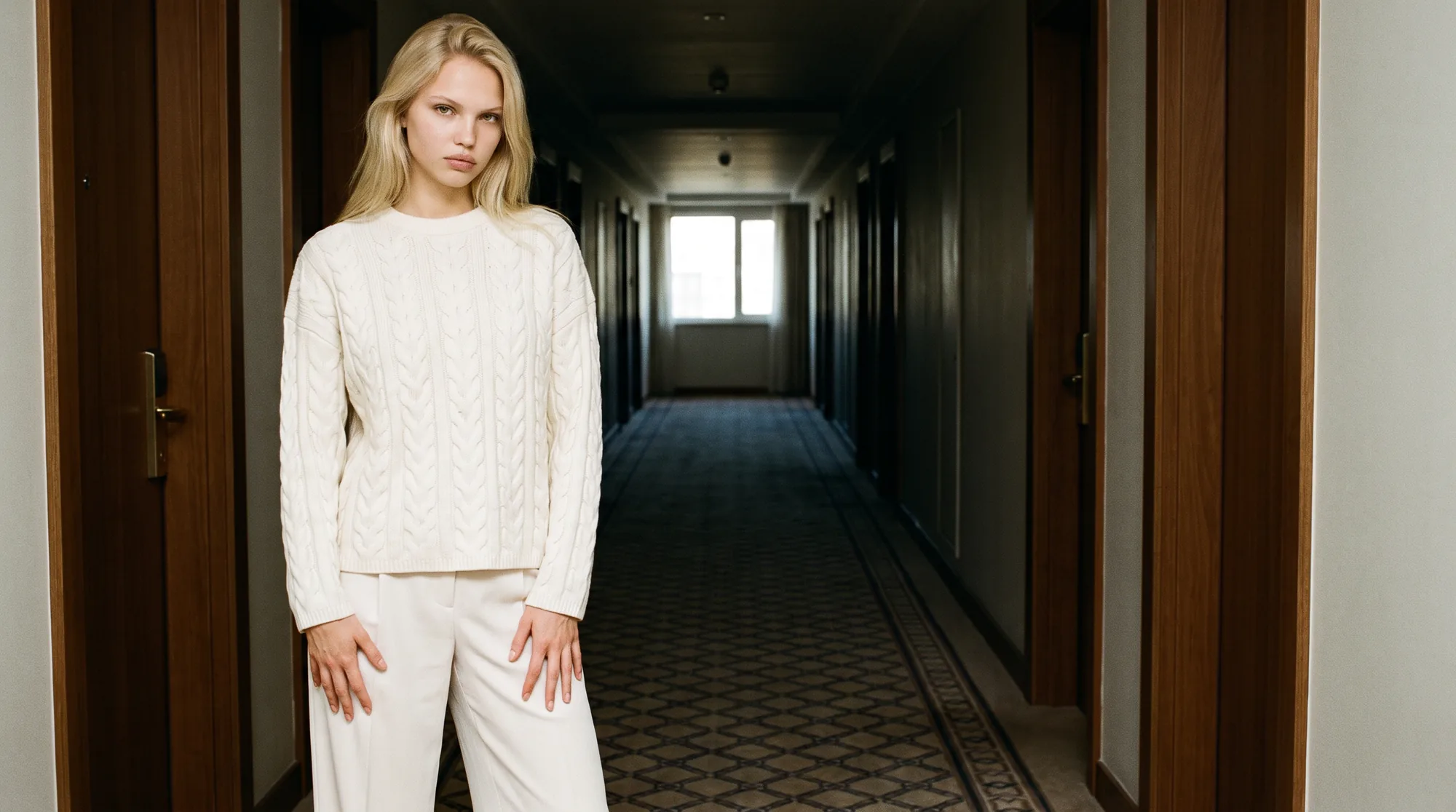
Shoot the garment flat and square, with the whole piece in frame and nothing cropped at the edges. A front and a back frame is better than one, because it gives the process both faces of the garment.
Keep the background plain and the lighting even. Hard shadows across a print make the pattern ambiguous, and ambiguity is where reinterpretation creeps in.
Get the colour right at the source. Google's own image guidance for search is a reminder that the file itself carries the signal, and a garment photographed under mixed lighting will be wrong in every downstream image.
Then keep the file large on the way in and compress once at the end, on the page itself. Google's guidance on serving responsive images covers that final step, and it is a separate decision from the quality you start with.
Bringing it in without disrupting the season
Start with one category rather than the whole catalogue. A category gives you enough images to judge consistency, which a handful of samples will not.
Run your hardest garment first. A busy print, a technical fabric or something with structured tailoring will show you in one afternoon what a plain tee hides for a month.
Then look at the output at full size on a real product page, not as thumbnails in a grid. Most of the defects that matter are invisible at thumbnail scale.
The part that carries the quality at volume is the combination of the model and the people checking it. Botika runs a fashion-trained QA and retouching team over output before delivery, which is what keeps image four hundred looking like image four.
Where this is heading
The interesting shift is not that imagery gets cheaper. It is that the long tail of a catalogue starts getting the same treatment as the hero styles, which is where most of the unrealised revenue in an apparel range actually sits.
Brands that close that gap first end up with a more complete storefront rather than simply a lower production line. That is the version of this worth planning for.
If most of your range still has no on-model imagery, that is the bottleneck to clear. Start with on-model production, check the model range against your customer, and look at per-image pricing once you have seen your own results.
Common questions about AI fashion photography
What is AI fashion photography?
It is the production of on-model product imagery from photographs a brand already owns, using generative models rather than a live shoot. The input is usually a flat lay, packshot or ghost mannequin image, and the output is that garment worn by a model.
Does it actually replace a photoshoot?
For product page imagery at catalogue scale, largely yes. For campaign and brand films it does not, and it is not trying to. Those are different jobs with different success criteria.
Will the clothes look like my actual products?
That is the whole requirement, and it is the thing to test rather than take on trust. Run your most difficult garment through any tool you are evaluating and compare print scale, seams and hardware at full size.
What do I need to supply?
A clean photograph of the garment: flat lay, packshot or mannequin shot, shot square with even lighting and the full piece in frame. No studio, model or location booking is involved.
How long does it take?
Minutes per image rather than weeks per shoot, and the saving compounds across a range because there is no scheduling dependency. The practical limit becomes how fast you can review, not how fast you can produce.
Is the output ready to publish?
It should be. Consistent dimensions, correct colour and no watermark are the minimum, and output that still needs retouching has not delivered the time saving it promised.