Virtual try-on vs AI on-model photography 2026: Where to invest first

Two AI approaches promise to fix the same problem in fashion ecommerce: shoppers cannot touch the clothes, so they hesitate. Virtual try-on lets them see a garment on a body interactively. AI on-model photography puts the garment on a model in the product images themselves. Both help, but they do different jobs, and only one of them is doing the selling on every product page.
If you are deciding where to spend, the distinction matters. This is a plain look at what each one is, where it fits, and what actually moves conversion.
The distinction is not academic. Brands often invest in a try-on integration while their core product images stay average, then wonder why conversion barely moves. Getting the order right, foundation first, layer second, is most of the value here.
What each one actually is
| AI on-model photography | Virtual try-on | |
|---|---|---|
| What it is | The product image itself | An interactive feature on the page |
| Who sees it | Every visitor, immediately | Only shoppers who choose to use it |
| Effort from the shopper | None | Upload or select, then wait for a render |
| Main job | First impression and fit confidence | Fit reassurance before checkout |
| Produced | Once by the brand, works passively | Rendered live, per shopper |
| Where to invest first | Foundation | Layer on top once imagery is strong |
Virtual try-on is technology that shows a shopper a garment on a body, often their own or a chosen model, usually interactively on the product page or through an app. It is an engagement layer the shopper chooses to use.
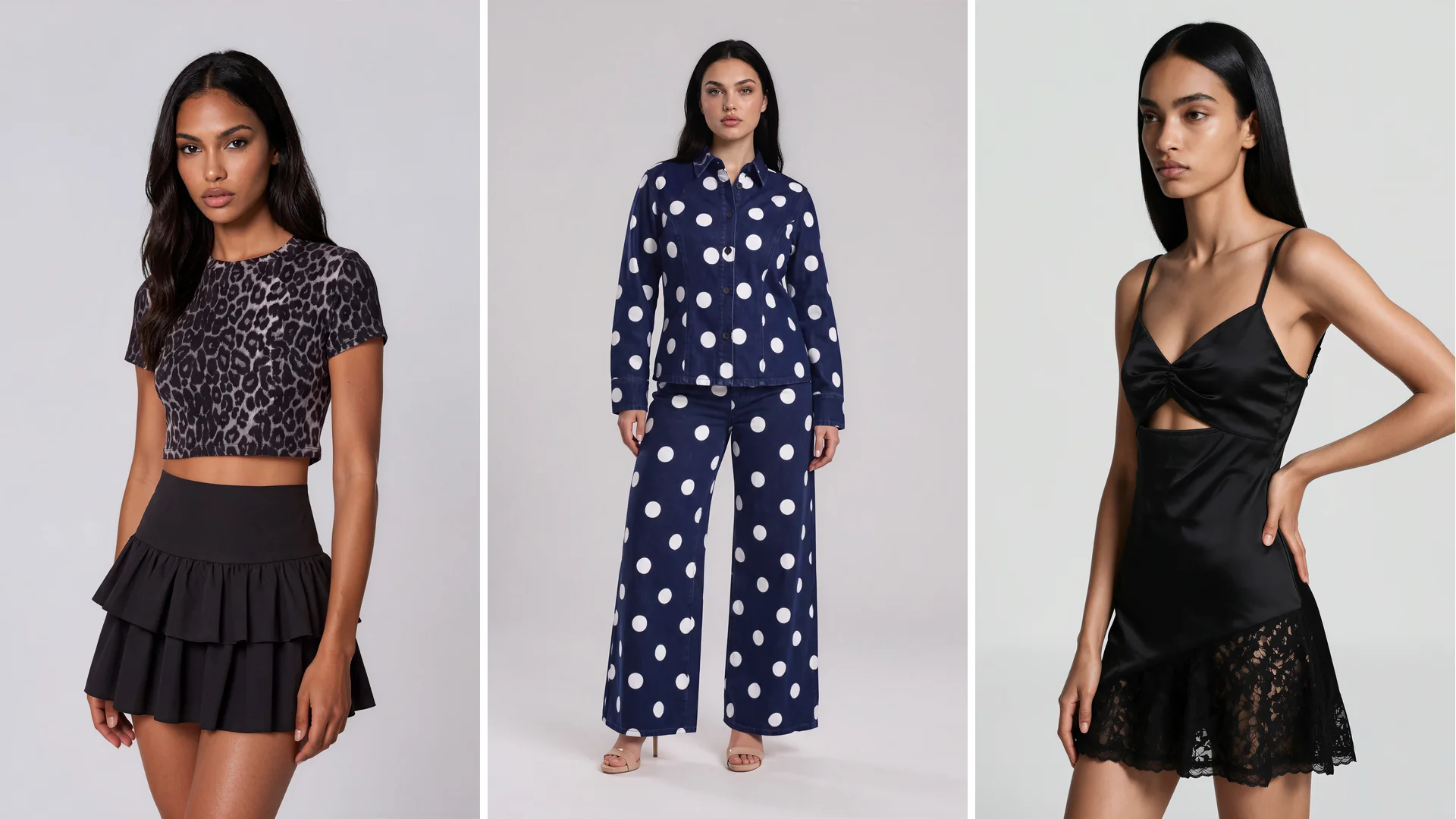
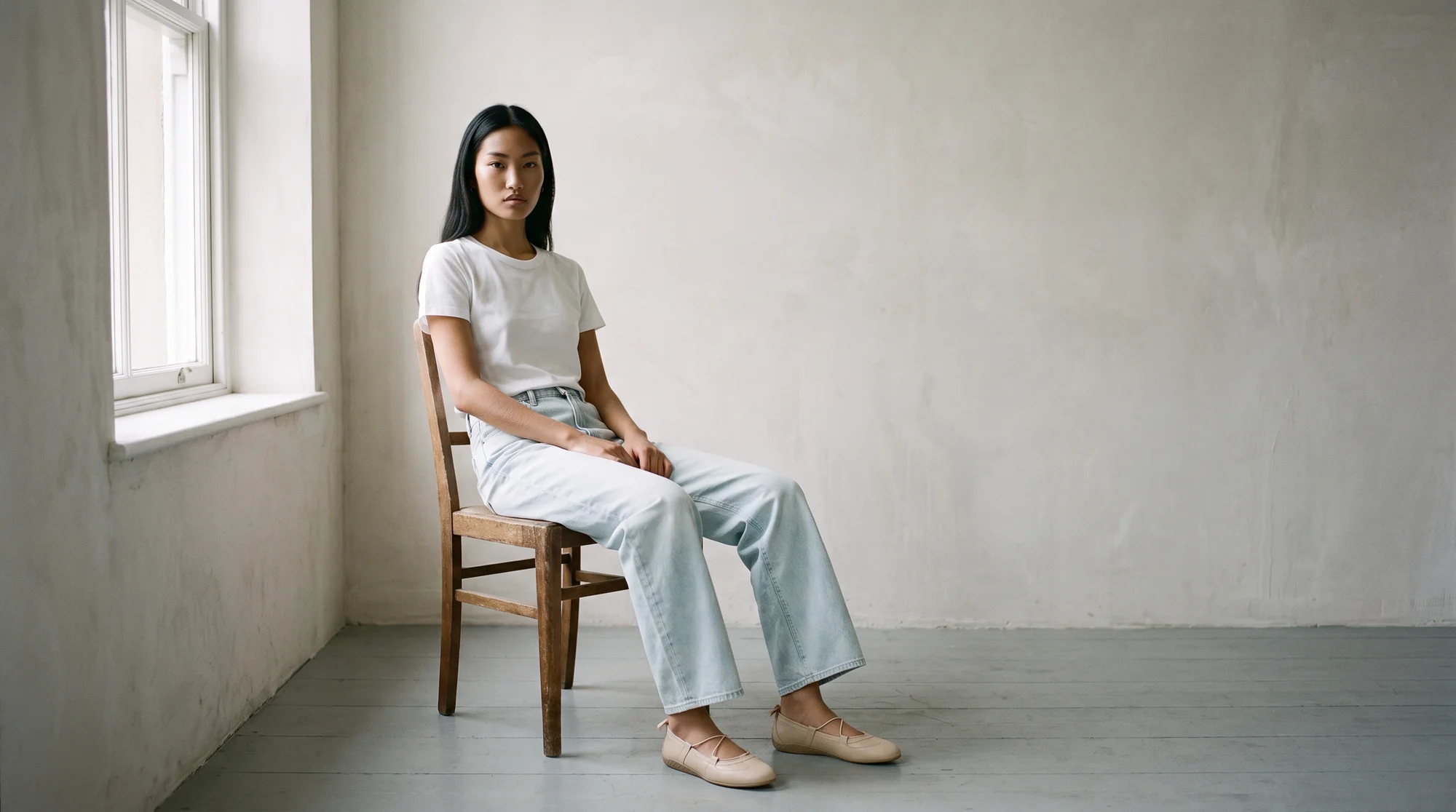
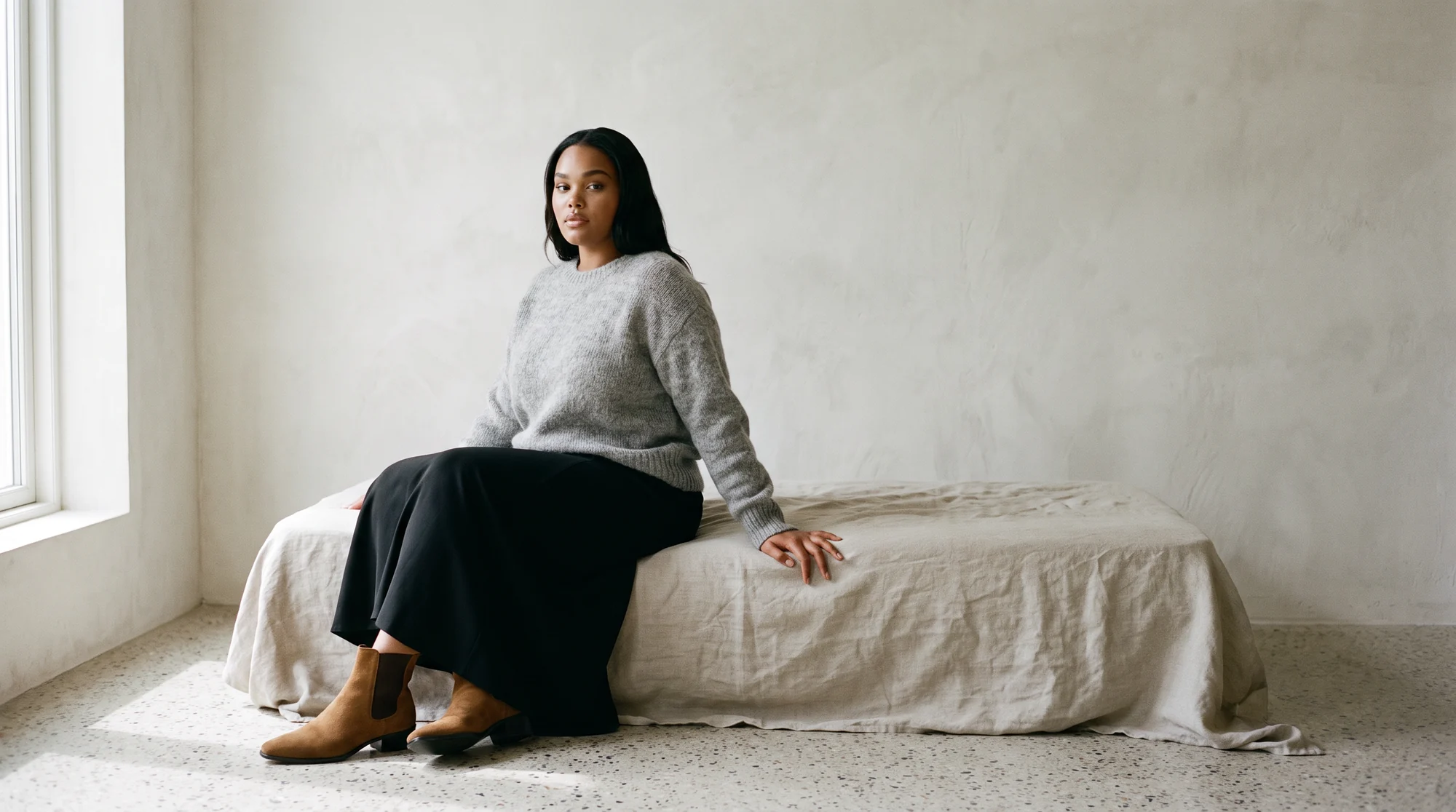
AI on-model photography generates photos of your actual garment worn by a model, produced from a flat lay or a mannequin shot, and those images become the product-page photography every visitor sees. It is the imagery itself, not a feature bolted onto it.
That is the core difference. Try-on is something a shopper interacts with. On-model photography is what loads the moment the page opens, for everyone.
It also changes who does the work. On-model photography is produced once by the brand and then works passively for every visitor. Virtual try-on asks the shopper to act, upload a photo, pick a body, wait for a render, before it delivers any value, so its impact depends on how many people are willing to take that step and how good the result is when they do.
Where each fits in the funnel
On-model imagery works at the top of the product page for every visitor. It is the first thing a shopper sees, it sets the first impression, and it does the same job whether someone bounces in three seconds or reads every line.
Virtual try-on works deeper, for the subset of shoppers who engage with it. When it is smooth, it can build fit confidence and reduce uncertainty before checkout. When it is clunky or inaccurate, it adds friction instead.
So they are not really competitors. On-model photography is the foundation the page is built on. Try-on is an optional layer on top of it.
What actually drives conversion
For apparel, the product image carries the page. Shoppers look at it first, and for clothing, seeing the garment on a body is what lets them judge fit and drape. That is true for every visitor, which is why the quality and consistency of the on-model image is the highest-leverage thing on the page.
Virtual try-on can lift conversion for the shoppers who use it, and it can help with fit-related returns. But it only reaches the fraction who engage, and its payoff depends heavily on how accurate and frictionless the experience is. It complements strong imagery; it does not replace it.
Put simply: if your on-model photography is weak, no try-on widget will save the page. If it is strong, try-on becomes a useful addition rather than a crutch.
There is also a cost and effort asymmetry. Strong on-model imagery is now fast and inexpensive to produce with AI, and it improves the page for everyone the day it ships. A try-on integration is a longer commitment: engineering time, ongoing maintenance, and accuracy that has to be tuned per garment type. The imagery pays off immediately and universally, while the widget pays off later and selectively.
The case for getting on-model photography right first
Because on-model imagery is what every shopper sees, it is where most brands get the fastest return, and it is where AI has changed the economics most.
Instead of booking a shoot, you take a flat lay or a ghost mannequin shot and generate a finished on-model image of that exact garment, on a model you choose. The gain is not just speed; it is consistency across a full catalog, so product number five hundred looks like it belongs next to product number one.
Quality is the thing to protect. Botika pairs its AI with a dedicated QA and retouching team that checks output before delivery, which is what keeps the imagery publish-ready and on-brand at scale. One brand saw conversion rate climb fourfold after moving from ghost mannequin shots to AI on-model images, and another cut content production costs by 90 percent while keeping its look.
When virtual try-on makes sense
Try-on earns its place in specific situations. If fit uncertainty drives a lot of your returns, a category where sizing is genuinely hard, or a shopper base that wants to visualize a piece on a body like theirs, a smooth try-on experience can pay off.
The caveats are real, though. Try-on adds engineering and maintenance, its accuracy varies by garment type, and it only helps the shoppers who use it. It works best as an addition once your core imagery is already strong, not as the first investment.
It is also worth being honest that try-on quality still varies widely. Draping, how a fabric falls, sits, and moves on a body, is genuinely hard to simulate, and a try-on that gets it wrong can create the exact fit doubt it was meant to remove. That is why it rewards careful rollout on the categories where it clearly helps, rather than a blanket install across the whole catalog.
How to decide
For almost every fashion brand, the order is the same: get on-model photography right first, then consider try-on as a layer.
Start by making sure every product has consistent, garment-accurate on-model imagery, since that reaches 100 percent of visitors. Once that foundation is solid and if fit-driven returns are a real problem, pilot try-on on a category where it will help most and measure it against the added complexity.
The good news is that the foundation is now the cheaper and faster half. Producing consistent on-model imagery with AI no longer requires a shoot, so getting it right is mostly a matter of choosing a tool that holds your garments accurately and running your catalog through it. Try-on can always follow once the images are doing their job.
Common questions about virtual try-on and AI on-model photography
What is the difference between virtual try-on and AI on-model photography?
Virtual try-on is an interactive feature that shows a garment on a body the shopper chooses. AI on-model photography generates the product-page images of your garment worn by a model. One is a feature shoppers use; the other is the imagery everyone sees.
Which converts better?
On-model imagery influences every visitor, so it is usually the higher-leverage investment. Virtual try-on can lift conversion for the subset who engage with it and can reduce fit-related returns, but it complements strong imagery rather than replacing it.
Do I need both?
Most brands should get on-model photography right first, because it reaches everyone. Add virtual try-on later if fit uncertainty is a real driver of returns in your category.
Can AI create on-model images from a flat lay?
Yes. A fashion-specific platform takes a flat lay or ghost mannequin image of your actual garment and generates an on-model photo of that same piece, with no shoot required.
Is virtual try-on accurate?
It varies by tool and garment type. Fit and drape are hard to simulate perfectly, which is why try-on works best as a confidence aid on top of accurate product imagery, not as the primary way shoppers judge a garment.
What is the fastest win for a product page?
Consistent, garment-accurate on-model imagery on every product, because it improves the experience for 100 percent of visitors on day one.
The bottom line
Virtual try-on and AI on-model photography are not rivals. On-model imagery is the foundation every shopper sees and the fastest path to a better product page; try-on is a useful layer for the brands whose returns are driven by fit. The mistake is treating them as an either-or, or paying for the layer before the foundation is solid.
If you want the foundation right, see how Botika builds on-model photography from photos you already have, browse the model roster, or start a free trial and test it on one collection.