How to evaluate an AI product imagery tool before you buy

Every vendor in this category will show you a beautiful example. That is the easy part, and it tells you almost nothing about what you will get on your four hundredth garment.
Evaluating an AI product imagery tool means testing whether it produces publishable, accurate, consistent images from your own products at your own volume, rather than judging it on a curated sample. The gap between those two things is where most disappointing purchases live.
This category is young enough that there is no established buying checklist. So here is one, built around the failure modes that actually show up after the trial ends.
None of it requires a long procurement process. Most of it you can test in an afternoon with a free trial and your hardest product.
Why the demo is the least useful evidence
A vendor sample is selected. It is the garment that worked, in the pose that worked, at the crop that flattered it.
Your catalogue is not selected. It contains the busy print, the technical fabric, the structured tailoring, the colourway that photographs badly, and the SKU nobody has looked at since it was uploaded.
So the only evidence worth weighting is output from your own products, judged at the size and in the context where it will be published. Everything below is a way of getting that evidence quickly.
There is real money behind getting it right. US retail ecommerce reached $340.2 billion in the second quarter of 2026, or 17.1% of total retail sales, according to the Census Bureau, and imagery is the primary way apparel is judged in that channel.
The seven things to test
1. Garment fidelity on your hardest product
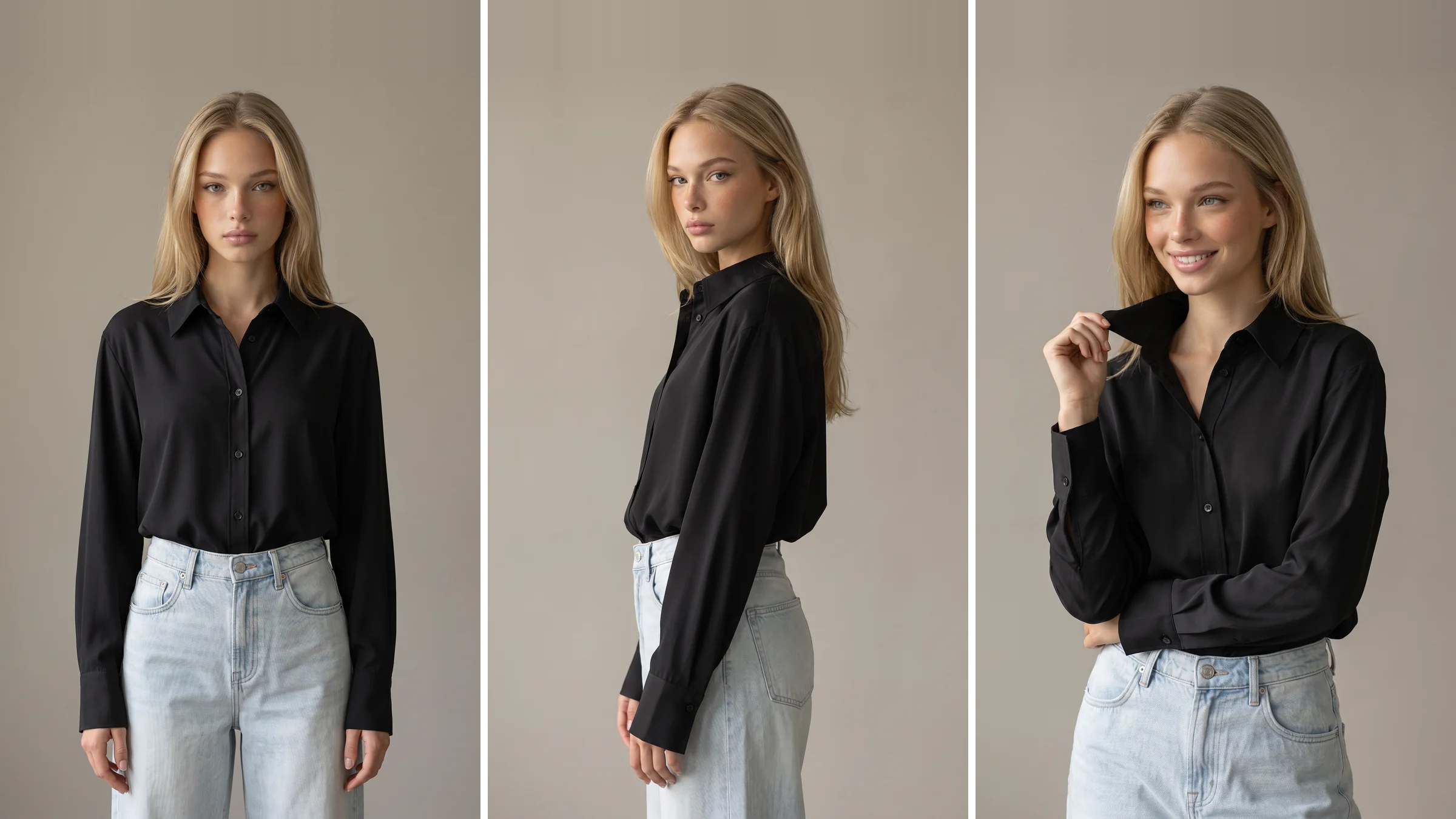
Not your plain tee. Pick a busy print, a technical fabric and something with structured tailoring. Check print scale, seam lines, button spacing, hardware and how the fabric falls.
2. Consistency across a batch, not a single frame
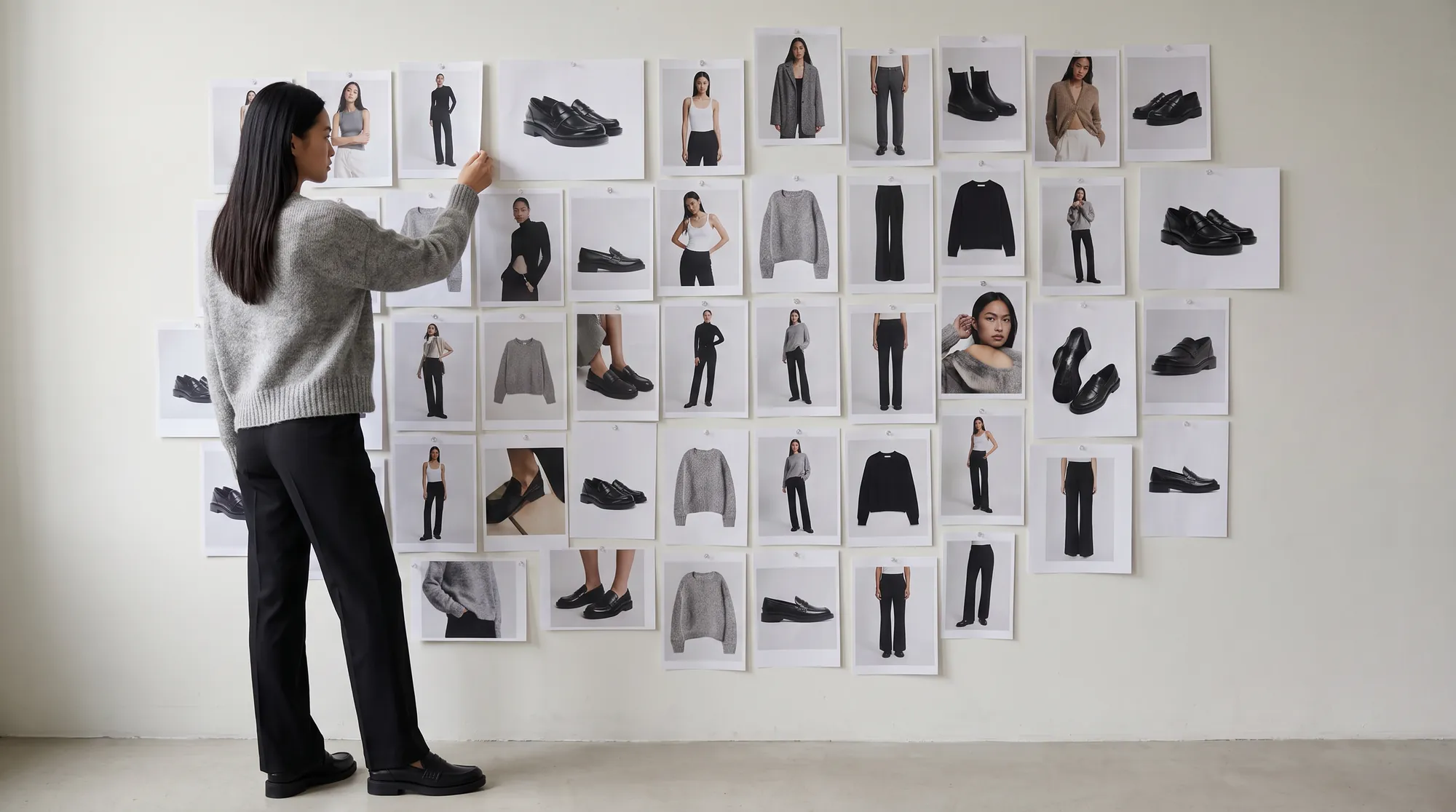
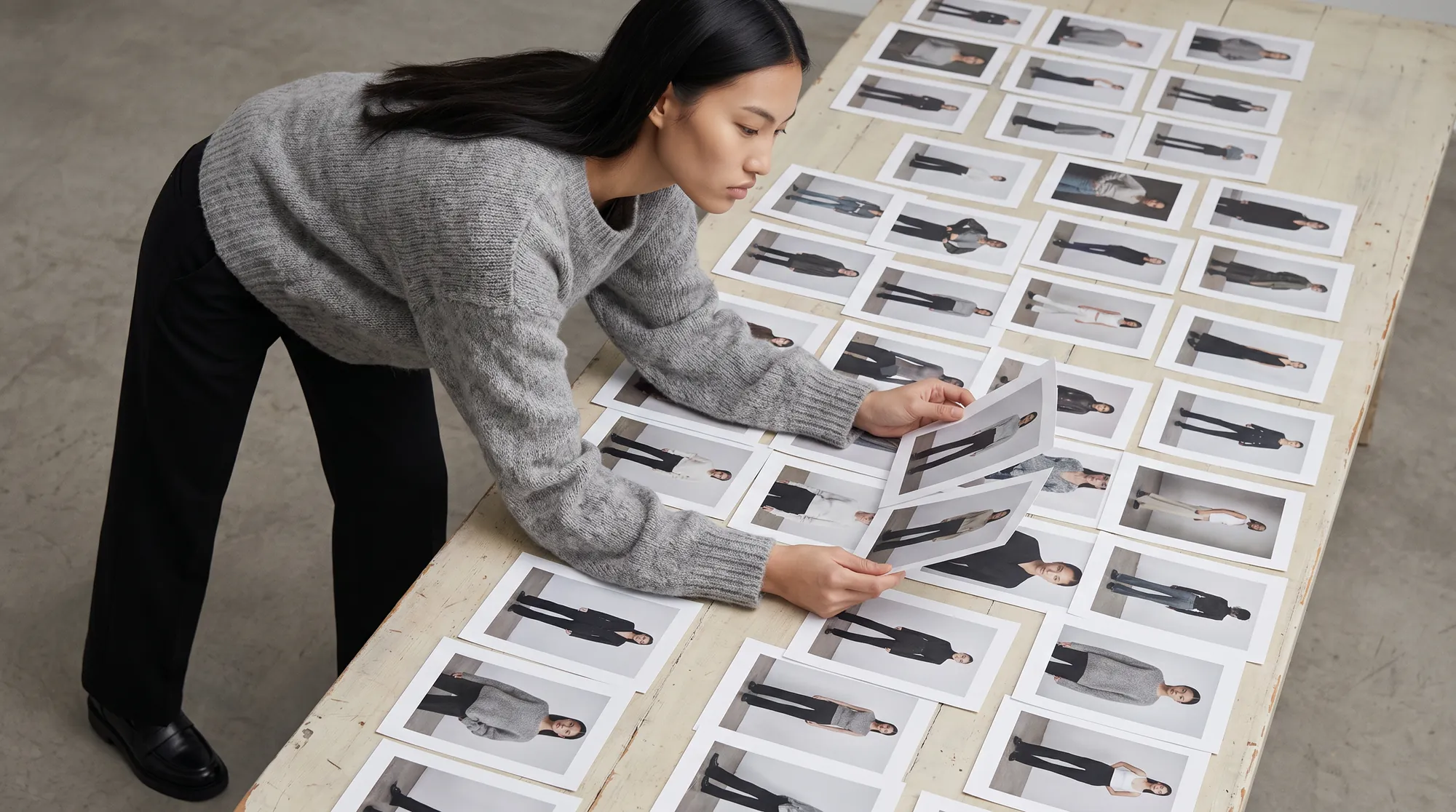
Run twenty products, not one. Then put the twenty side by side. Drift in lighting, crop or model treatment is invisible in a single image and obvious in a grid.
3. Resolution and format at publish size
View at full size and zoom in. Ask what dimensions and formats you receive, and whether there is a watermark on any tier you might actually use.
4. Commercial usage rights, in writing
Confirm where imagery can be used, for how long, and in which channels. This is where free and paid tiers most often diverge, and it matters the moment media spend is involved.
5. Who reviews the output before you see it
Ask directly whether a human checks output, and whether that person understands garments. Unreviewed generative output produces a high rate of near-misses, and reviewing them yourself is a cost you should price in. Botika pairs proprietary AI with a fashion-trained QA and retouching team for exactly this reason.
6. What happens when something is wrong
Find out the correction path before you need it. Can you request a fix, how long does it take, and is it included.
7. Cost per publishable image, not per month
Divide the plan cost by the number of images you can actually publish, and count only the finished ones. A cheap tool with a 50% usable rate is not cheap.
The accuracy question sits above all the others
If an image is inaccurate, nothing else on the list matters, because the cost lands after the sale rather than before it.
Shopify's enterprise guidance names a mismatch between the item and its online description or images as a primary cause of returns, and notes that if a product arrives differently than expected, it is likely to come back.
So when you review trial output, the question is not "is this attractive". It is "would a shopper who bought from this image be surprised by the parcel".
That single test filters more vendors than any feature comparison will.
Two things worth checking that most buyers miss
The first is whether output is structured for machines as well as people. AI answer engines and search read imagery through markup, and Google's structured data guidelines require that images referenced in markup are crawlable and relevant to the page they sit on. Imagery that arrives with no path into your markup is doing half a job.
The second is what the tool needs from you. A tool that requires physical samples or a studio session has not removed the bottleneck, it has moved it. The useful ones work from product images you already own.
Who should be in the evaluation
The most common reason a good tool gets rejected, or a poor one gets adopted, is that the wrong person judged it alone. Three perspectives catch different failures.
Merchandising judges whether the garment is right. They know which details customers ask about, which fabrics photograph badly, and which styles generate returns, so they will spot an inaccurate render faster than anyone.
Whoever owns the storefront judges whether the files work. Dimensions, format, weight, naming and how the image behaves in your collection grid are all their call, and all of them are easier to specify before a rollout than after.
Brand judges whether it looks like you. This is the perspective most often skipped and the one that decides whether the catalogue still feels coherent in six months.
Give all three the same batch and the same written criteria, and collect their scores separately before discussing. A shared opinion formed in a meeting is usually the loudest person's opinion.
Running the evaluation
Start with a free trial rather than a call, and use your own products. Botika offers one with no card required, which means the first evidence you gather is about your catalogue rather than someone else's.
Pick five to twenty products spanning your hardest categories. Produce them, then publish a handful to a staging product page next to your current imagery.
Score them against the seven tests above and write the results down. A written score stops the decision turning on whichever image you happened to look at last.
Then compare cost per publishable image against the pricing page, check the model range suits your customer, and read the FAQs for the operational detail. If it clears all seven, the commercial case makes itself.
Where this is heading
As the category matures, the differences between tools are moving away from whether they can generate an image and toward whether they can be relied on at volume. That is a harder thing to demo and a much easier thing to test.
Buyers who run their own hardest products through a trial and score the result get a decision they can defend. Start with on-model photography and judge it on your own product page.
Common questions about choosing an AI product imagery tool
How do I choose an AI image generator for a clothing brand?
Test it on your hardest garments, not a demo. Score garment fidelity, batch consistency, resolution at publish size, commercial rights, whether humans review output, the correction path, and cost per publishable image.
What should I test during a trial?
Run at least twenty products spanning your most difficult categories, view them together as a grid to catch drift, and publish a few to a staging product page beside your existing photography before deciding.
What is the most important criterion?
Garment accuracy. An inaccurate image costs you a return rather than a click, so it outweighs speed, price and styling. Judge whether a shopper buying from the image would be surprised by the parcel.
How should I compare pricing between tools?
On cost per publishable image, not per month. Divide plan cost by the number of finished images you can actually use, since a tool with a low usable rate carries hidden review time.
Do I need to send samples or book a studio?
Not with tools that work from your existing product images. If a vendor needs physical samples or a shoot, the sample logistics bottleneck is still there, just relocated.
What questions should I ask a vendor directly?
Who reviews output before delivery and do they know garments; what commercial rights do I get and for how long; what resolution and formats arrive; and what is the correction process when something is wrong.