Garment Visualization: From First Sample to On-Model Images
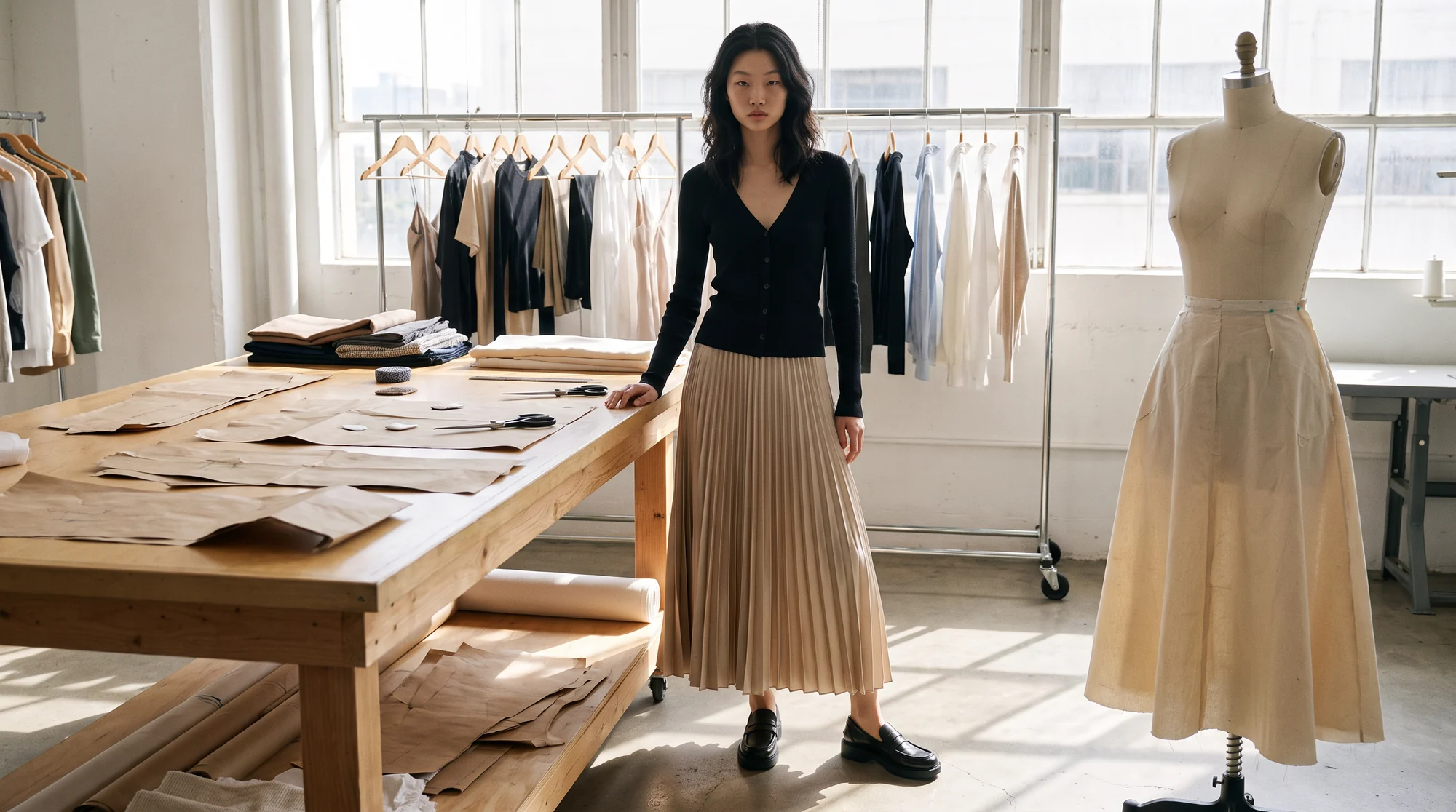
There is a quiet gap in most fashion calendars. The sample arrives, the buyers want to see it, sales wants to start selling it, and the product photography is still weeks away because the stock has not landed.
Brands describe the same pattern again and again: the sample reaches them shortly before the warehouse does, and the imagery arrives after the selling window has already opened. Every week without a picture is a week of sales the range never gets back.
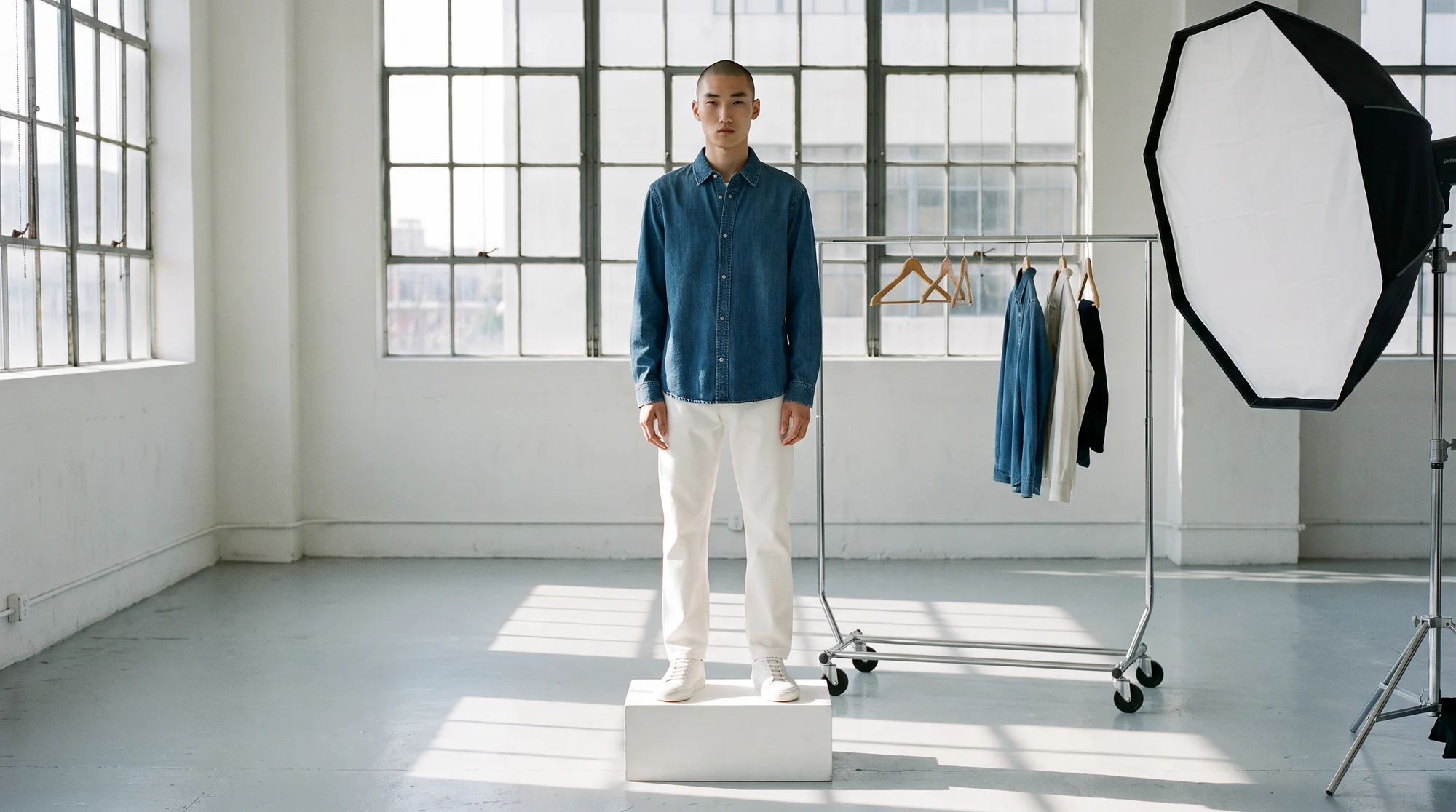
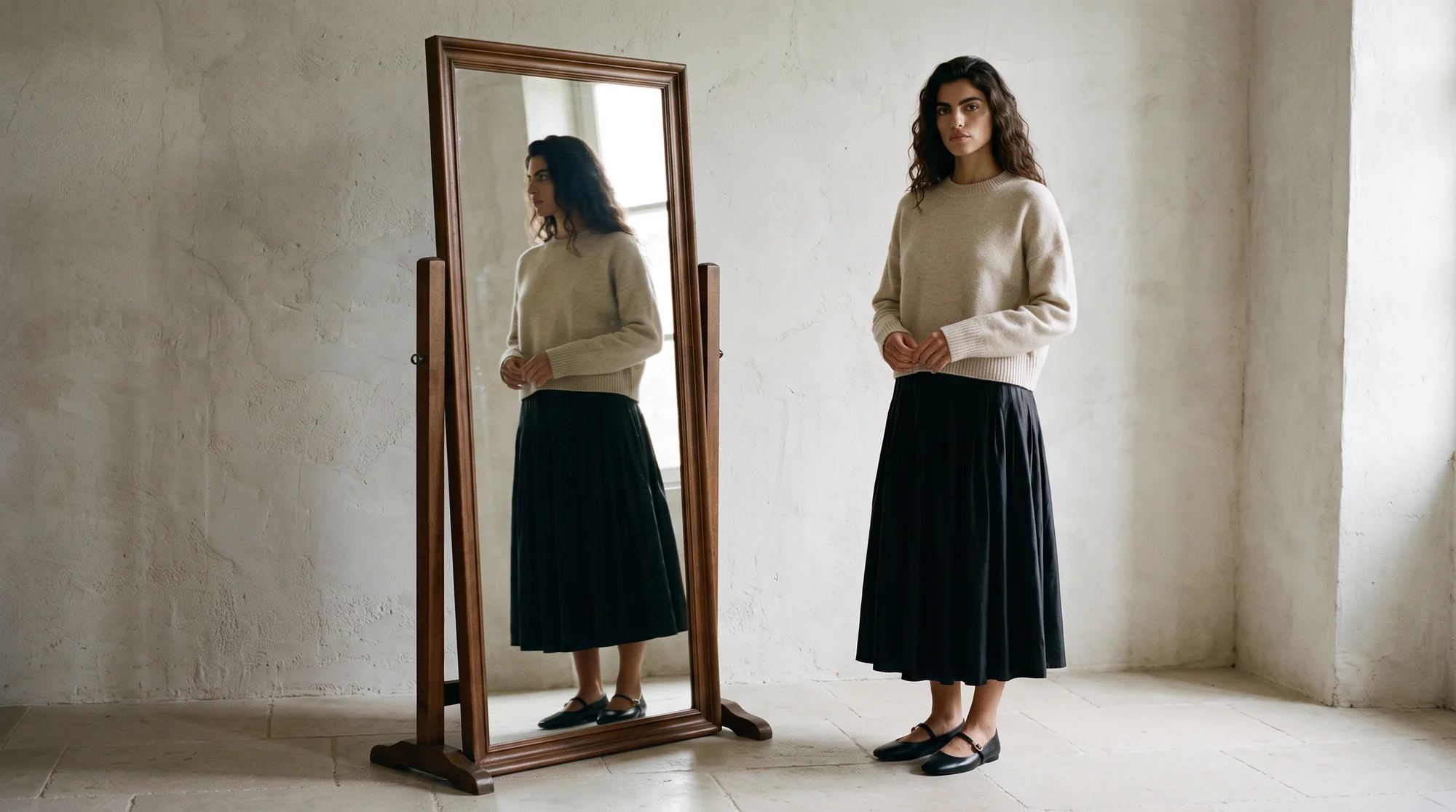
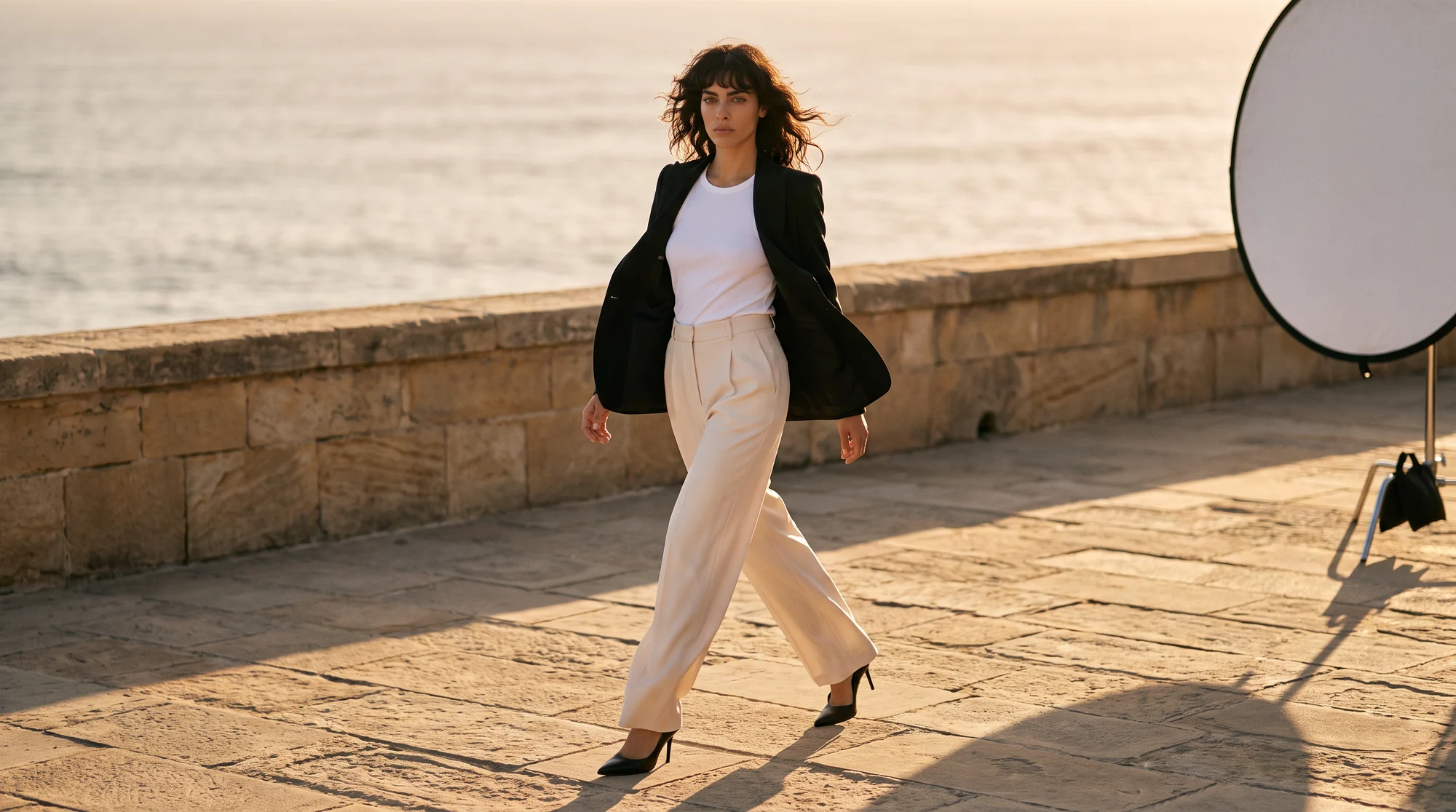
Garment visualization is the practice of producing a realistic image of how a garment looks when worn, without waiting for a full photoshoot. With AI, that image is built from a photo of the first physical sample: the real garment, placed on a realistic model, ready for sales material and product pages.
This guide covers where it fits in the calendar, where it pays off, and how to photograph a sample so it turns into publish-ready on-model images in time to sell it.
Why visualization moved earlier in the calendar
Selling now starts long before stock arrives. Wholesale buyers order from line sheets, the document wholesale brands use to present products to potential buyers. On-model images show a buyer the drape and proportion that a flat sketch leaves to the imagination.
Direct sales have moved earlier too. Pre-orders let customers buy a product before it is available to ship, so brands can gauge demand and lock in sales before inventory arrives. That only works if the product page already looks finished.
And merchandising decisions need pictures. Which colourway leads, which look opens the drop, which pieces get campaign support: these calls are easier and faster with the garment on a model in front of the team.
How on-model visualization from a sample works
The input is a photo of the first physical sample. A flat lay, a ghost mannequin shot or an existing on-model photo all work, as long as the garment is shown clearly and in full.
You choose the model, the pose and the background. The AI places that real garment on the model, so the fabric, colour, print and construction in the image come from your photo, not from a guess.
That is the difference between visualization for selling and a mood image. A buyer or a shopper is looking at the actual product they will receive, worn by a realistic model, and ready to go into a line sheet or onto a product page.
The shoot is what disappears. The sample photo does not, because every image starts from the real garment. Our guide to flat lay to on-model conversion walks through the process step by step.
Where on-model visualization pays off
These are the six points in the sample-to-live calendar where an on-model image from the first sample changes the outcome.
1. Line sheets and wholesale decks
Buyers commit on what they see. On-model images in the line sheet show drape and proportion that a flat sketch cannot, without waiting for a production shoot.
2. Pre-orders and early product pages
A product page built from the sample can go live as soon as the range is confirmed, so pre-orders and early demand start weeks earlier.
3. Launch-day completeness
When stock lands, the product pages are already finished. Nothing waits in a queue for a studio slot, and the whole drop launches together.
4. Merchandising and range reviews
Seeing every look on a model makes it easier to decide hero products, colour stories and campaign priorities while there is still time to act on them.
5. Market-specific casting
The same sample can be shown on different models for different markets, so each region sees the range on people who look like its customers.
6. Early creative tests
Ads and emails can test which look leads before the main campaign is produced, so the bigger spend goes behind the winner.
How to photograph a sample so it visualizes well
The sample photo is the source of every image that follows, so a few minutes of care here saves rework later. Steam it first; creases in the input become creases on the model.
Lay it flat on a plain surface or put it on a ghost mannequin, with the full length visible and the hem, cuffs and neckline shaped. Botika works from flat lays, mannequin shots and existing photos.
Light it evenly and keep the colour accurate. If the sample is a pre-production colour, note it, because the image will faithfully show the colour you photograph.
Photograph each colourway you plan to show. A quick, clean photo of every colour is enough, and it keeps the on-model image honest to the product the customer will receive.
What buyers and shoppers need to see
A wholesale buyer and an online shopper ask different questions of the same image. The buyer wants to judge the range quickly; the shopper wants to judge one piece closely.
For line sheets and buyer decks, consistency matters most. The same model, the same framing and the same background across the range let a buyer compare styles side by side without the presentation getting in the way.
For the product page, completeness matters most. Show the front on a model, a second angle, and a close detail of the fabric or trim. Our guide to fashion product detail pages covers what a strong set looks like.
Both audiences punish the same mistakes. A creased sample, a colour that does not match production, or a cropped hem that hides the length all travel straight into the image, and from there into a buyer's order or a shopper's return.
The fix is a short checklist at the sample photo stage: steamed, full length, true colour, every colourway. Ten minutes there protects every image that follows.
Building it into the sample-to-live calendar
A traditional cycle from sample to storefront runs four to six weeks once shoot booking, styling, retouching and approvals are counted. Most of that is waiting rather than work.
Shortening it changes what is possible. One large European fashion retailer has said that generative AI cut its imagery production time from six to eight weeks to around three to four days, fast enough to respond to short-lived trends.
On-model visualization moves the imagery step to the day the sample arrives. Generation takes about 15 minutes per photo, and on managed accounts Botika Creative Ops reviews and retouches every visual before it goes live.
The result is the sample-to-live speed brands on Botika see: 10x faster from sample to live product page, with production costs down by 90%.
In practice the new calendar looks like this. The sample arrives and is photographed the same day. The on-model images go into the line sheet and the buyer deck that week. The product page goes live for pre-order once the range is confirmed. When stock lands, the page is already selling.
The shoot does not disappear for every product. Hero looks and campaign moments may still justify a day in the studio. What changes is that the rest of the range no longer waits for one.
Keep the same models and settings from line sheet to product page. The images buyers approved are then the images shoppers see, and the range reads as one collection from the first sale to the last.
Common questions about garment visualization
What is the best virtual model studio for garment visualization?
For selling a range, a fashion-specific platform that places your real sample on AI models, so the image shows the actual fabric, colour and construction. Judge it on garment accuracy, model range and how quickly it turns a sample into publish-ready images.
What do I need to get started?
A photo of the physical sample: a flat lay, a ghost mannequin shot or an existing on-model photo. Botika does not generate garments from sketches or text, so the product in the image is always the real one.
Are AI on-model images accurate enough for wholesale buyers?
Yes, when the input is clean. The fabric, colour and construction come from your sample photo, so buyers see the real product on a model rather than an approximation.
Can I use the same images on the product page at launch?
Yes. The images are publish-ready, so the line sheet image and the launch-day product page image can be the same, which keeps what buyers approved and what shoppers see consistent.
Does it show how a garment fits different body types?
It shows the garment on models of different looks and builds. True fit simulation across body shapes is still in development, so use it to present the garment rather than to predict fit by size.
How long does it take from sample to image?
About 15 minutes per photo, with no daily cap on uploads, compared with weeks of waiting for a shoot slot.
Where this is heading
The gap between sample and sale is closing. As visualization moves to the day the sample arrives, the product page stops being the last thing finished and becomes something the range can sell from immediately.
The brands that move fastest treat the sample photo as the start of selling rather than the end of development, and keep one cast and one setting from the line sheet all the way to the product page.
Put your next sample through on-model photography, see the model gallery, or start with a free trial.