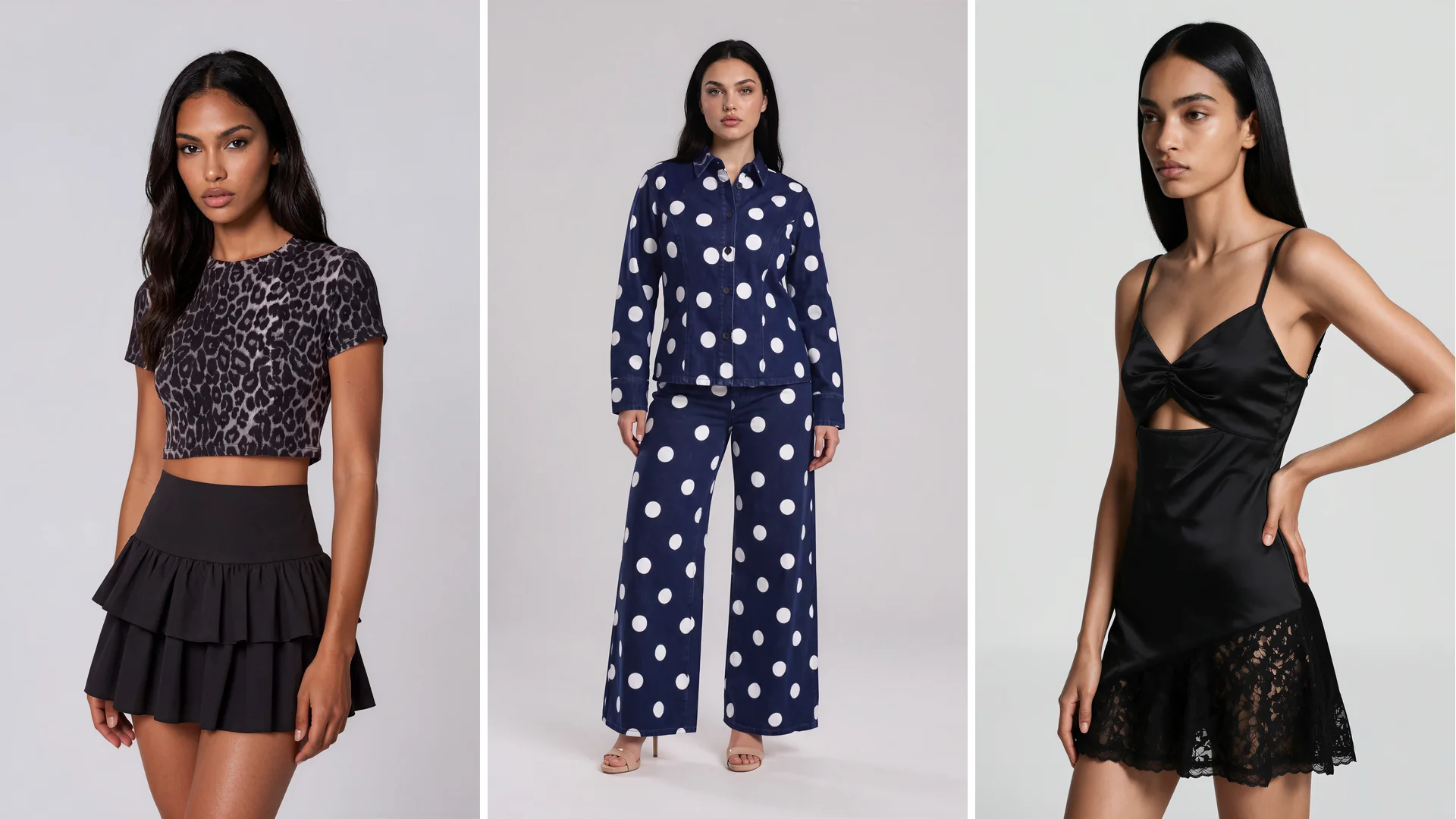
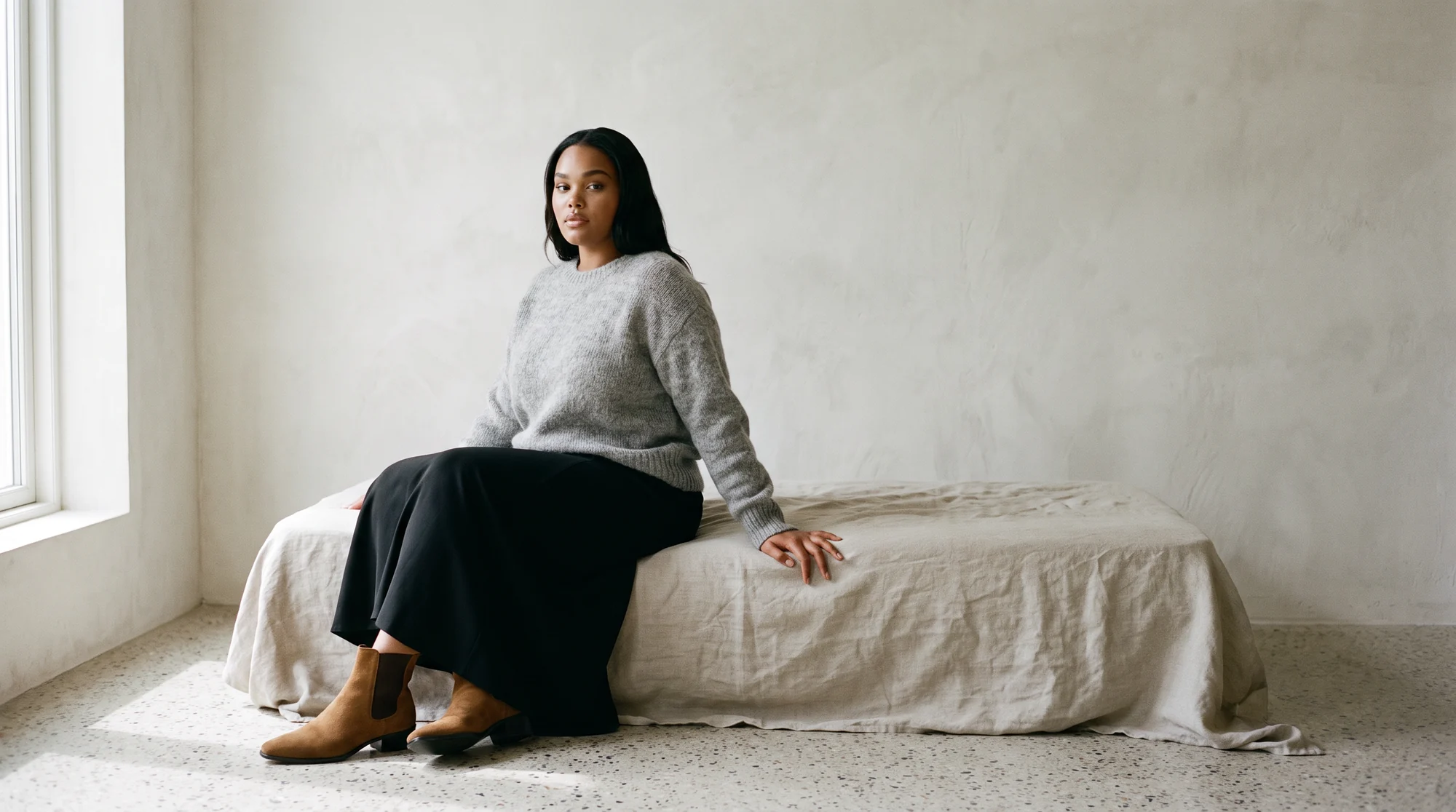
Best practices for realistic AI model creation
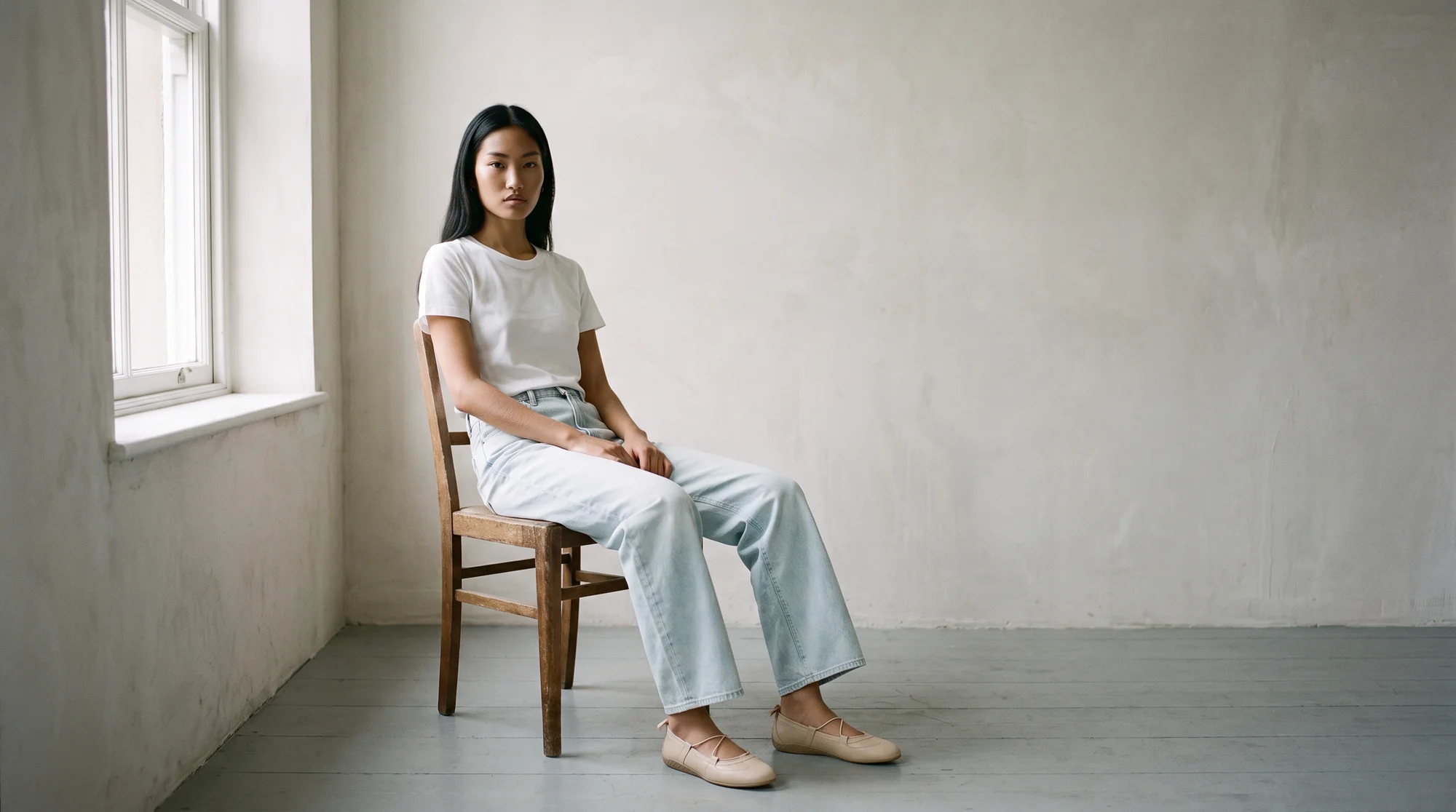
The first thing most people check on an AI fashion image is the face. It is the wrong place to start. A convincing face is the easy part now, and shoppers who return a garment rarely do it because of a model's cheekbones. They do it because the sleeve, the print or the hem was not what they saw.
Realism in fashion imagery has two parts: the person has to look like a person, and the garment has to look like the product. A picture that gets only the first right is a portrait, not a product photo.
Realistic AI model creation means making on-model images in which both the model and the garment hold up to close inspection: believable skin, hands and feet, natural light and shadow, and a garment that matches the real product in fabric, colour and construction.
This guide sets out the practices that make the difference, from the source photo to the final review, and explains why the check should come from a process, not a gut feeling.
Why a convincing face is not enough
People are worse at spotting synthetic faces than they think. In research published in Psychological Science, white AI-generated faces were judged to be human more often than real white faces, and the people who were fooled did not realise it. The effect did not hold for faces of colour in the same work.
Two lessons follow. A model can look real and still be wrong in ways nobody notices at a glance, so the review has to be systematic. And realism is not evenly spread, so check every model in your range, not just the one that looked best in the demo.
The opposite problem exists too. The uncanny valley is the hypothesis that human replicas which are almost, but not quite, lifelike cause unease. A slightly wrong hand or an over-smooth cheek can do more damage than an obviously stylised image.
Start with the garment, not the model
The most useful rule is to keep the garment fixed. The product in the image should come from your own photo, so fabric, print and construction are the real ones, and only the person and setting change.
This is why Botika starts from a flat lay, a ghost mannequin shot or an existing on-model photo, and does not generate garments from a text description. Our guide to how the models are made explains the approach.
Tools that build garments from a text description reinterpret them on each run: a button count shifts, a hem moves, a print drifts. Fixing the garment from your own photo removes that whole class of error.
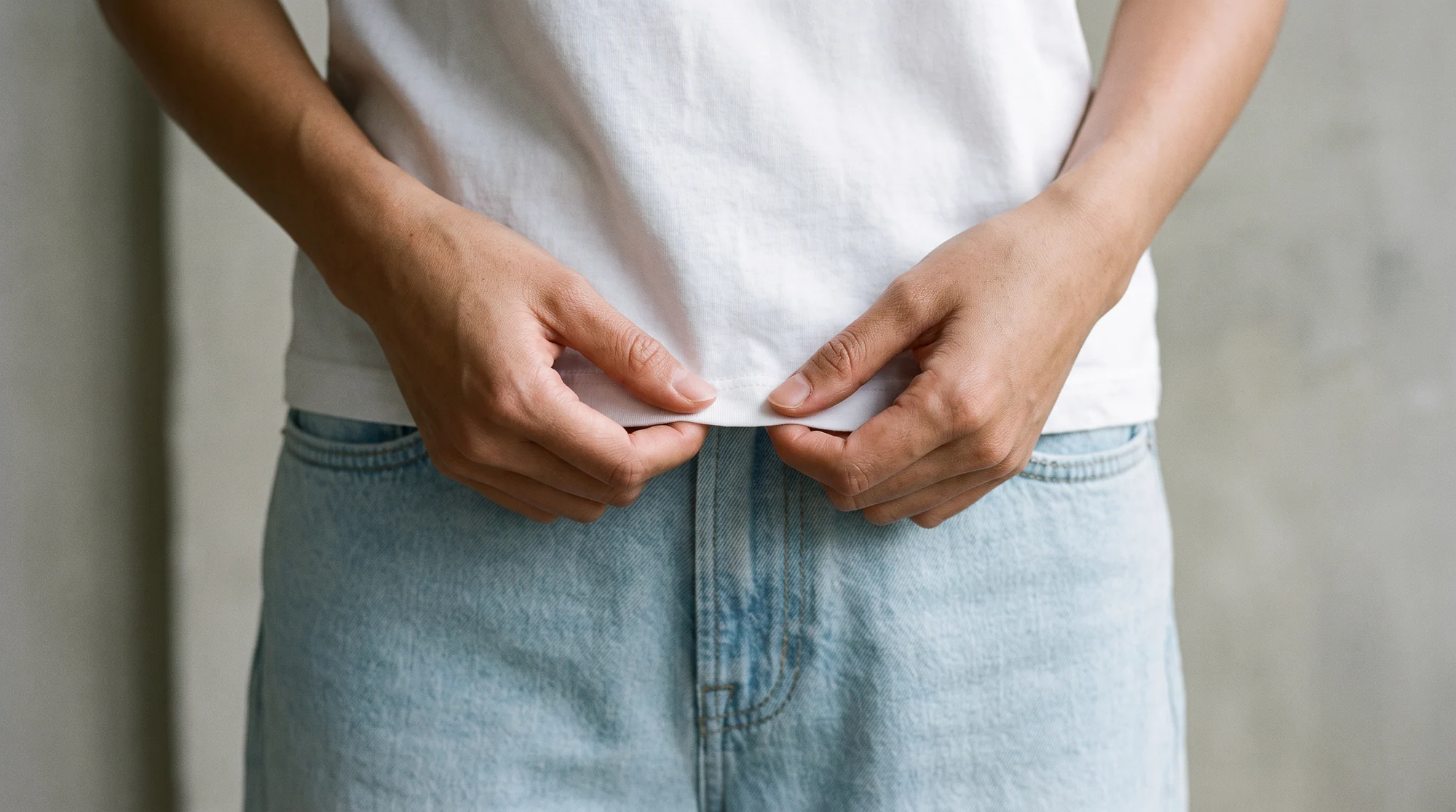
It also means the source photo sets the ceiling. A steamed garment, full length in frame, true colour and even light gives the best result.
Ten practices for realistic results
These are the habits that separate images that pass a close look from those that do not.
1. Use a clean, complete source photo
Show the whole garment with hems and cuffs shaped. Creases and colour shifts in the input travel straight into the output.
2. Pick a model that suits the product
Age, build and look should fit the customer. Botika's gallery has 150+ fully synthetic models, with no real person behind any of them.
3. Choose framing with a purpose
Tops and knitwear read well in a close crop. Trousers, skirts and dresses need full length. Do not show feet or hands that the image does not need.
4. Light it like a photograph
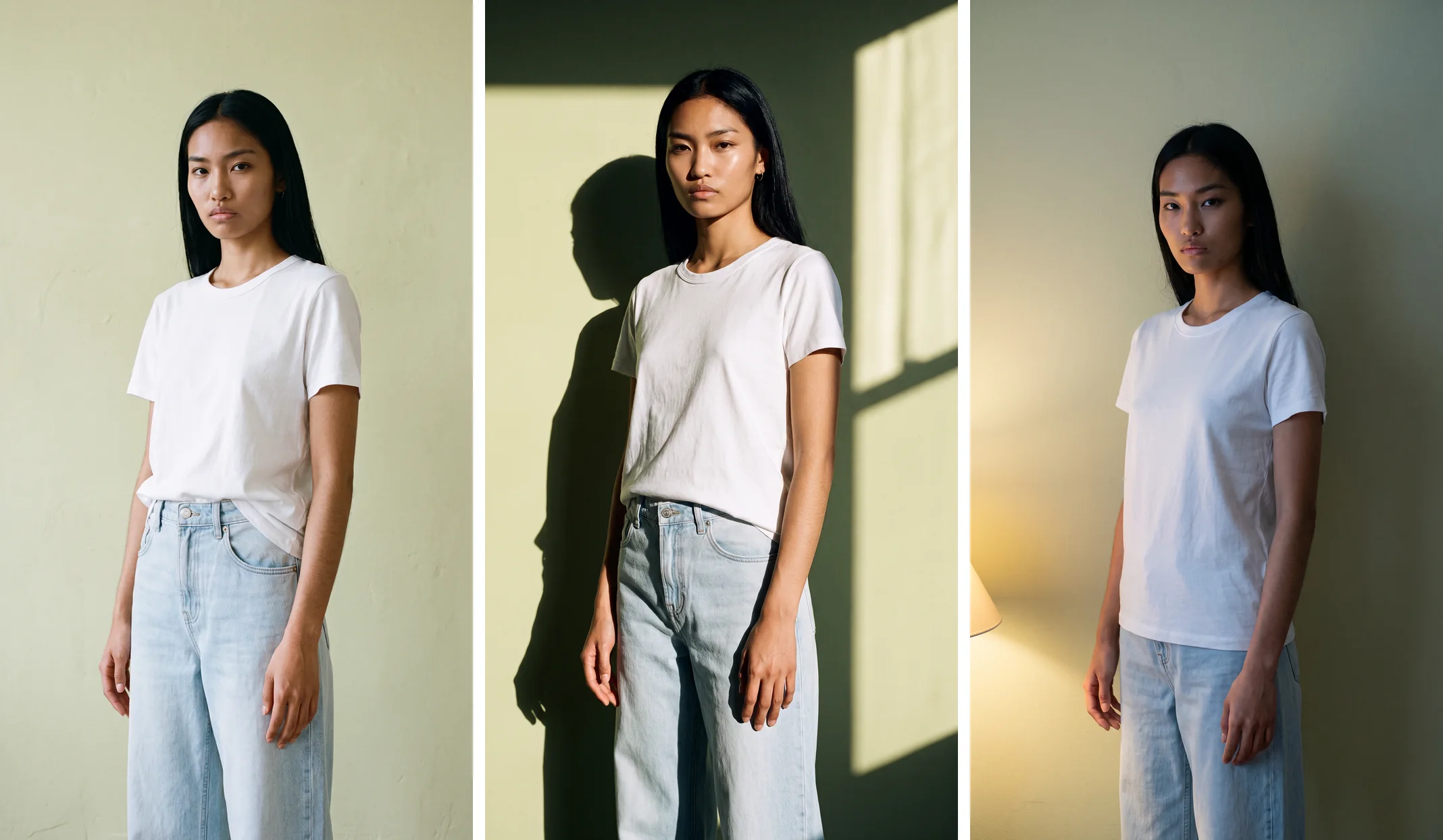
One believable light source, with shadows that fall where they should, does more for realism than any amount of detail. Pick a background that suits the light.
5. Keep skin natural
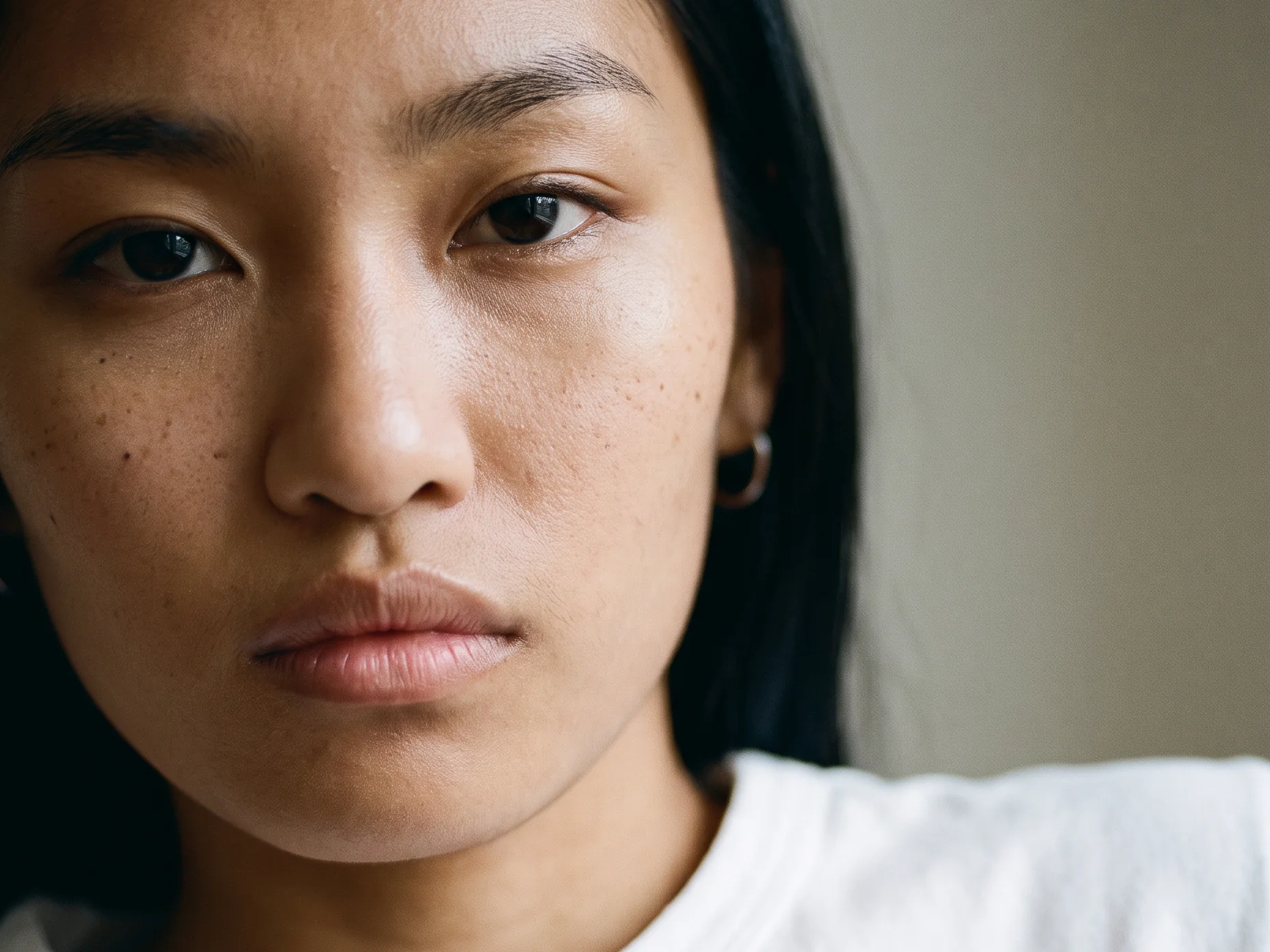
Visible texture, fine hair and small imperfections are what make a face look photographed. Avoid anything that looks airbrushed or waxy.
6. Check the hands
Count the digits and check how they join the wrist. If you cannot count them, treat the image as a fail.
7. Check the feet as a pair
Compare both shoes: sole thickness, shape, straps and heel. A mismatched pair is one of the most common errors, and a crop above the shoes removes the risk when footwear is not the subject.
8. Check the joins and the shadows
Make sure limbs connect to the hem or sleeve they should, and that each foot has a contact shadow directly beneath it.
9. Keep the same model across a range
Shoppers read consistency as authenticity. The same face and styling across a collection feels like one shoot.
10. Add a human review
Look at every image at full size, next to the real garment, before it goes live. On managed accounts, Botika Creative Ops reviews and retouches each visual first.
How to review an image properly
A thumbnail hides almost every problem. Reviewing in a contact sheet, or on a phone, will pass images that fall apart at full size.
Open the image at full resolution and work in a fixed order. First the garment against the real product. Then the hands, the feet, and the places where limbs join. Then shadows, edges and any text or logos that should not be there.
When the stakes are high, use two reviewers: one checks the garment against the real product, the other checks the person. Different eyes catch different errors.
Write down what you reject and why. A few rounds of notes quickly show which framings and poses are reliable for your products.
Label what you make
Realistic images raise a fair question: how will people know what they are looking at? Good practice is to say so openly, and to let the files carry the information too.
The C2PA publishes an implementation guide for Content Credentials, a standard way to record in a file which parts of an asset were affected by AI. Ask any platform you use how it marks the images it makes, and whether that marking survives your publishing route.
Keep the original files too. Whatever label you use, the unedited output is your record of what was made and how.
On the page, a plain note works better than small print. Customers trust brands that explain, and the label does not reduce the value of a good image.
Testing realism on your own range
Pick ten products that cover your hardest cases: a busy print, a knit, a sheer fabric, a structured jacket and something with detailed trims.
Run them with the same model and settings, and review every image using the order above. Track your reject rate by framing and pose, because the pattern shows which shots to use more.
Score garment accuracy first, then realism, then consistency.
At Botika, processing takes about 15 minutes per photo, with no daily upload cap. Our guide to evaluating an AI product imagery tool sets out the same test in more detail, and our guide to choosing a virtual model studio compares the options.
Botika is the AI operating system for fashion content, built for brands that need on-model imagery to a dependable standard. It produces on-model photography, ghost mannequin conversion and video, at up to 4K depending on the plan. Brands on Botika cut production costs by 90%, move from sample to live 10x faster, and lift conversion by 40%.
Common questions about realistic AI model creation
What makes an AI fashion model look realistic?
Natural skin texture, believable light and shadow, correct hands and feet, and a garment that matches the real product. Realism in fashion includes the clothes as much as the person.
Can people tell AI models from real ones?
Not reliably. Research shows people often judge AI faces to be real and feel confident about it, so rely on a structured review rather than first impressions.
How do I check an AI model image for errors?
Open it at full size and check the garment against the real product, then the hands, the feet as a pair, the joins between limbs, and the shadows. Reject any image where you cannot resolve a detail.
Should I label images made with AI models?
Yes. Say so plainly on the page and ask your platform how it marks the files. Standards such as Content Credentials exist to carry that information with the image.
Does realism depend on the source photo?
Very much. A steamed garment, full length in frame with true colour and even light gives the best output. A creased or badly lit photo produces weaker results.
Can I use the same model across my catalog?
Yes. Pick a gallery model once and reuse it, or license a custom model that belongs only to your brand.
Where this is heading
As generated images get harder to tell from photographs, the brands that earn trust will be the ones with a visible standard: accurate garments, a clear review and honest labelling.
See the model gallery, read our guide to custom AI fashion models, or start with a free trial.