Photo requirements for AI fashion imagery

Most disappointing AI fashion images do not fail in the generator. They fail before it, in the photo that went in.
A creased flat lay, a mannequin with a visible clip or a dark shot with a colour cast gives the software a flawed starting point. It will reproduce that flaw faithfully, and then you will spend time fixing something a better photo would have avoided.
This guide sets out the technical requirements for the photos you upload: what to shoot, how to light it, which garments work best and the mistakes that cause most re-dos. It is a checklist you can hand to whoever prepares your garments.
The input decides the output
AI imagery is only as accurate as the garment photo behind it. The model can change the person, the pose and the scene, but it works from what your photo shows about fabric, cut, colour and construction.
That is good news, because input quality is the part you control. A few minutes of preparation on each garment tends to save more time than any amount of retouching afterwards.
Our guide to how AI fashion models work explains the full process. This article covers only the first step.
What kind of photo works
Three starting points work well, and each has its own guide.
Flat lay. A garment laid flat on a clean surface, shot from above. It is the cheapest to produce and the easiest to standardise. See flat lay to on-model conversion.
Mannequin or ghost mannequin. The garment on a form, with the form removed or hidden. It shows shape and drape better than a flat lay. See ghost mannequin to AI model photography.
An existing photo. A past on-model shot, even a cropped or headless one, can be reused to place the garment on a new model in a new setting.
Pick the one your team can produce consistently. Consistency across the catalogue matters more than the format.
The technical checklist
Use this list for every garment.
- Front and back. Shoot both. A back image gives the system the information it needs for the reverse of the garment.
- Whole garment in frame. No cropped sleeves, hems or necklines. Leave a margin on every side.
- Even, soft light. Avoid hard shadows, harsh flash and window glare. Even light shows true colour and texture.
- Neutral, plain background. A clean white or light grey surface keeps the edges of the garment clear.
- Sharp focus. Check the stitching and fabric texture at full size. Blur on the input becomes blur on the output.
- Colour that matches the real product. Hold the photo against the actual garment or swatch. A colour cast now becomes a return later.
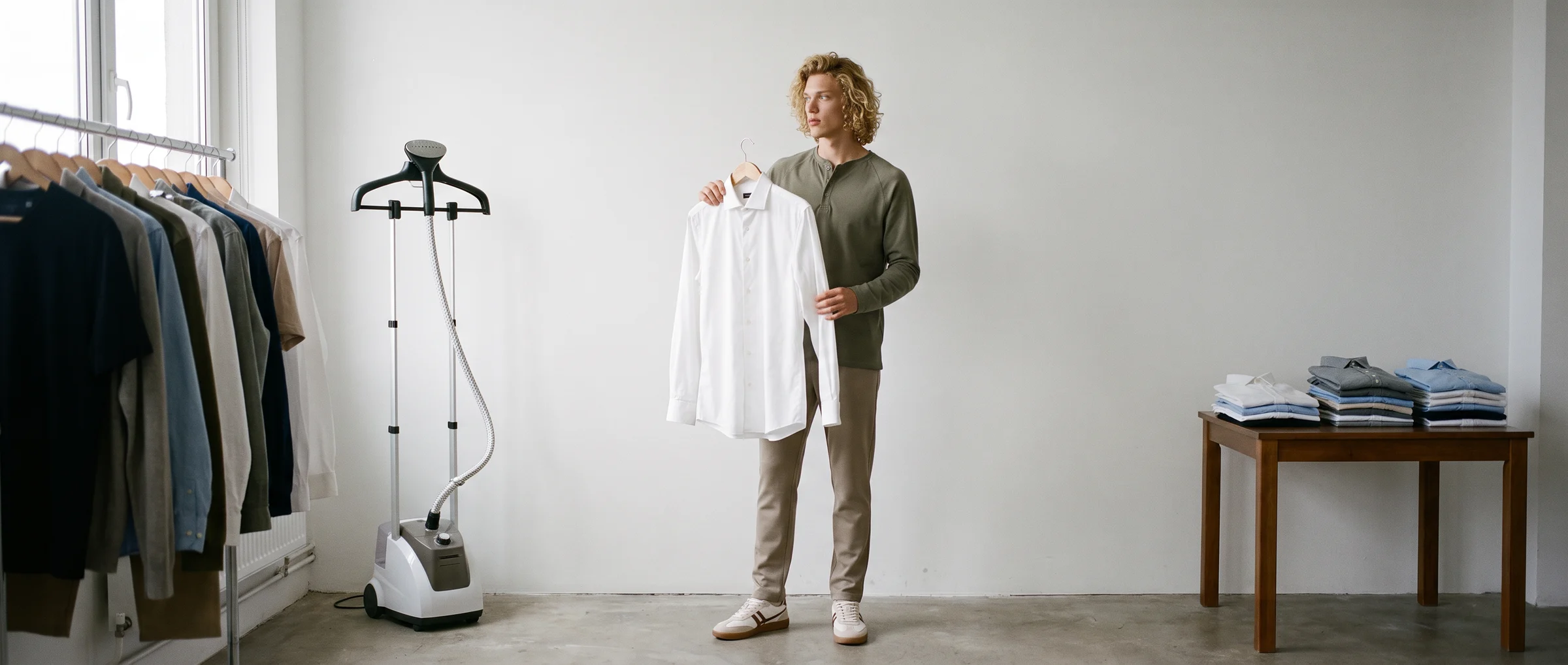
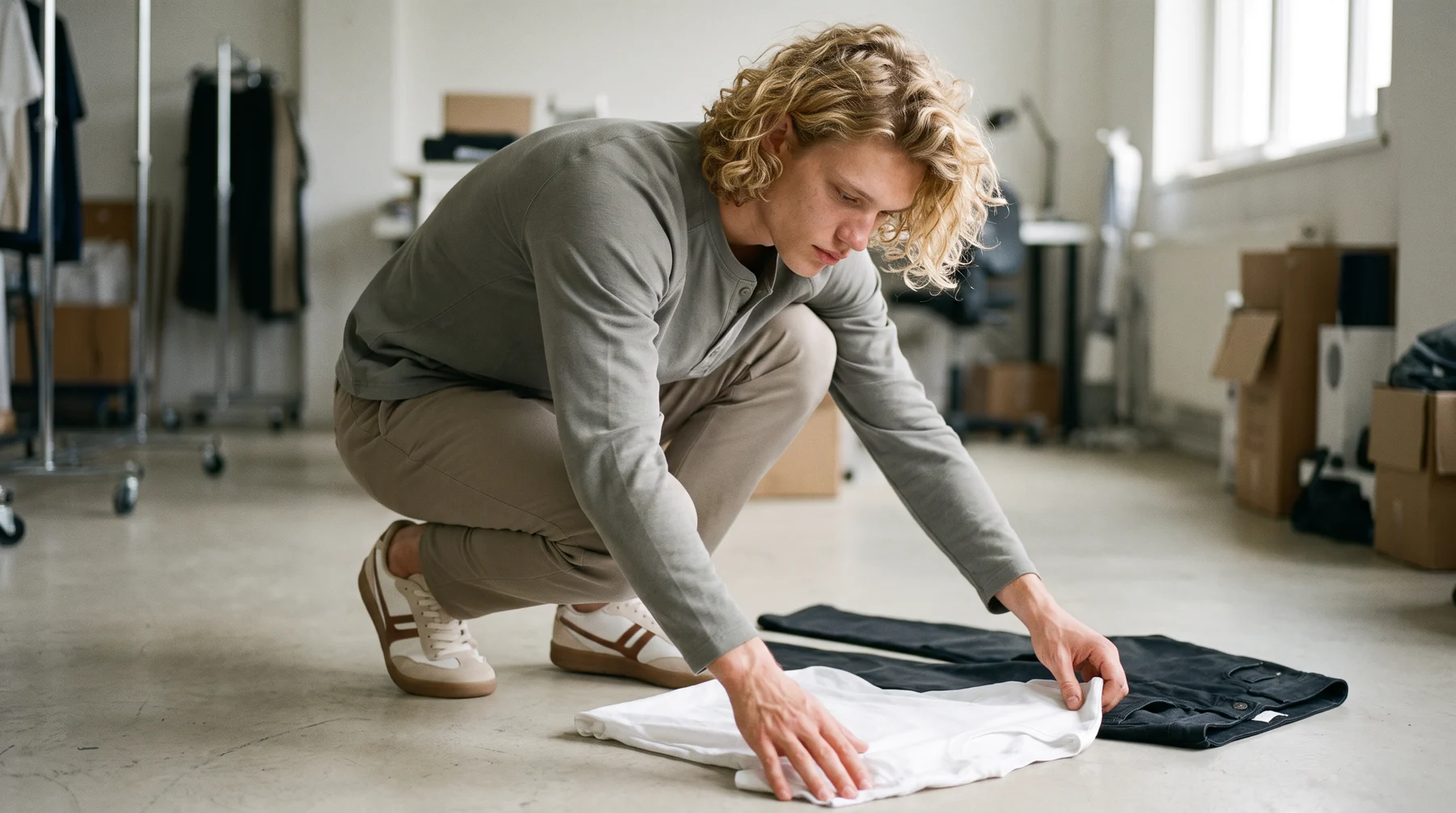
- Flat and smooth. Steam or press first. Creases and folds will read as part of the design.
- High resolution. Shoot at the highest your camera or phone allows, and avoid heavy compression.
Which garments work best
Some garments translate more easily than others.
Simple, single-colour pieces such as tees, knitwear, activewear and basics work best from a flat lay. They have clear shapes, even colour and little to misread.
Heavier structure, such as outerwear and tailoring, tends to benefit from a mannequin shot that shows how the garment holds its shape.
Fine detail needs more care. Busy prints that must line up across a seam, sheer fabric, lace, sequins and very small trims are harder to reproduce exactly, so give them better lighting, more resolution and a closer final check.
Our guide to the pros and cons of AI fashion models covers where these limits sit.
Completing the look
A single garment needs the rest of an outfit around it. A top needs trousers and shoes, and a dress needs shoes.
In Botika, a brand uploads the garment, then completes the look by choosing shoes, bottoms or accessories from the library or uploading its own. It then selects one of 150+ AI models, the size, the pose and the background. Decide those choices in advance as part of your look guide, so every product in a collection is styled the same way.
If your brand has a defined style, write it down. Our guide to brand guidelines for AI fashion imagery shows how.
Common mistakes
These cause most re-dos.
- A dark or yellow photo. Fix the light, not the output.
- A wrinkled garment. The wrinkles carry through.
- Mismatched front and back. Different lighting between the two creates inconsistent results.
- A crop that cuts the hem. The edge of the garment becomes a guess.
- Colour taken from a screen. Check against the physical piece.
- Skipping the final review. Open every result at full size and check hands, shoes as a pair, hems and print against the real garment. If something is off, flag it. Botika lets a customer flag an issue on any image, and its team reviews and corrects it.
Make it routine
Write the checklist on one page, put it where garments are prepared and train whoever shoots them. After a week, review which products needed fixes and why. The same two or three causes usually repeat, and once they are known the process gets fast.
Then start with a small batch. Try Botika on a handful of products, compare the results to the real garments and adjust the input standard from what you see.
Common questions about photo requirements for AI fashion imagery
What photos do I need for AI fashion imagery?
A front and a back image of each garment, shot flat or on a mannequin, in even light on a plain background, in sharp focus and at high resolution. Existing on-model photos can also be reused.
Does a flat lay or a mannequin photo work better?
Both work. A flat lay is cheapest and easiest to standardise, and a mannequin shot shows shape and drape better. Pick the one your team can produce consistently.
Do I need a professional camera?
No. A modern phone can work if the light is even, the garment is pressed, the colour is accurate and the photo is sharp and high resolution.
Which garments are hardest to reproduce?
Busy prints that must line up across seams, sheer fabric, lace, sequins and very small trims. Give them better light, more resolution and a closer final check.
Can I use a cropped or headless photo?
Yes. An existing on-model photo, even a cropped one, can be used to place the garment on a new model in a new setting, as long as the garment is clearly visible.
What should I do if a result looks wrong?
Open it at full size and compare it with the real garment. If a detail is off, flag it. Botika lets a customer flag an issue on any image and its team reviews and corrects it.