Alternatives to AI avatar video tools for fashion

A talking presenter on screen answers some questions very well. How does this software work, how do I fill in this form, what does our policy say. It is a less natural answer to the question a fashion brand asks most often: what does this garment look like on a person?
That gap is why brands that try an AI avatar video tool for product content often come away unconvinced. The tool works as described. It is simply built for a different job.
This guide sets out what to use instead, job by job. In short, the alternatives to AI avatar video tools for fashion are tools that start from the garment rather than the presenter: on-model photography, short fashion video made from stills, editorial scenes, try-on and custom models.
Two kinds of tool that sound alike
AI avatar platforms such as Synthesia turn a script into a video of a digital presenter. The person on screen is the point. They explain, teach or announce, and the product is usually a screen, a process or an idea.
Fashion imagery tools work the other way round. The garment is the point. The model exists to show how a real piece of clothing fits, drapes and moves, so accuracy of cut, colour and fabric matters more than the quality of a spoken script.
Both use AI to generate people. What they are asked to get right is very different.
What fashion teams usually need
Most requests we see fall into four jobs.
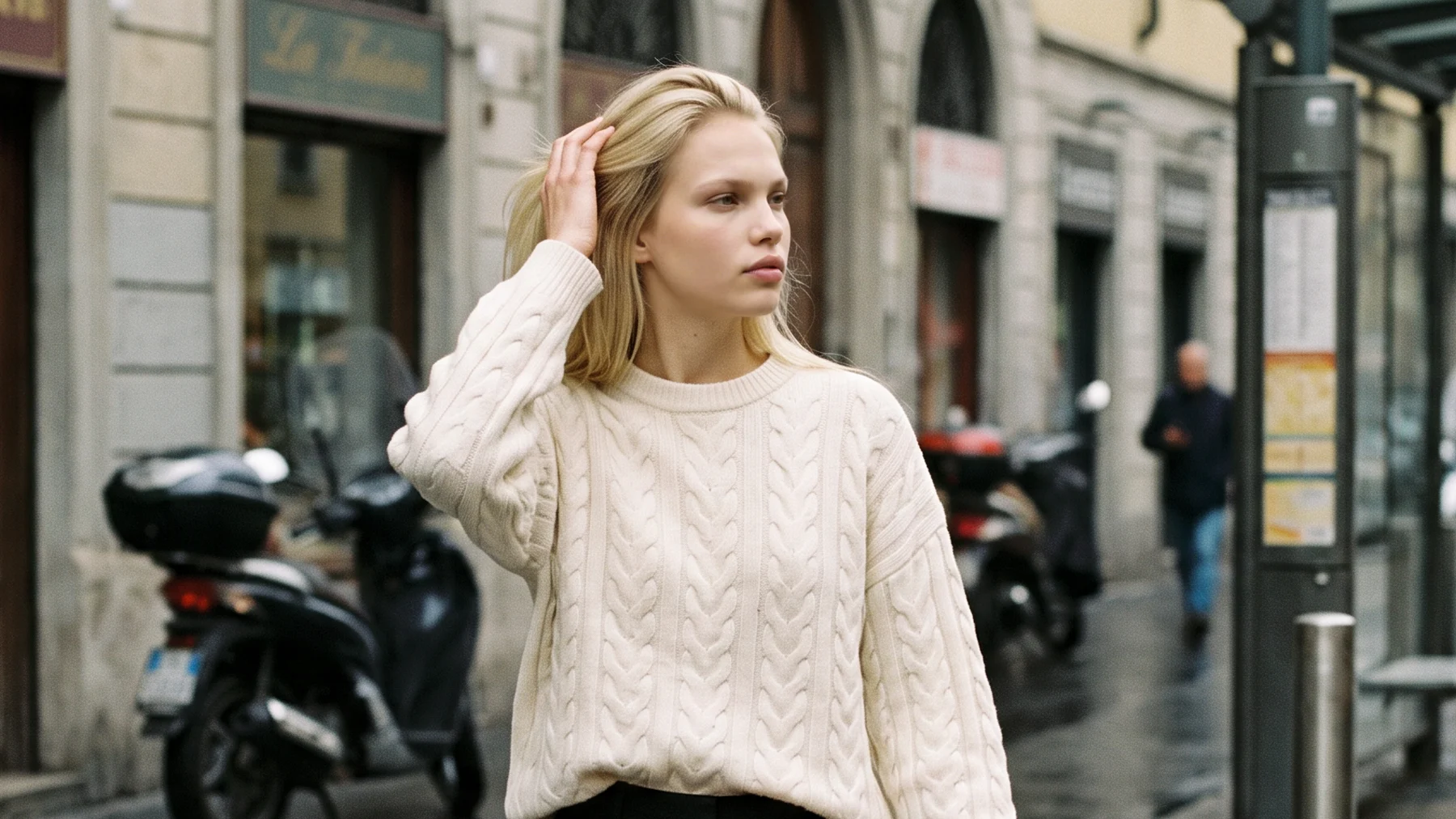
- A product page image. The garment, worn, front and back, on a model who suits the customer.
- A campaign or editorial scene. The same garment in a place, with a mood.
- A short video of the garment. Movement that shows drape and fit, for a product page or a social post.
- A try-on or fit preview. A shopper sees a garment on a body close to their own.
An avatar presenter does none of these directly. That is not a weakness of the tool, only a mismatch with the brief.
Alternatives, matched to the job
Think of this list as a menu. Most brands use two or three of these together.
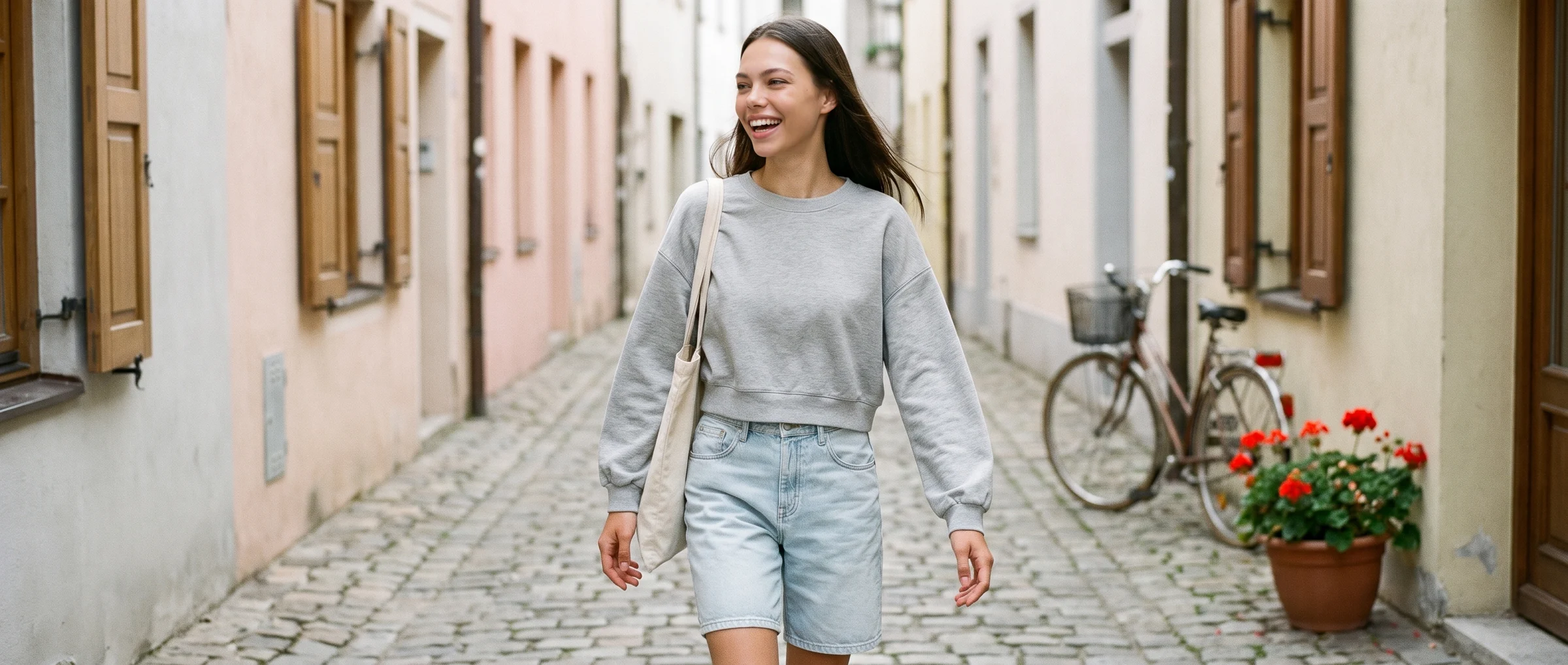
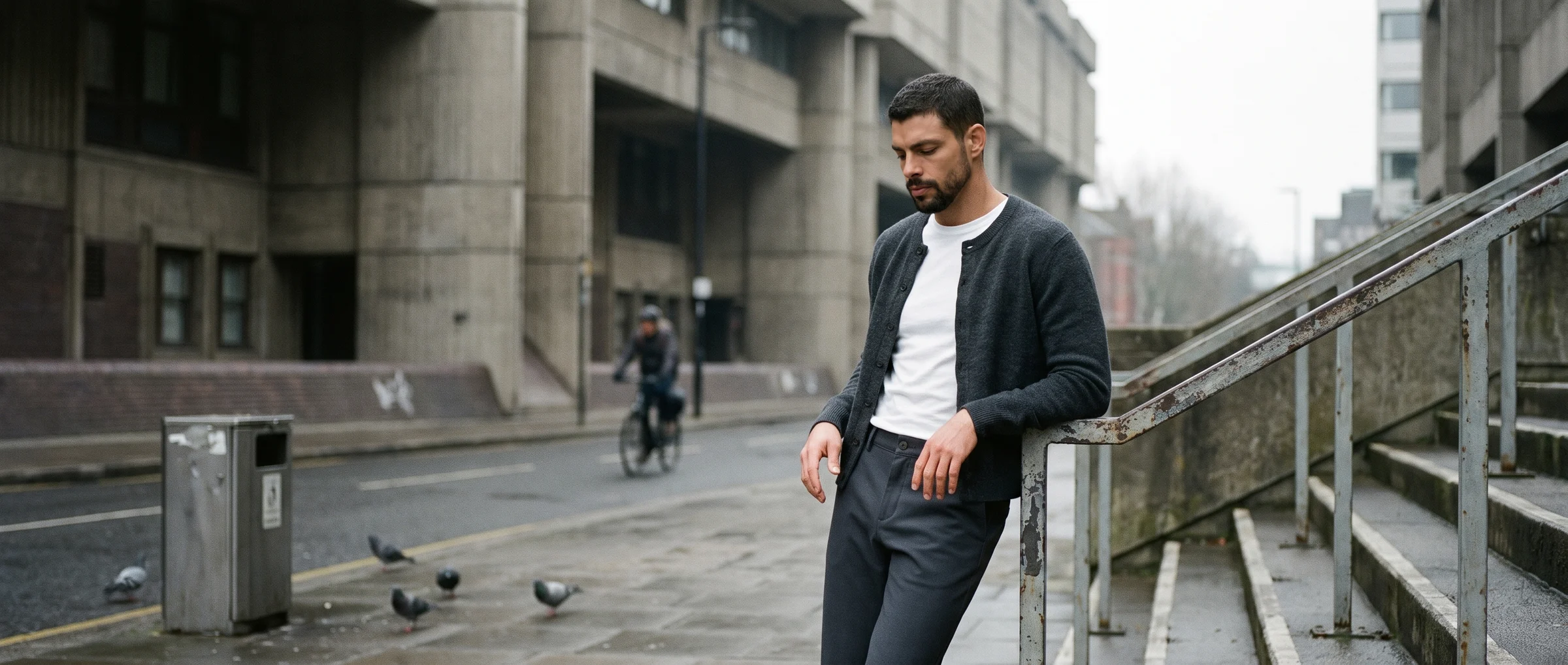
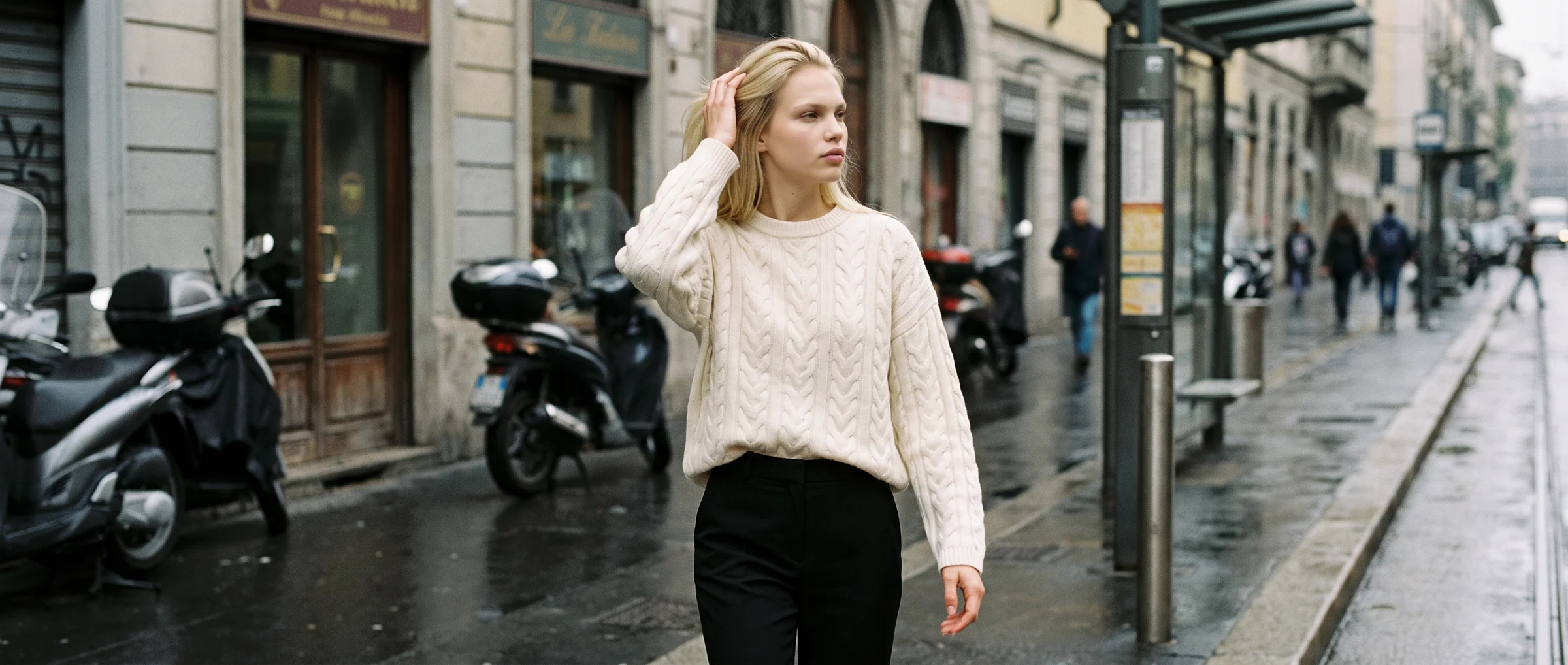
- On-model photos from one garment photo. Upload a flat lay, a ghost mannequin shot or an existing photo, choose a model, a pose and a background, and the garment appears worn. It is the direct replacement for a catalogue shoot. See our guide to how AI fashion models work.
- Short fashion video made from stills. A single product photo becomes a few seconds of movement, such as a slow turn or a walk, that shows how the fabric behaves. See AI fashion video.
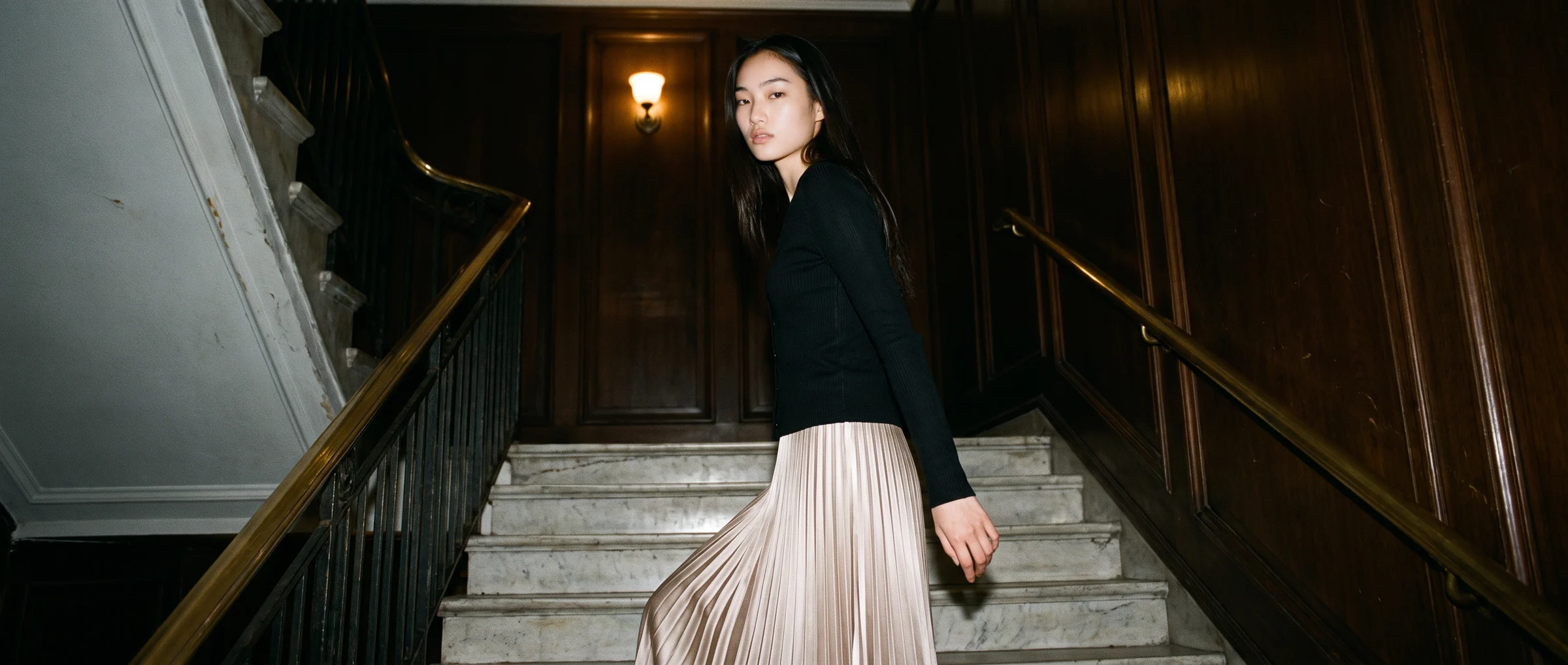
- Editorial and campaign scenes. The same model and garment placed in a street, a studio or an interior, for lookbooks, ads and social. Our guide to what you can make with AI fashion models lists the formats.
- Virtual try-on. A shopper previews a garment on themselves. It answers a different question from a catalogue image, and the two work well together. See virtual try-on versus AI on-model photography.
- Digital twins and custom models. A brand licenses a model that belongs only to it, or digitises a model it already works with, so that the same face appears across seasons. See virtual fashion influencers versus AI model imagery for how this differs from a brand mascot.
Where avatar tools still make sense
None of this means avatar video has no place at a fashion company. It suits training new store staff, explaining a returns policy, onboarding a wholesale buyer to a portal, or narrating a size guide in several languages.
Treat it as a separate line item from product imagery. Different budget, different owner, different review process.
A simple way to choose
Before you compare tools, write down the three outputs you publish most often. Then ask four questions of each tool.
- Does it start from my real garment? If the product is not the input, you will spend the time fixing the output.
- Can I keep the same person across a range? Consistency is what makes a catalogue read as one brand.
- How is quality checked? Someone has to look at hands, seams and fabric before an image goes live.
- What does it cost per finished image? Divide the spend by the images you actually publish, not the images generated.
Test two or three tools on your hardest products: a busy print, a knit, a sheer fabric. A plain tee tells you very little.
Where Botika fits
Botika is the AI operating system for fashion content. It makes on-model photos and short videos from a brand's own garment photos, with 150+ AI models, a curated bank of poses and a choice of backgrounds. One credit makes a photo and five make a video.
On managed accounts, Botika Creative Ops, a dedicated team, reviews and retouches images before they reach you. On self-serve plans you review them yourself.
It does not put a talking presenter on screen. If that is what you need, use an avatar tool for it and Botika for the garment. See pricing for current plans.
Where this is heading
The line between the two kinds of tool will blur. Avatar platforms will get better at showing products, and fashion tools will add voice and motion. The question to ask will stay the same: is the garment the input, and does the output stay true to it?
Start with the job, then pick the tool that treats your product as the source.
Common questions about alternatives to AI avatar video tools for fashion
What are the best alternatives to AI avatar video tools for fashion brands?
Tools that start from the garment. The main options are on-model photography from a garment photo, short fashion video made from stills, editorial scenes, virtual try-on and custom models. Which one fits depends on whether you need a product page image, a campaign scene or a short video.
Can an AI avatar tool show clothes on a person?
It can place a digital presenter in a garment, but the presenter is the focus and the garment is usually not reproduced exactly. For product pages, where cut, colour and fabric must match the real item, tools built around the garment photo are a better fit.
Is AI fashion video the same as avatar video?
No. Avatar video generates a presenter who speaks a script. AI fashion video animates a garment on a model, for example a slow turn or a walk, to show fit and drape. There is usually no speech.
Do fashion brands still need presenter video?
Often yes, for training, policies, onboarding and size guides. It is a different use from product imagery and usually has a different owner and budget.
What does Botika make?
On-model photos and short videos from a brand's own garment photos. It starts from a flat lay, a ghost mannequin shot or an existing photo, and you choose the model, pose and background.
How do credits work on Botika?
One credit makes one photo and five credits make one video. Plan details are on the pricing page.