What you can make with AI fashion models

When brands think about AI fashion models, they usually picture one thing: a product page image of a garment on a person. That is the most common use, but it is a small part of what the same models can produce.
Once a garment exists as a clean, accurate image on a consistent model, the same starting photo can feed a campaign banner, a short video, a social post and an email header.
This guide lists what you can make from a single garment, which kind of image suits which job and how to plan a set so every piece looks like it belongs to one brand.
Start with the job, not the tool
Different images do different work. A product page image has to be accurate, because the shopper is deciding whether to buy. A campaign image has to carry a mood. A social post has to stop a scroll in a second.
Before you generate anything, name the job and the channel, and note who will see it and what you want them to do next. It decides the framing, the setting and how much creative licence you can take.
Our guide to best practices for fashion product detail pages covers the first job in depth. The rest of this article covers the others.
Product page images
The foundation. A clear, well-lit image of the garment on a model, with enough variety to answer a shopper's questions: front, back, a movement shot and a detail.
Accuracy is everything here. The garment must match the real product in colour, print and fit. Check every image at full size against the real piece before publishing.
Because the same model and light can run across the whole catalogue, product pages look like one shop and not a collection of different shoots.
Campaign and editorial scenes
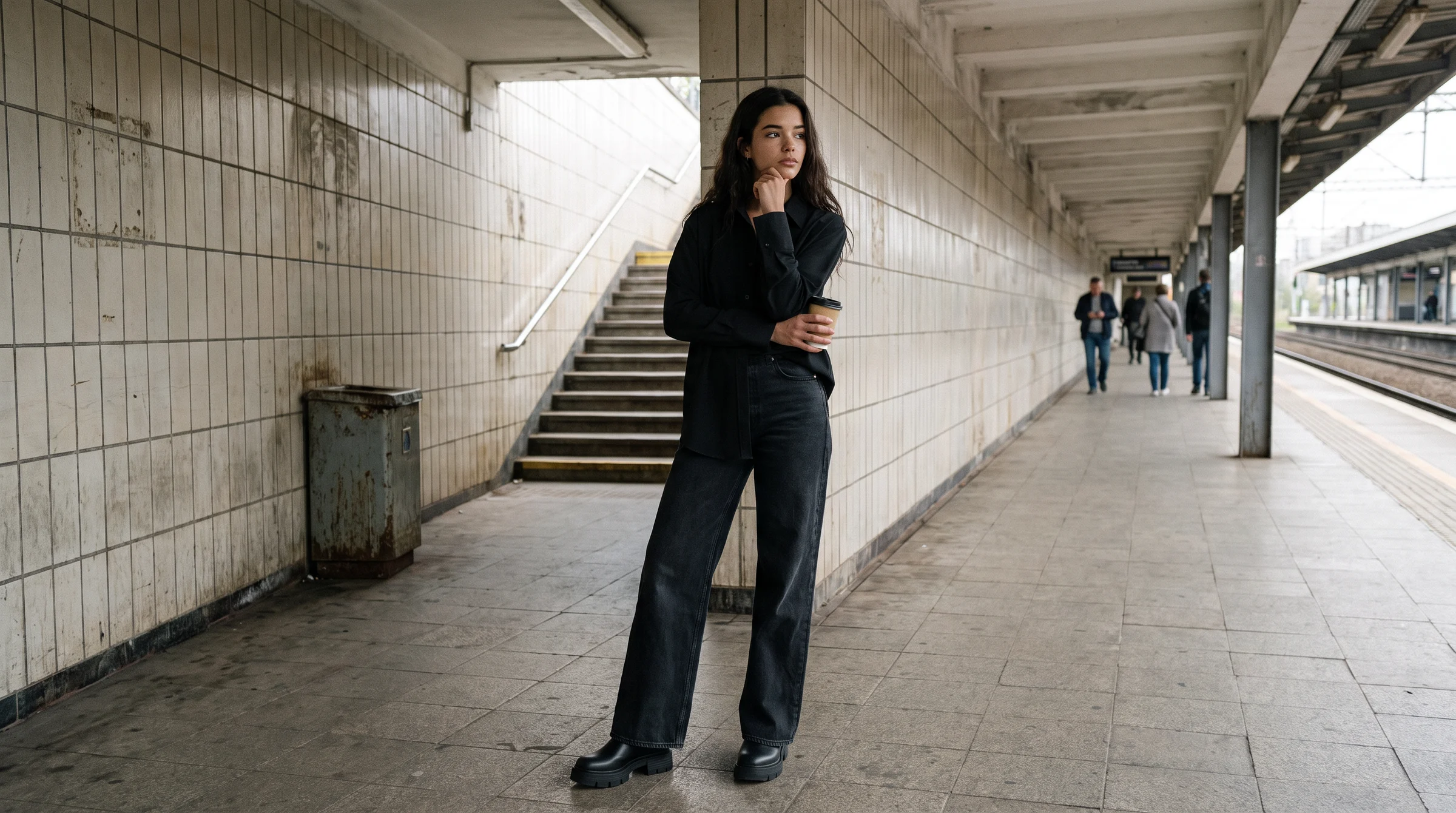
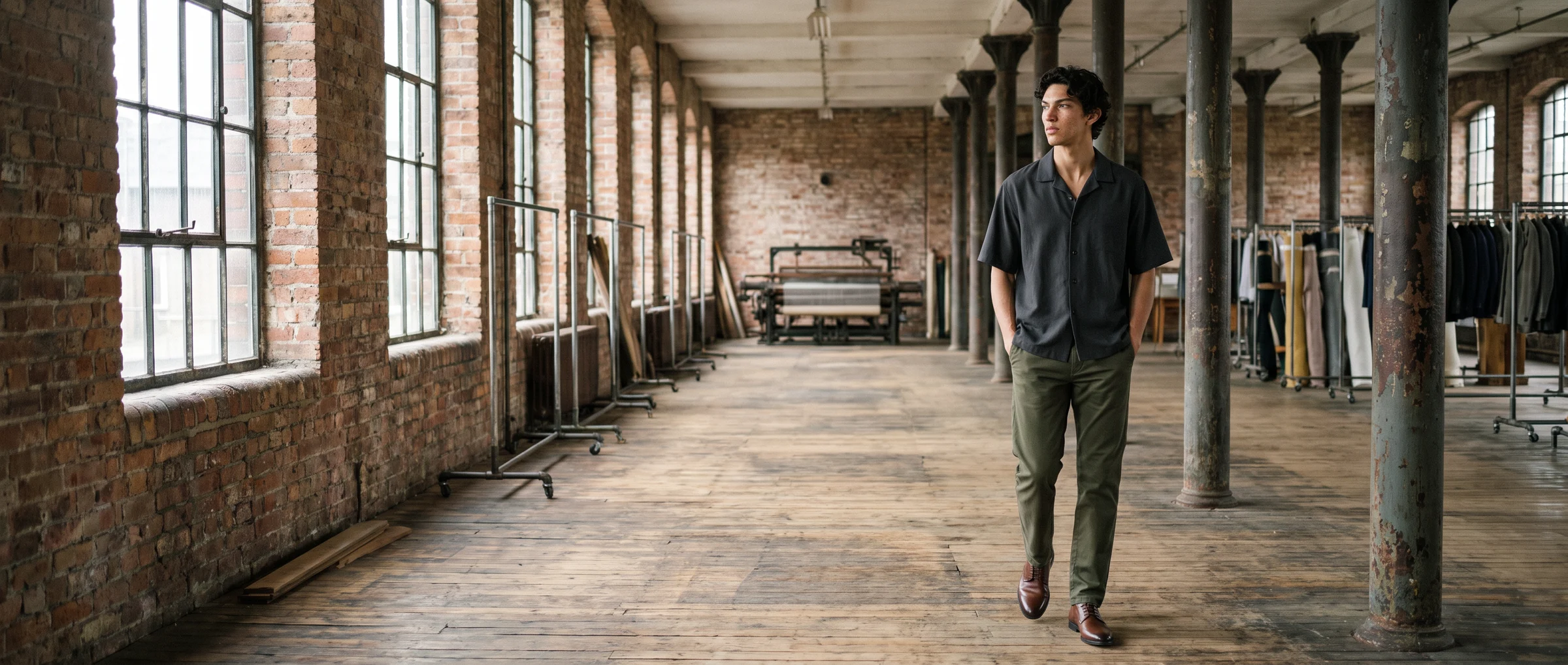
Here the same garment goes into a setting: a street, a courtyard, a studio set, a season. The product stays accurate and the world around it is invented.
Campaign scenes give you range without travel. You can show a coat in three cities or a swimsuit in three climates without booking anyone. Our guide to AI fashion campaign imagery shows how to brief them.
Keep one model and one outfit per campaign so the set reads as a single shoot.
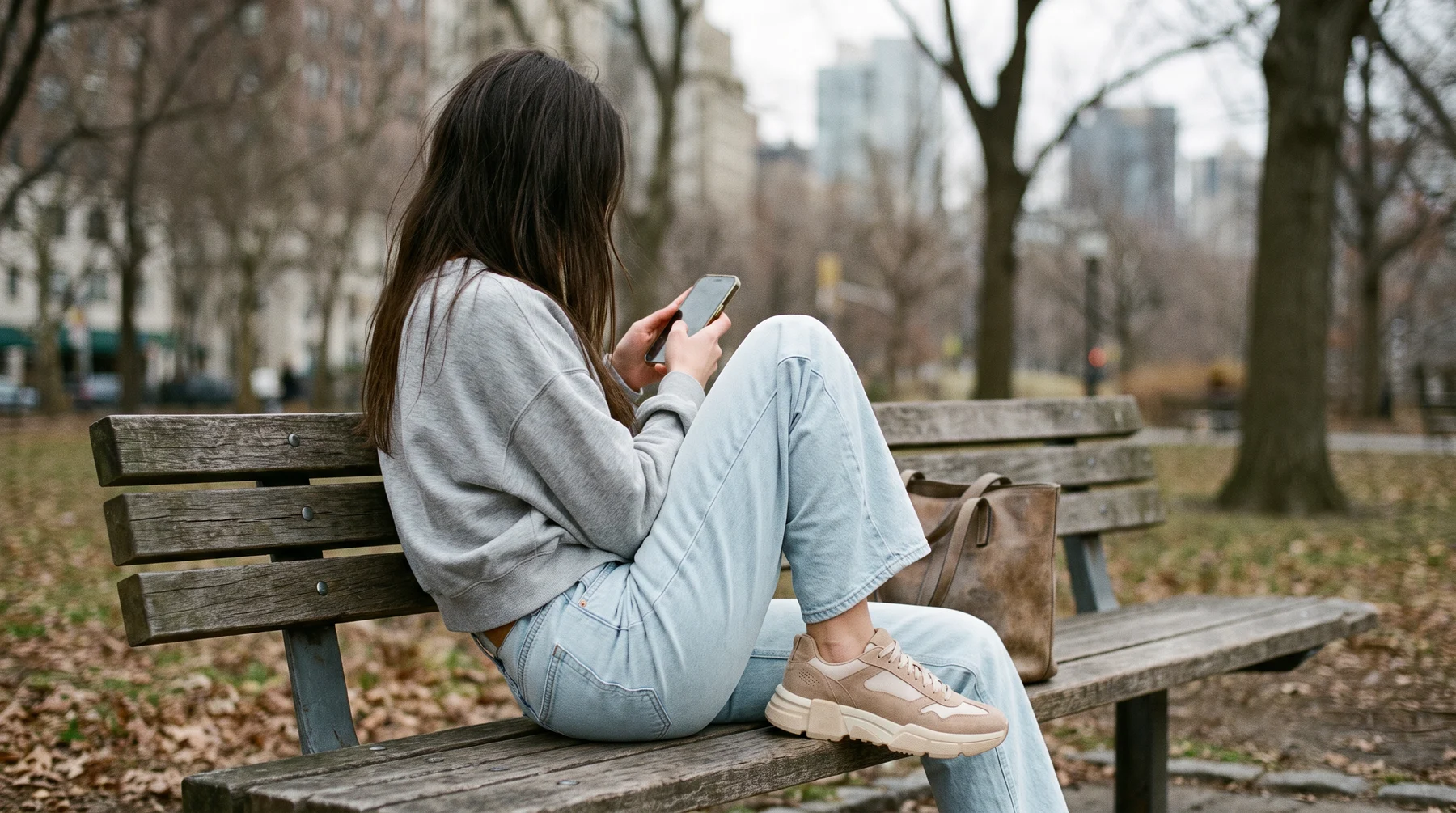
Short video
A still image can become a short clip: a model walking, a camera moving around the garment, a zoom into the fabric. Video tends to hold attention on product pages, in ads and on social.
In Botika, a brand starts from any photo, chooses a ready-made video template and a motion such as a runway walk or a zoom, then selects the model, pose and background. Our guide to AI fashion video for e-commerce explains the steps.
Plan video from the same garment photo as your stills, so the clip matches the page.
Social, ads and email
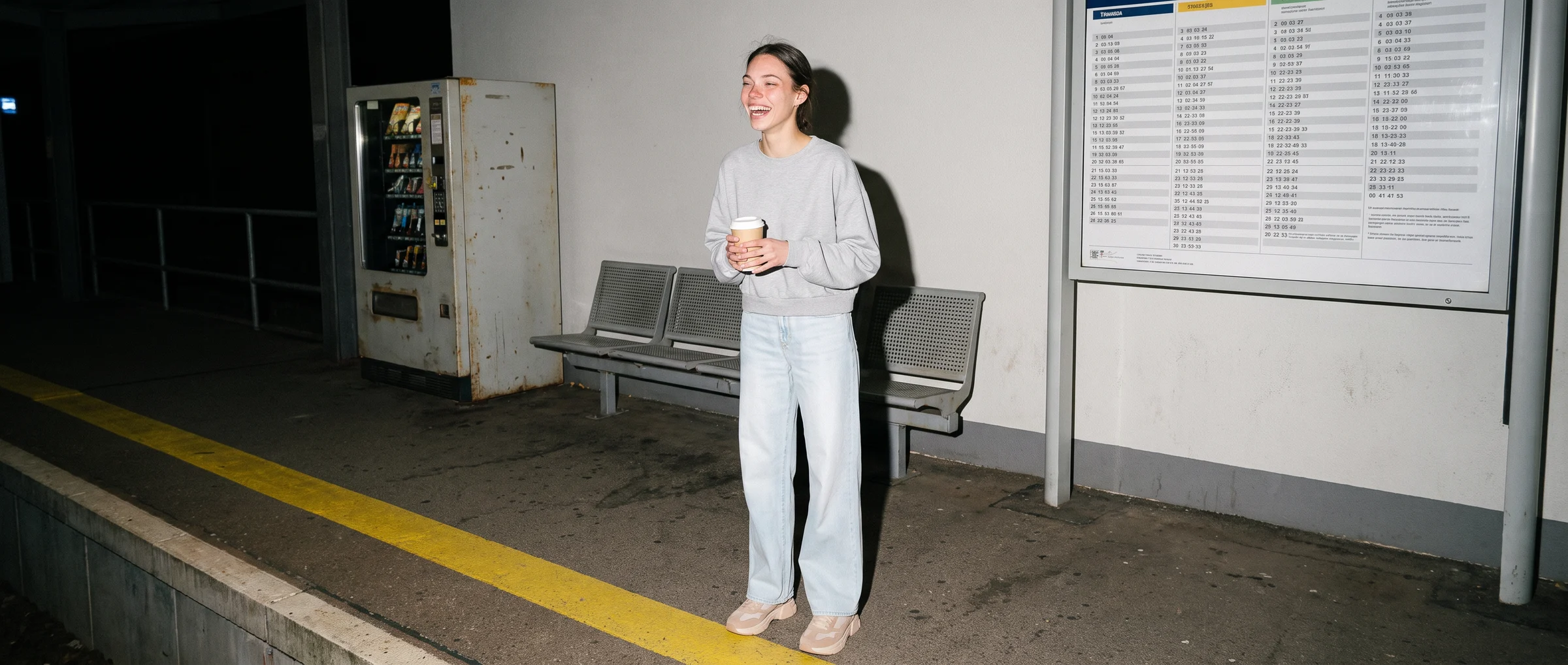
Social wants variety and speed. One garment can produce a vertical for stories, a square for the feed and a wide image for an ad, each framed for its format.
Decide aspect ratios before you generate. Keep the head, hands and key product detail inside the safe area for each crop, so one image can serve several slots.
Ads are also where testing pays off. Make two or three versions of the same product and let performance choose.
Email and lookbooks follow the same rule. A lookbook is a set of looks that tell a seasonal story. A newsletter header is one strong image that sets the tone.
Both benefit from a consistent cast and a consistent set of scenes. Our guide to AI lookbooks for fashion collections walks through building one.
Keep it one brand
The risk of making many kinds of image is that they stop looking related. Three habits prevent it.
- A shared look guide. Write down the cast, the scenes, the light and the framing. Our guide to brand guidelines for AI fashion imagery shows how.
- A core cast. Use three to six models across channels.
- One review step. Check every piece for hands, shoes as a pair, hems and colour before it goes live.
Botika brings these into one workflow, with 150+ AI models, flat lay, mannequin and on-model photography, video and editorial templates, and Botika Creative Ops reviewing each visual before it is published.
Judge each piece by its own job
A product image is judged on accuracy and conversion. A campaign scene is judged on whether it carries the mood and gets noticed. A short video is judged on watch time, and a social post on saves, shares or clicks.
Track each type against the metric that matches its job, and avoid comparing a banner with a product image. Our guide to measuring the ROI of AI fashion models shows how to set up a clean test for the product pages, which is where most brands start.
Where to start: pick one garment and make a small set: a product image, a campaign scene, a short clip and a social crop. Compare them side by side, fix what looks off and use the result as your template for the rest of the collection.
Try Botika on one style, and see how far a single photo goes.
Common questions about what you can make with AI fashion models
What can you make with AI fashion models?
Product page images, campaign and editorial scenes, short videos, social posts and ads, email headers and lookbooks, all from the same starting garment photo.
Can one garment photo produce video as well as stills?
Yes. A photo can become a short clip with a motion such as a runway walk or a zoom, and the same model and garment carry through.
How do I keep different image types looking like one brand?
Use a shared look guide, a core cast of three to six models and one review step for every piece.
What aspect ratios should I plan for?
Decide the formats first, such as vertical for stories, square for the feed and wide for ads, and keep the head, hands and product detail inside the safe area of each crop.
Are campaign scenes less accurate than product images?
The garment should stay equally accurate in both. In a campaign scene, the setting is invented around a real product.
Where should I start?
Pick one garment and make a small set, a product image, a campaign scene, a short clip and a social crop, then use it as the template for the rest of the collection.