How AI fashion models work, and where they still break

A shopper looking at a product page never sees the part that matters most to the brand: how the picture was made. For most of fashion's history the answer was a camera, a person and a light. Now a growing share of model photography starts from software.
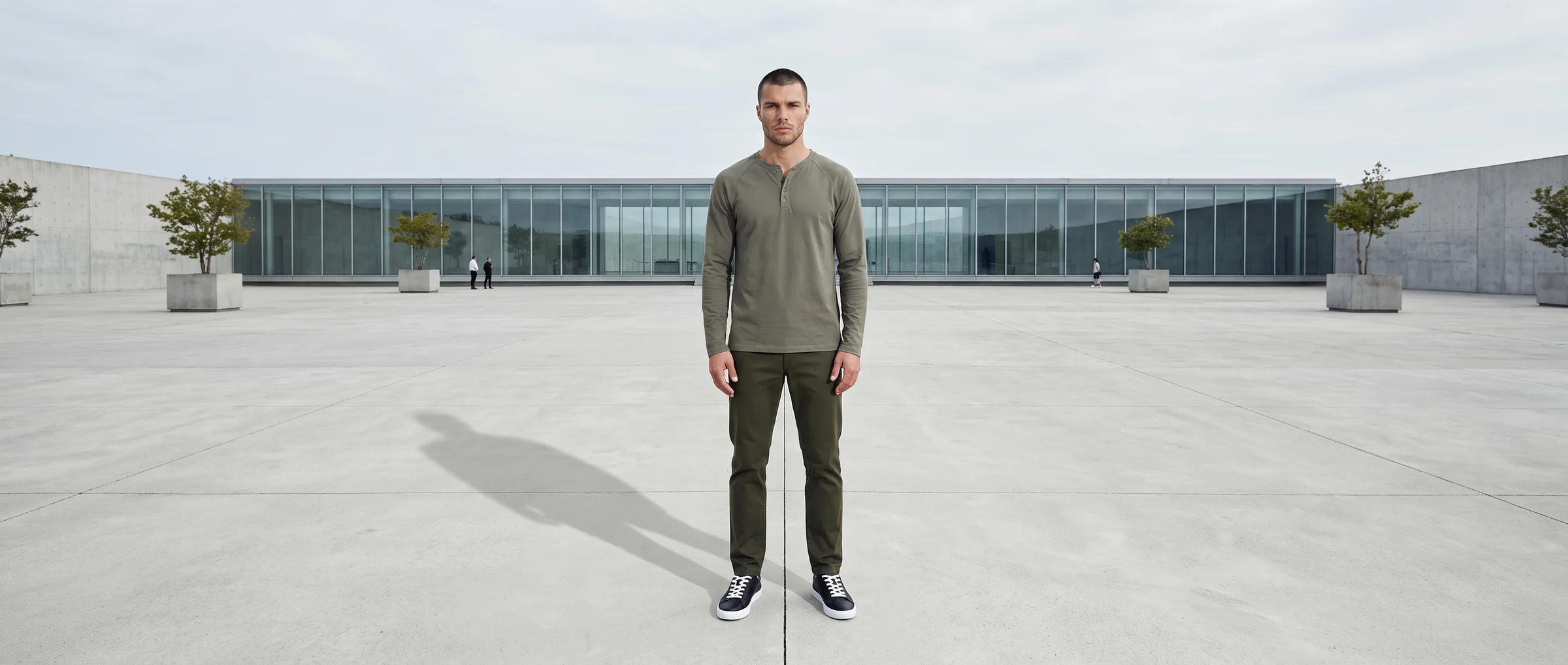
An AI fashion model is a digital person, generated by software, shown wearing a real garment in an image that reads as a photograph. The person is generated. The garment is not. It comes from your own product photo.
That split is the whole idea. Botika starts from a photo of the real piece, treats its colour, cut and details as fixed, and builds the model, pose and setting around it.
This guide walks through what happens between the garment photo and the finished image, what you control along the way, and the places where the technique still needs a human eye.
From garment photo to finished image, in five steps
The process can look opaque from the outside, but it is a sequence of ordinary decisions. Knowing the sequence makes it easier to judge any AI fashion model output, whoever made it.
1. A source image. Botika needs something to start from: a flat lay, a ghost mannequin shot or an existing photo of the product. The shoot disappears. The input does not.
2. Garment understanding. The system works out what the piece is (a shirt, a skirt, a knit), how it is meant to sit and how it layers with other items. Closures, sleeve length and fit are read from the photo rather than invented.
3. Casting and styling. You choose a model from the gallery of 150+ models, a pose from a curated bank and a background. The look can be completed with other pieces, such as trousers and shoes, so the garment is shown the way it would be worn.
4. Generation. An image model draws the person wearing the garment. It works by refining noise into a picture step by step, guided at each step by the garment photo and the pose. Because the product photo acts as the anchor, print placement, colour and construction carry through.
5. Review and retouch. AI gets most of the way there. On managed accounts, Botika Creative Ops reviews and retouches each image before it reaches the client. On self-serve plans, the brand reviews the output and can request retouches by tier.
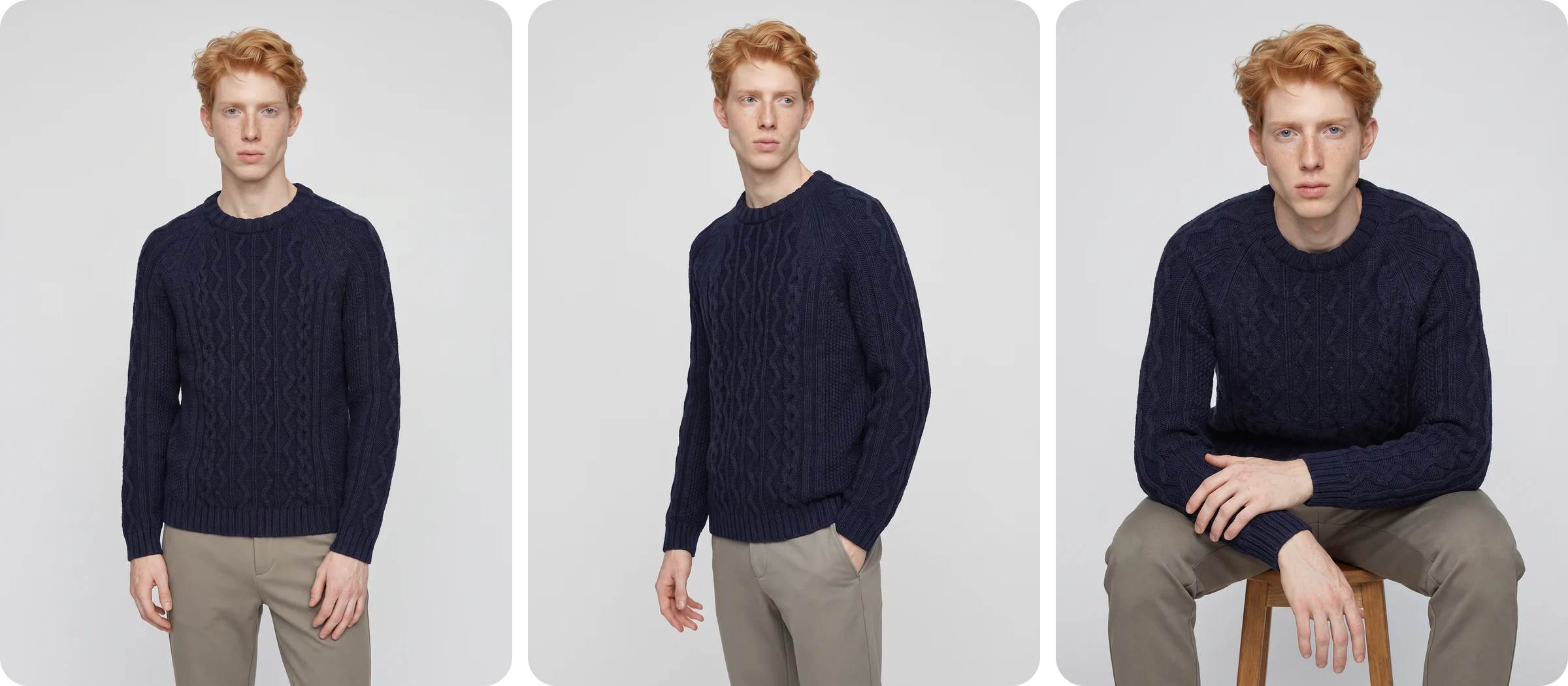
Why the garment photo is the anchor
There are two ways to ask software for a picture of a person in a sweater. You can describe the sweater in words, or you can show it. Describing it produces a sweater, but not yours: the cable pattern, the neckline and the exact shade drift towards an average.
Showing it keeps them. That is why a fashion-specific system starts from the product image rather than from a prompt, and why the same product can appear on several models without changing character.
It also explains a habit worth building. Name and describe products plainly. "Berry satin wrap dress" tells the system more than a campaign name does, because descriptions are read literally.
What you control, and what stays fixed
A useful way to think about an AI fashion shoot is to sort every element into a choice or a constant. The constants are what make a catalog feel like one brand.
Choices: the model, the pose, the framing, the background, the styling of the look and the aspect ratio for each channel.
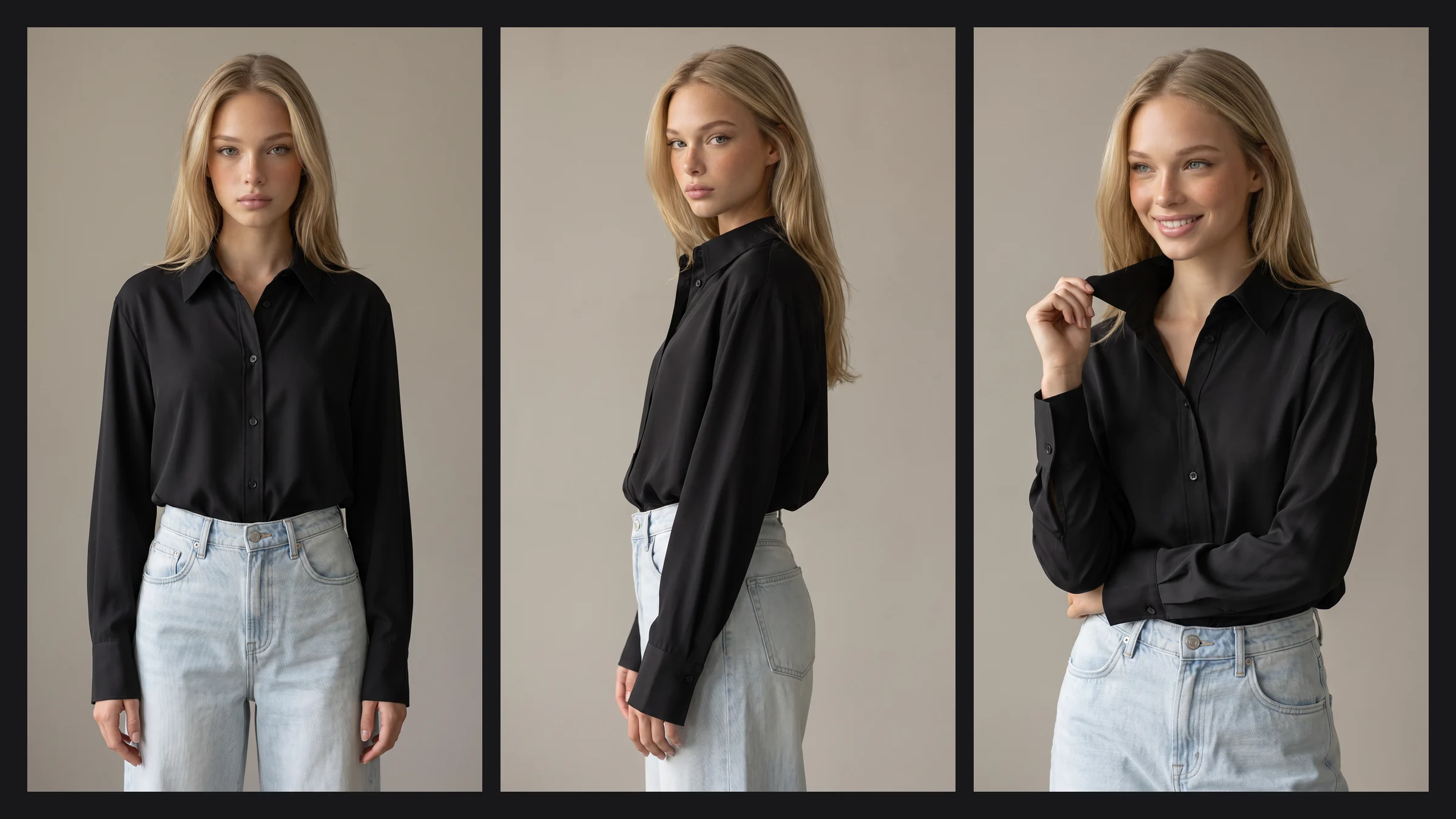
Constants: the garment itself, and, once you pick one, the model's face and body. A model chosen for a collection looks like the same person on product one and product three hundred. That consistency is hard to get from a shoot spread over several days.
Brands that want a face nobody else uses can license a custom model, exclusive to them while the license is active. A brand's own real model can also be brought in as a private digital twin, with release forms signed by the brand and the model.
Where AI fashion models still break
A guide that only lists strengths is a sales page. These are the places where we look hardest, and where you should too.
1. Fine detail. Lace, jewelry, small hardware and printed text can soften or warp. They are the usual reason an image goes back for retouching.
2. Saturated colours. A vivid emerald or cobalt can drift a shade darker or lighter. Compare the output with a swatch or the original photo, not with your memory of the garment.
3. Hands and feet. Count the fingers. Check that both shoes are a matched pair and that each foot casts its own shadow. Anything unclear is a fail.
4. Silhouettes that depend on length. Cropped hems, gathered tops and floor-length gowns can change length or volume once styled with shoes. Look at the hem before approving.
5. Fixed hair and expression. Each model comes with a set hairstyle and a limited range of expressions, so choose a model whose look suits the brand rather than expecting to restyle them.
6. Fit across body shapes. An image shows how a garment looks on one body, not how it will fit your customer. Showing fit across body shapes is something we are still building, so size charts and measurements stay on the page.
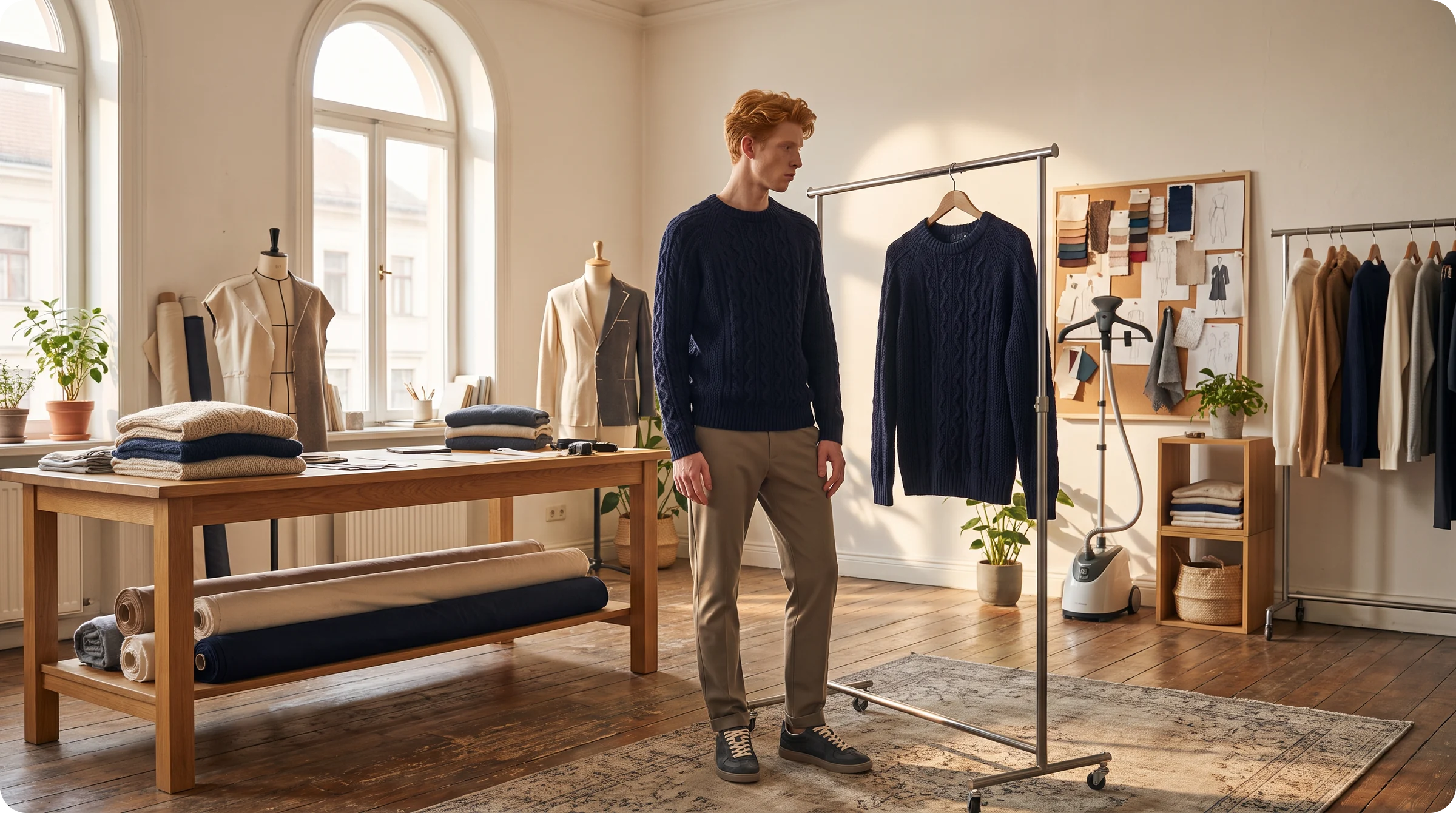
How to tell a strong output from a risky one, and where the human step sits
Zoom to full size before judging anything. At thumbnail scale almost every image looks fine, and the problems live in the details. Work through the same short list every time:
Hands and feet. Digit count, matched shoes, shadows under the feet.
Edges and seams. Hems, cuffs, collars and where one layer meets the next.
Pattern and print. Stripes that run straight across a seam, logos that stay legible.
Colour. Against the swatch, in neutral light.
We cover the full routine in our guide to realistic AI model creation.
The honest summary is that AI gets a long way and a person finishes the job. The reason a premium brand can publish the output is not that the software never errs. It is that errors get caught before a customer sees them.
On managed accounts, that is Botika Creative Ops: fashion professionals who review and retouch each image. On self-serve plans, you are that reviewer, and the checklist above is your tool.
Either way, the combination is the product. Fast generation without review gives you volume. Generation with review gives you images you are happy to put your name on.
Getting your first image
Start small and start hard. Pick one product with a tricky fabric or a busy print, because that is where you will learn the most. A clean, well-lit source photo helps more than anything else you can do.
Generate the same product on two models and two poses, then review them at full size. You will know within an hour whether the quality meets your standard. The on-model product page shows the range, and the pricing page explains how credits work: one credit makes one photo, and five make one video.
Where this is heading
The limits above are moving. Detail gets sharper, colour gets more faithful and each model release closes a gap. The review step is likely to stay, because the standard a fashion brand holds itself to keeps rising too.
If you want to see how your own product looks, you can start with a free trial, no card needed, and judge the output at full size.
Common questions about how AI fashion models work
What is an AI fashion model?
A digital person, generated by software, who wears a real garment in a photo-quality image. The person is generated, and the garment comes from your own product photo.
How are AI fashion models made?
Image models learn visual patterns from very large collections of pictures. What matters to a brand is the other half: Botika's models are not copies of real people, and the garment in each image comes from your photo, so nothing about your product is invented.
Do I need a photoshoot first?
You do not need a new shoot, but you do need a source image: a flat lay, a ghost mannequin shot or an existing photo of the product.
How long does an image take?
Generation takes real time, usually minutes per image rather than seconds. Batches run in parallel, and managed accounts add a review step before delivery.
Can one model appear across my whole range?
Yes. Choose a model once and reuse it, or license a custom model that is exclusive to your brand.
Where do AI fashion models struggle most?
With fine detail such as lace, jewelry and small hardware, with very saturated colours, and with hands and feet. A short full-size review catches most of it.