A brand guideline for AI fashion imagery

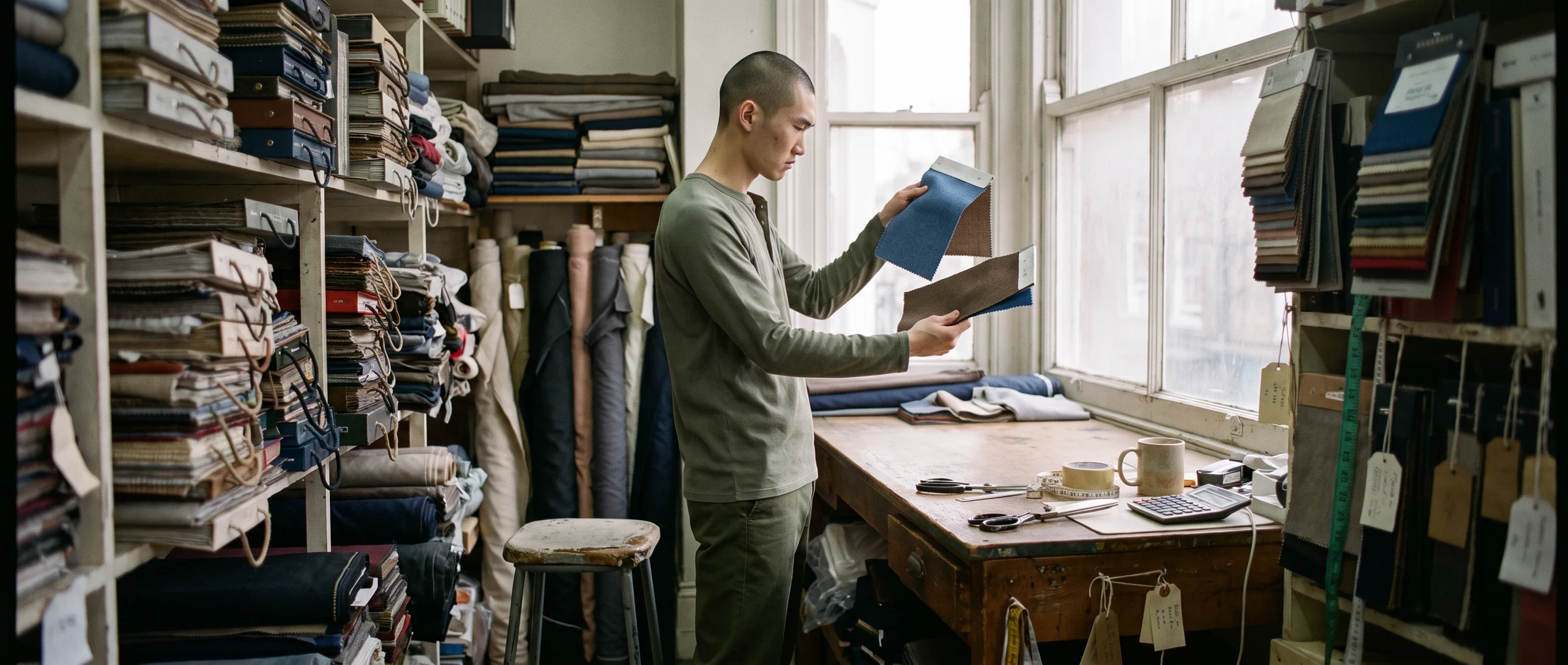
When a brand shoots with one photographer, the brand guidelines mostly live in that person's head. When a brand makes images with AI, they have to live on paper. Anyone on the team, and the tool itself, needs to know what "on brand" means.
That is the reason a short guideline for AI fashion imagery is one of the highest-value documents a brand can write. It keeps ten people and a thousand images looking like one company, and it makes review fast.
This guide shows what to put in it, in the order that works: the look, the casting, the scenes, the rules, the review and the labelling. It is meant to fit on two pages.
Why AI imagery needs its own page
Your existing brand book probably covers logo, colour, type and photography style. It was written for photographers who interpret a brief.
AI tools do not interpret. They follow what you give them, and the same vague instruction can produce a different result on Tuesday than on Monday. A brand that says "natural, modern, relaxed" will get something different from each person who writes the prompt.
So the guideline has to be specific enough that two people on different days would produce images a viewer could not tell apart. The best approach is to define choices once, then reuse them. Our piece on consistent, on-brand image creation with generative AI explains why consistency is the main thing to protect.
Section 1: the look, in words and in images
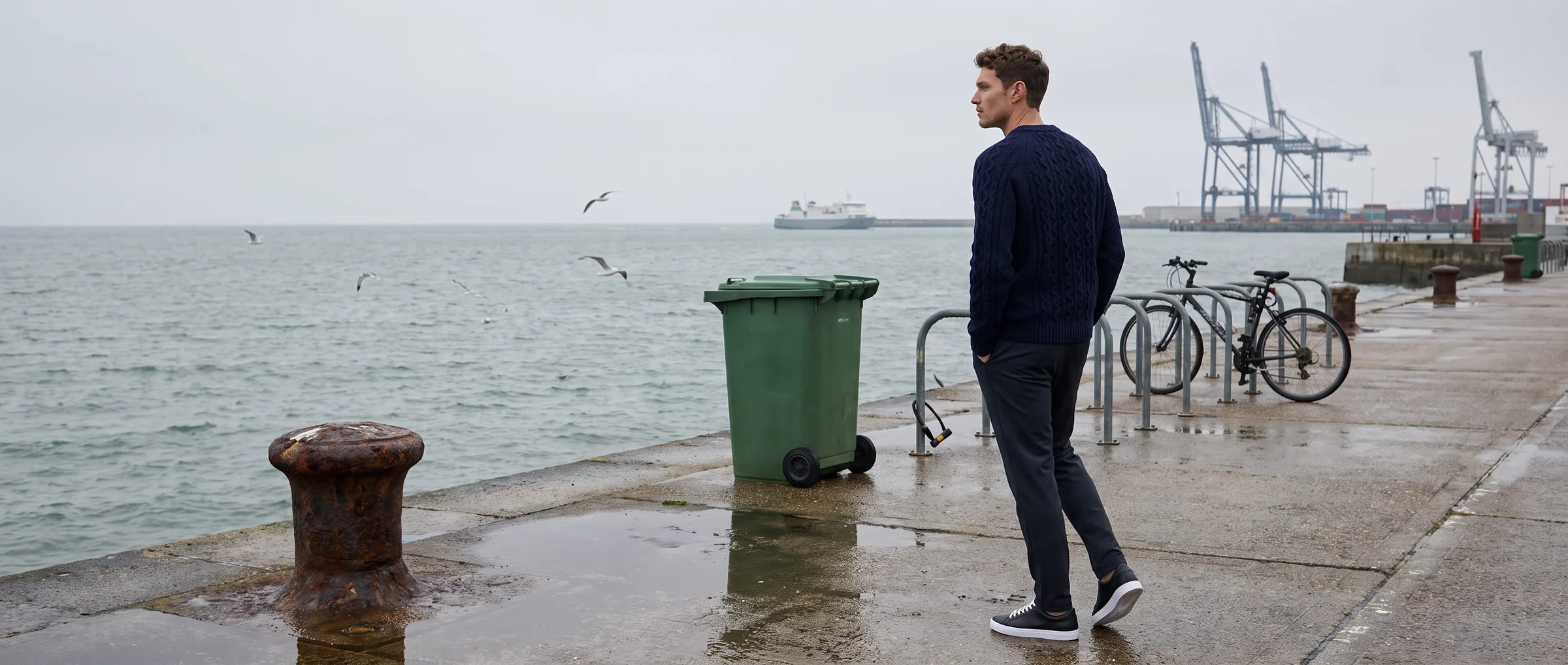
Start with a single paragraph that describes the look in plain language. Then add six to ten reference images that show it.
Cover four things.
Mood. Warm or cool, bright or moody, quiet or lively.
Light. Soft daylight, hard studio light, golden hour. Be specific about shadows: soft or sharp.
Colour. The palette your images lean towards and the ones to avoid.
Framing. Full length, three-quarter, close detail. How much space around the figure, and how the product should sit in frame.
The reference images matter more than the words. Pick images your team agrees are right, label each with what makes it right, and add two or three that are almost right but not quite, labelled with why.
Section 2: casting
Decide which models appear and keep them. Consistency in who represents the brand is what makes a catalogue feel like one brand, not an assortment.
Write down:
- The core cast. The three to six models who appear most often, and which categories each is used for.
- The range. Which ages, sizes and skin tones your customers expect to see. Our guide to AI models and diversity covers how to build a cast that holds up.
- Rules for pairing. Whether the same model is used for a whole collection or varies by product.
Botika offers 150+ models, so the practical task is choosing a small group from a large library and sticking to it.
Section 3: scenes and backgrounds
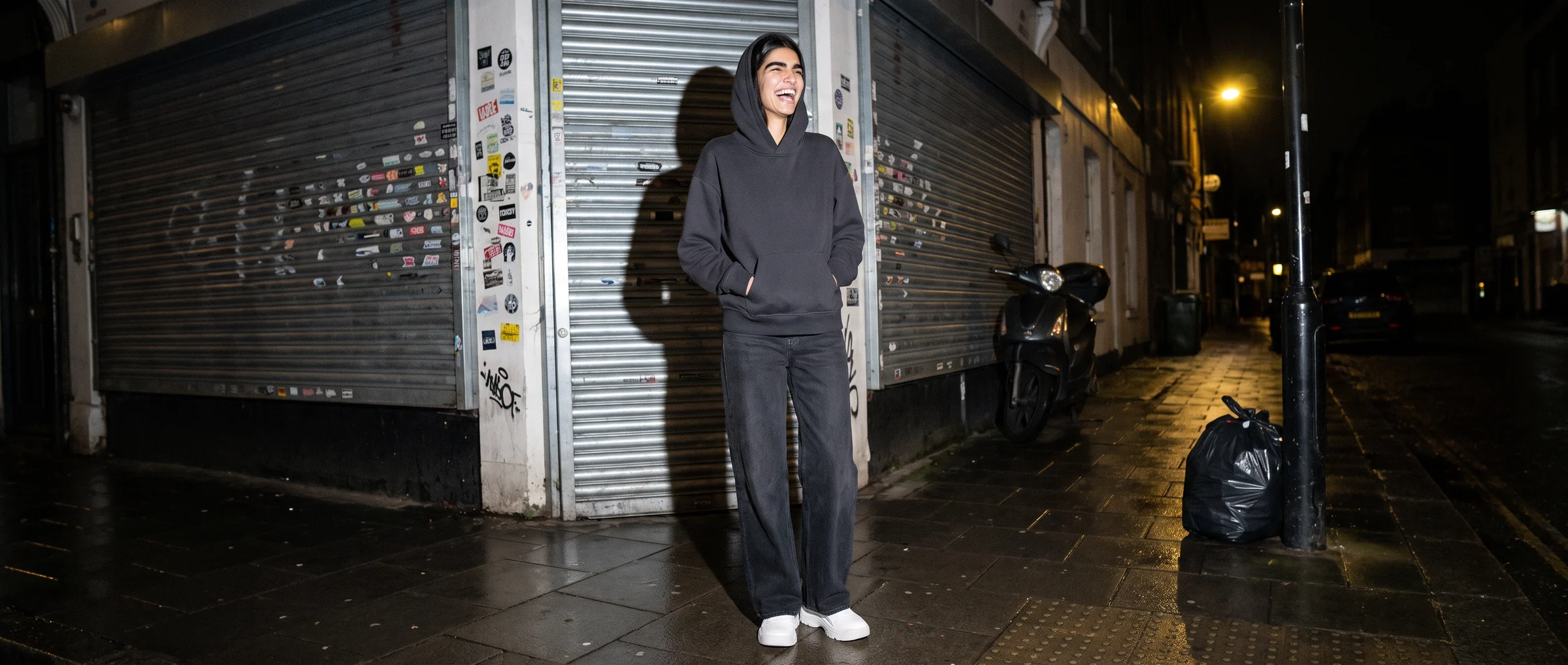
List the scenes you use and what each is for. For example: plain studio for product detail pages, a street scene for campaign banners, a home setting for loungewear.
For each scene, say what must be in it. A real place with real props reads as credible. A bare blank background reads as a render. Name three to six objects that belong in the scene so anyone producing it adds them.
Add a short "never" list. Examples: no text or logos in the image, no dark or heavy frames around composites, no scenes that clash with the product's price position.
Section 4: the rules for each image type
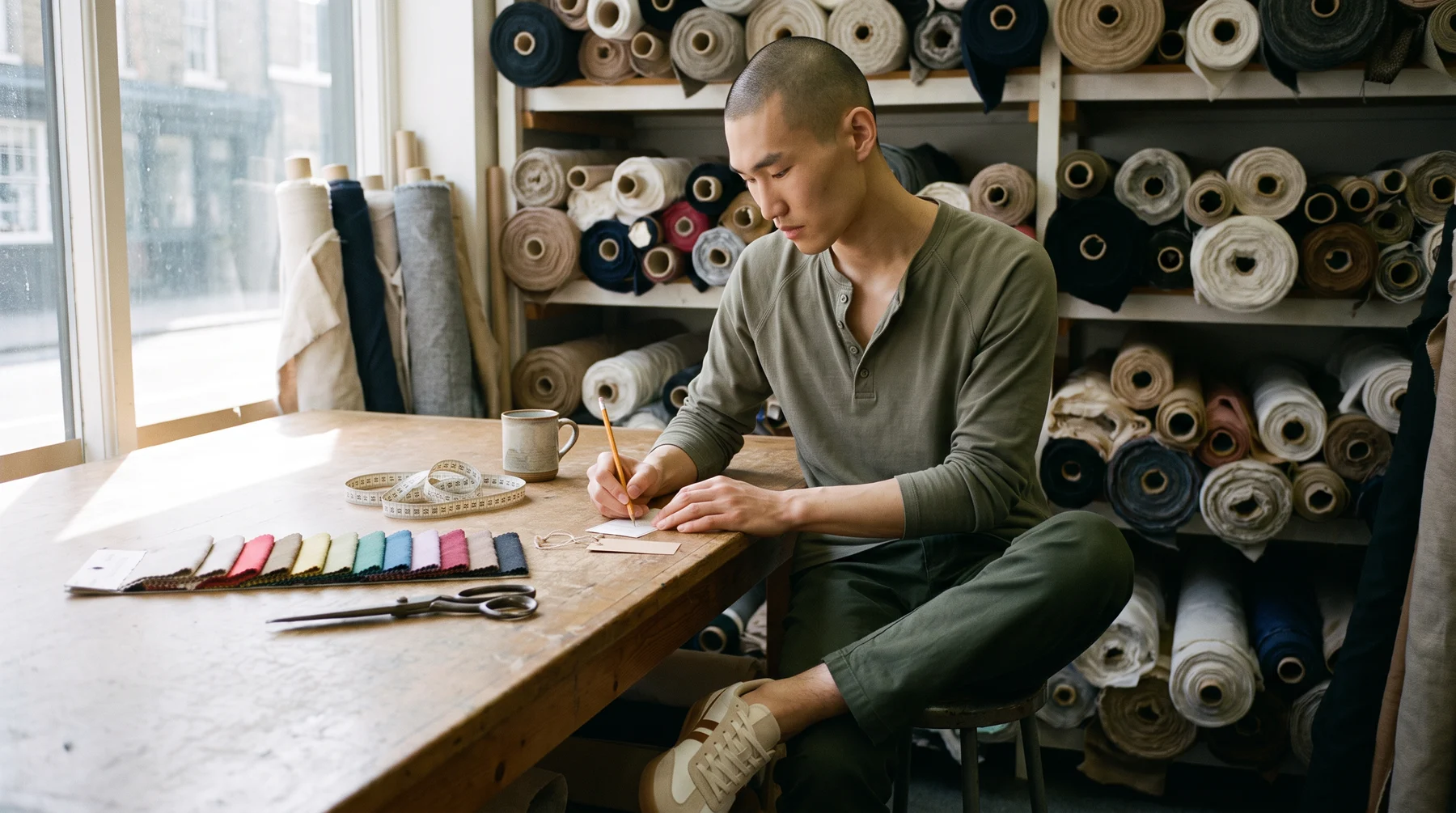
Different images have different jobs, so write a rule for each one. A product page needs clear, even light and an accurate view of the garment. A campaign banner can be moodier and wider.
For each image type, record:
- Aspect ratio and crop. Where the head, hands and product must stay inside the crop, so one image can feed the card, the banner and the social post.
- Size and file format. Resolution to produce and the compressed size to publish.
- The outfit rule. Whether the model wears only your products or a styled look with other pieces, and how those are chosen.
Our guide to best practices for product detail pages is a good companion for the product page rules.
Section 5: the review checklist
This is the section that saves the most time. Write the checks as a list that anyone can run in a minute.
- Hands and fingers. Five on each, no merging.
- Shoes. A matching pair, same shape and sole.
- Hems, seams, necklines. Straight where they should be.
- Print and colour. Matches the real garment or swatch.
- Skin and hair. Natural texture, no waxy look.
- Scene. No garbled text, no repeated faces in the background.
- Brand fit. Does it look like the reference images?
Add two roles: who generates and who approves. They should not be the same person for hero images. Our guide to realistic AI model creation goes deeper on the checks.
Section 6: labelling and claims
State plainly how you will tell customers when imagery is AI, and what you will and will not claim about it. Keep the wording short and the same everywhere.
Also record what you will not say. No fit claims drawn from the image alone, no implication that a model is a real person, and no testimonial-style captions on generated people.
The current rules and plain wording are covered in our guide to authenticity and disclosure for AI fashion models. Have your legal adviser check the final text for the markets you sell in.
Keep it alive
A guideline is a living document. Review it each season. Add the images that worked, remove the scenes that did not, and record every mistake that reached a customer along with the check that would have caught it.
Share it with every person and tool that makes images, and keep one copy. When someone asks what "on brand" means for AI, the answer should be a link.
If you are starting from scratch, run a small batch on Botika, use the images to build your first reference set, and write the guideline around what you like.
Common questions about AI fashion imagery guidelines
What should a brand guideline for AI fashion imagery include?
A description of the look with reference images, the model cast, approved scenes and backgrounds, rules for each image type, a review checklist and a labelling policy.
How is it different from a normal brand book?
A normal brand book guides photographers who interpret a brief. AI tools follow instructions literally, so the guideline must define choices precisely and be reused so results stay consistent.
How many reference images do I need?
Six to ten that show the look, plus two or three near-misses labelled with why they fall short. Reference images guide people more than written descriptions do.
Who should approve AI images?
Someone other than the person who generated them, at least for hero and campaign images. Product page images can use a shorter checklist once the team knows the common issues.
How long should the guideline be?
Two pages is enough to start. Add to it each season as you learn which scenes, models and checks matter most.
Should the guideline cover labelling?
Yes. Set one short, consistent form of wording and state what you will not claim, such as fit proven by the image or a generated person presented as real.