Virtual models for fashion eCommerce: What they are and where they fit
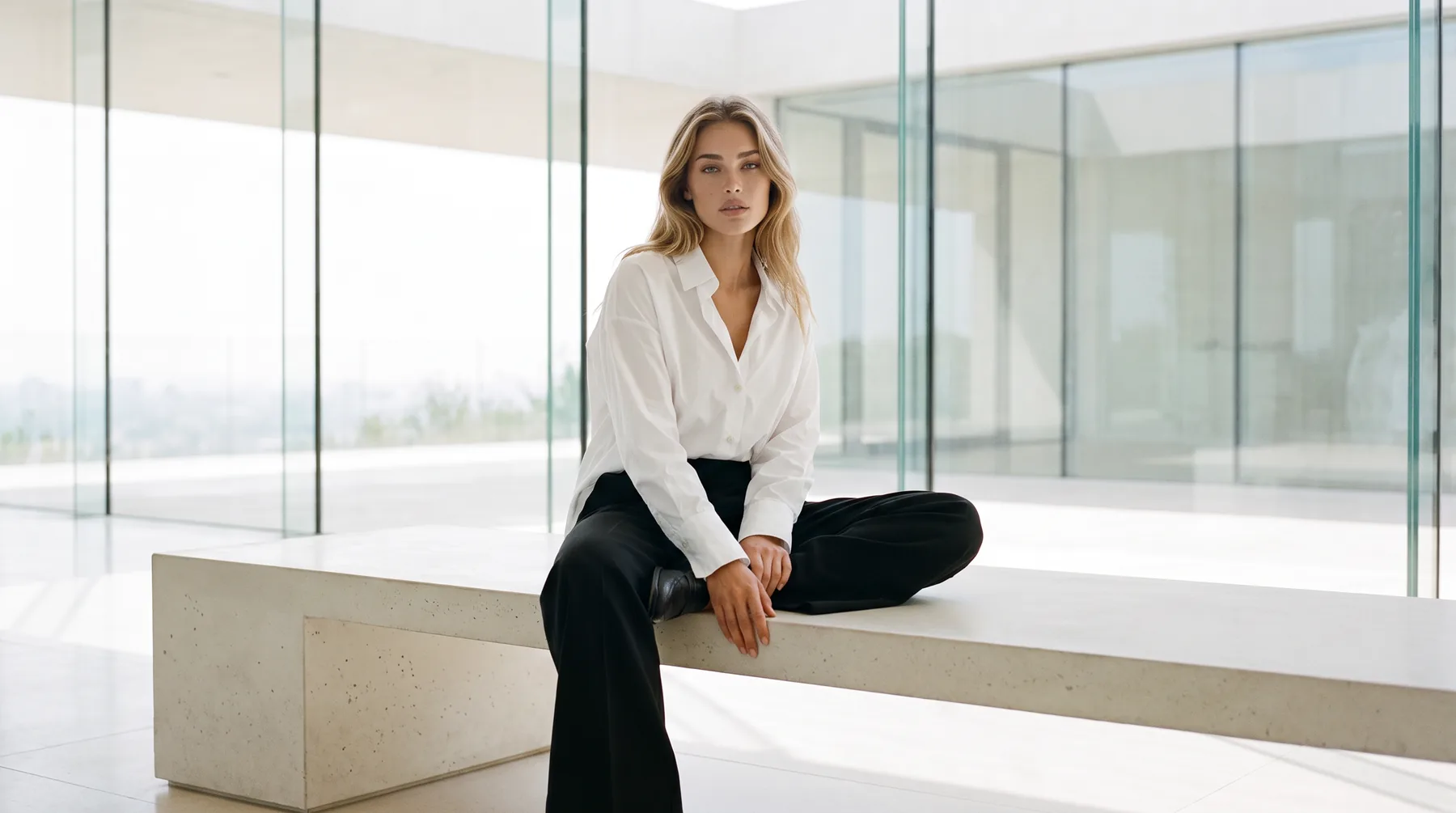
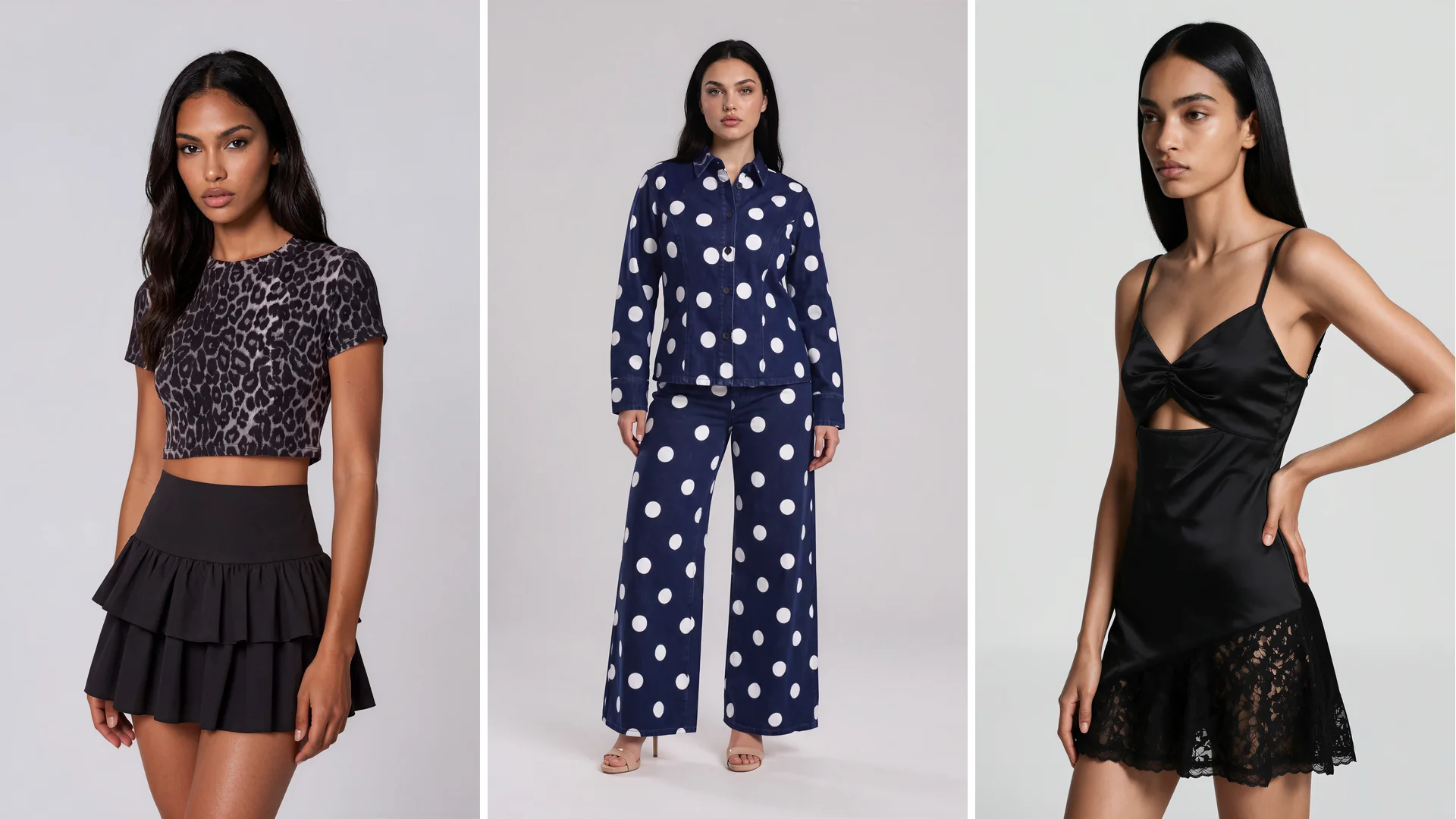
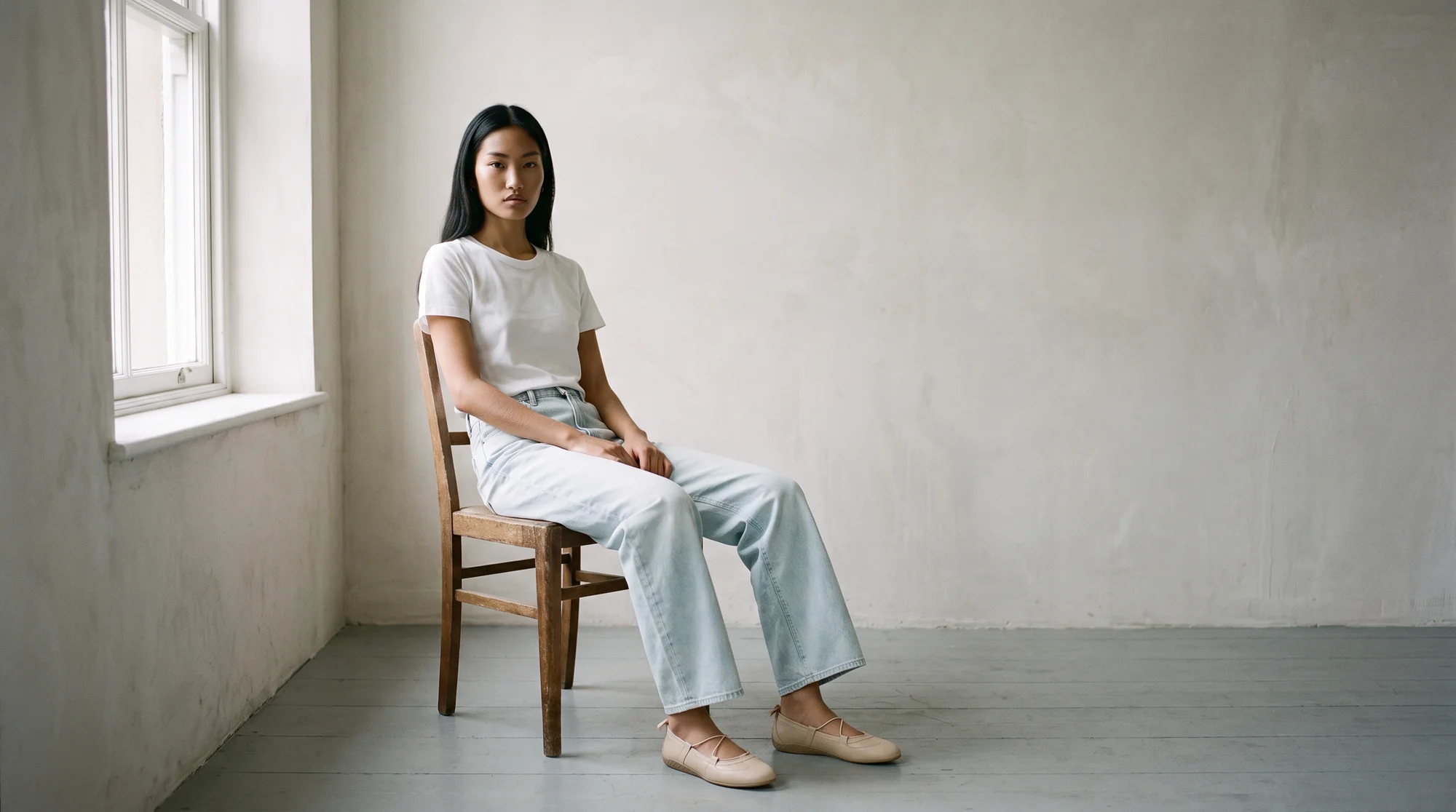
A virtual model is a model who does not exist. No casting, no booking, no shoot day. You give the system a photo of your garment and it returns that piece worn by a person who was generated rather than photographed.
The term gets used loosely, which causes real confusion when brands go shopping. Some tools mean a consumer-facing avatar for a game or a metaverse space. Others mean a fitting-room preview a shopper interacts with. For fashion ecommerce, the useful meaning is narrower: a model who wears your actual product in the images on your product pages.
That is the version this guide covers. What virtual models are, where they belong, what separates output you can publish from output you cannot, and how to bring them into a catalog without gambling on it.
Three things share the name, and only one sells product
Sorting this out first saves a wasted evaluation.
A digital avatar is a stylised character a person controls or customises, built for games, social platforms and virtual spaces. It is not photographic and it is not tied to a garment you sell.
A virtual try-on is an interactive feature. The shopper uploads a photo or picks a body, and the page renders the garment onto it. That happens live, for the fraction of shoppers who choose to engage.
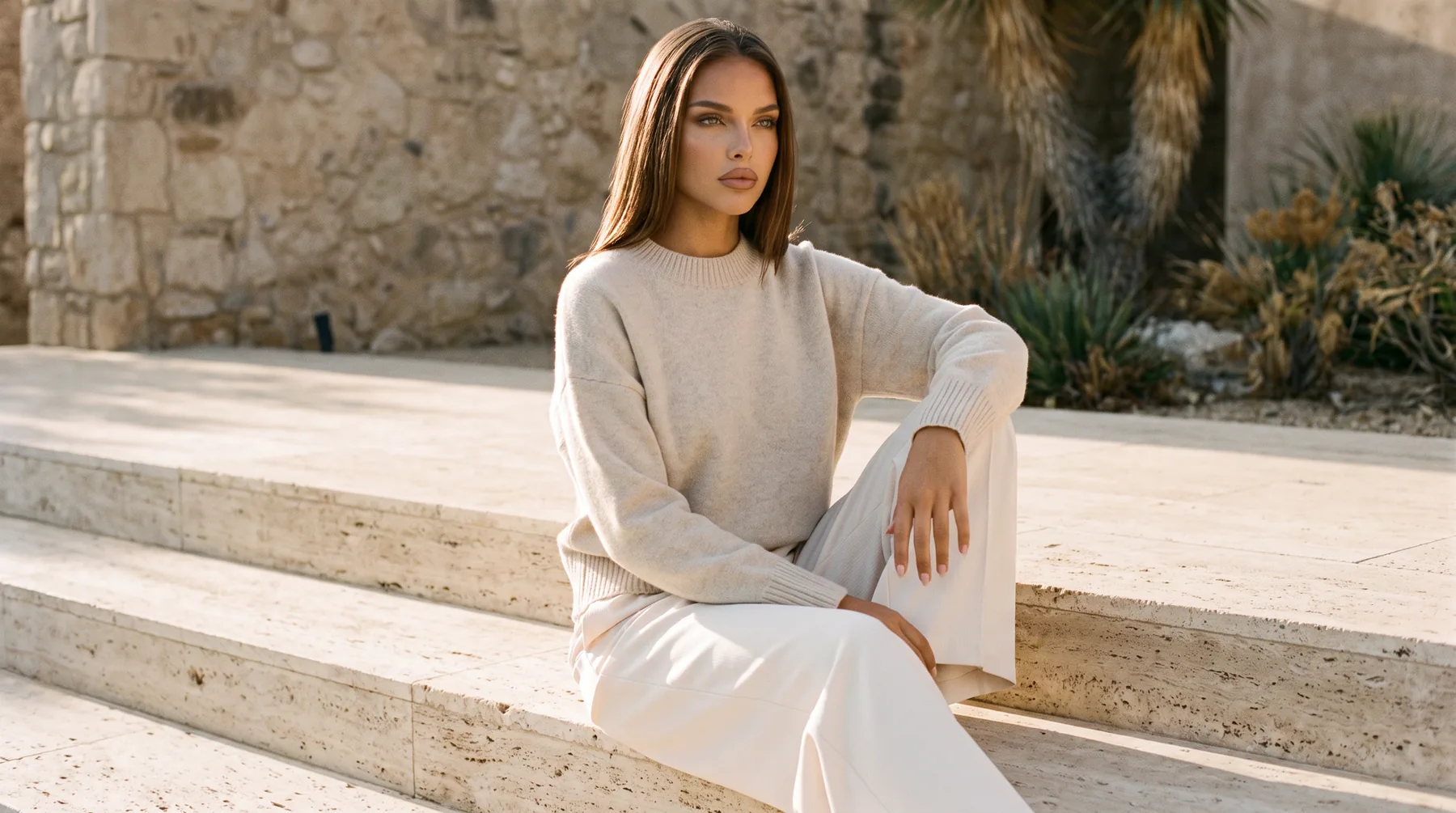
A virtual model for product imagery is the photograph itself. Your garment, worn by a generated person, sitting at the top of the product page where every visitor sees it whether they interact or not.
If your problem is that half your range has no on-model photography, the third one is the answer. The first two solve different problems for different teams.
Where virtual models belong
The primary product image is the obvious place, because it is the one asset every visitor loads. High-quality product images lead the list of what fashion shoppers say matters most, and a garment on a body answers the fit question a flat image leaves open.
Beyond that, the same generated model works across a category page, a paid social placement, an email, and a lookbook, which is what makes the economics work. One source photo produces a set rather than a single file.
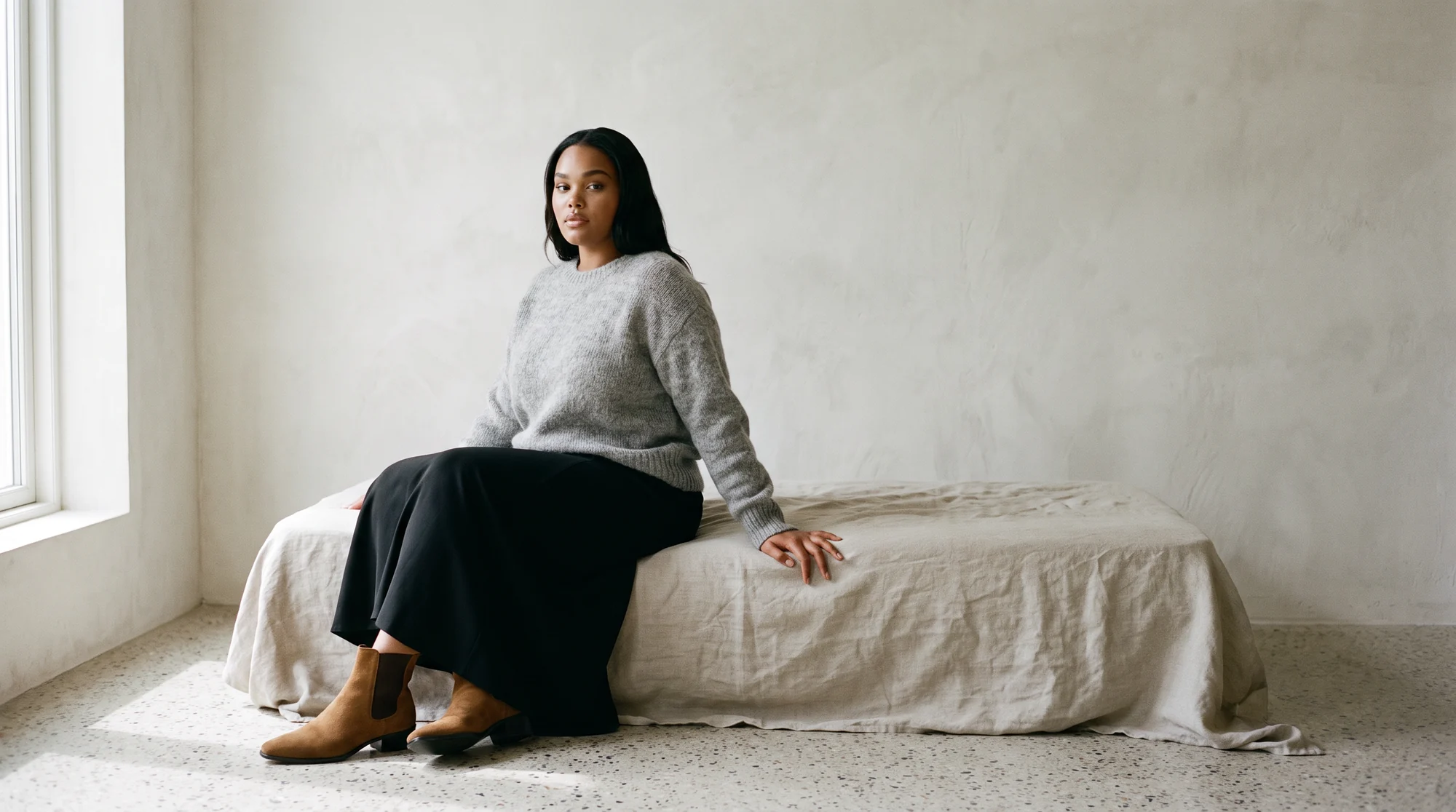
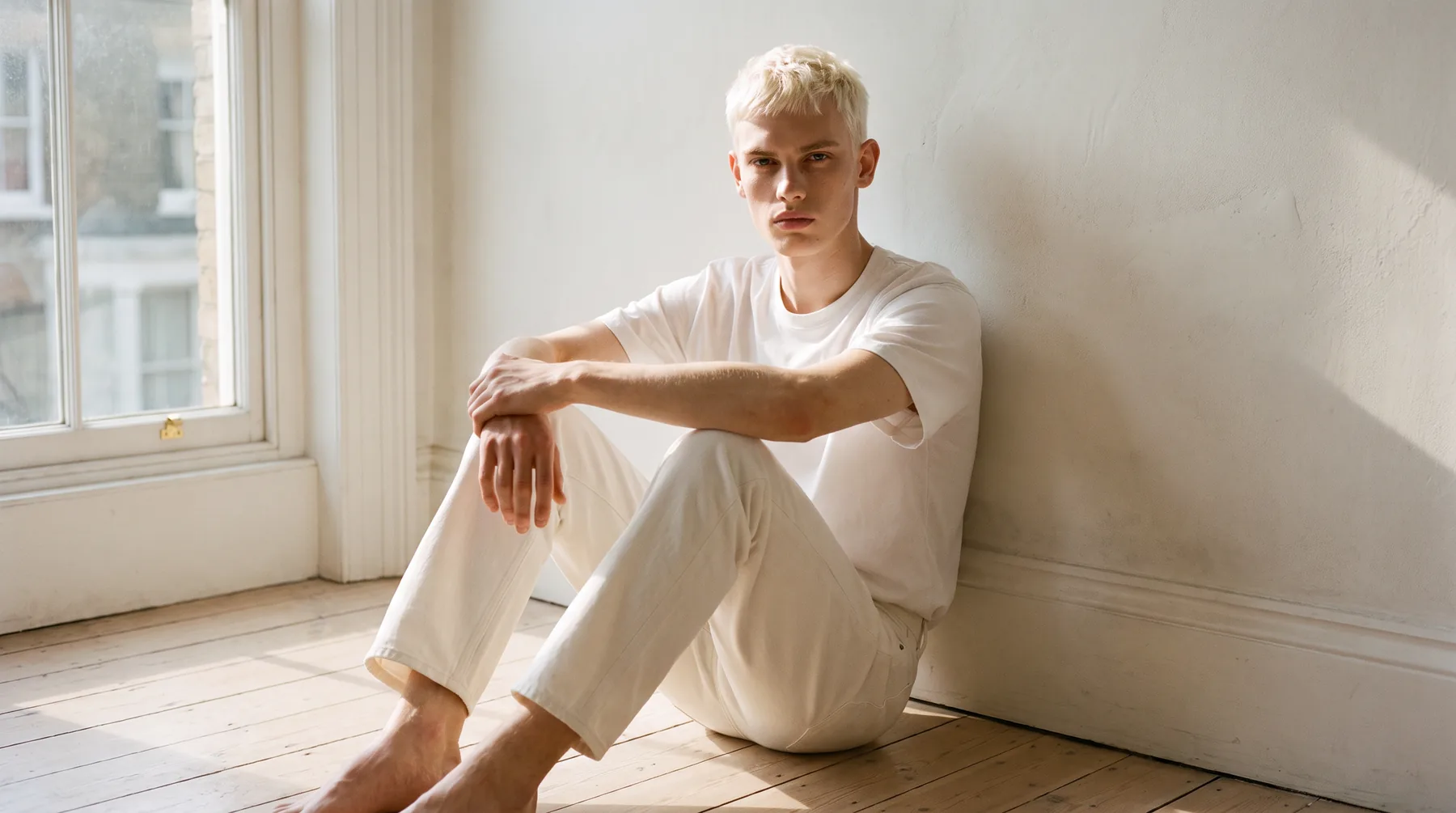
They also solve a problem a shoot solves expensively: showing one garment on several body types. Traditional production means more casting and more budget per variation. A generated set means the same upload run again with a different model.
And once a still exists, it can become a short product video, which is where movement finally answers the drape question a still cannot.
What separates publishable output from a demo
This is where tools genuinely differ, and where an evaluation should spend its time.
Garment fidelity comes first. Hold the render next to the source photo. A stripe that drifts, a print that repeats wrongly, or a neckline that changes shape means the system generated a garment resembling yours rather than dressing the one you sell.
Fit logic comes second, and it is the one most demos hide. The model should be wearing the size the garment actually is. A piece rendered a size too tight photographs beautifully and sells badly, because size, fit, or color is the leading reason an order comes back.
Consistency comes third. Run five products from one category and look at them together, not one at a time. Drift in lighting, framing or model treatment between them tells you the tool cannot hold a catalog page together.
Then test the hard cases. Sheer fabrics, fine knits, and prints that have to align across a seam are where weak output reveals itself. A plain cotton tee proves nothing.
How the categories compare
| Digital avatar | Virtual try-on | Virtual model for imagery | |
|---|---|---|---|
| What it is | A stylised character | An interactive page feature | A product photograph |
| Who sees it | Users in a game or virtual space | Shoppers who choose to engage | Every visitor, immediately |
| Tied to your real garment | No | Yes, rendered live | Yes, from your own photo |
| Where it lives | Games, social, virtual worlds | On the product page as a tool | At the top of the product page |
| Bought by | Brand or innovation teams | Ecommerce engineering | Ecommerce and marketing |
Same words, different products. This is the comparison worth having before you book any demos.
The business case, in order
1. The garment survives the process
Fabric, print, drape and fit all have to come through unchanged. An image that misrepresents a piece earns a return instead of a sale, which costs more than the photography saved.
2. Consistency across the catalog
One convincing image is easy. Making the three-hundredth product match the first, in lighting and framing and model treatment, is what lets a whole category read as one brand.
3. Reliability at real volume
Most brands are not generating ten images. A workflow that holds up across thousands matters more than a single impressive sample.
4. AI with a human check
Clothing punishes small errors. Botika runs its AI alongside a QA and retouching team that reviews output before delivery, which is what lets a team approve a batch rather than audit every frame.
5. Cost that stops tracking volume
Traditional production gets more expensive with every product and every variation. Generating from photography you already own moves that to a self-serve step, so scale stops breaking the budget.
What virtual models do not solve
Being straight about the limits makes the rest more credible.
They do not decide what to make. Fit engineering, pattern work and sampling happen upstream in different software, and no imagery tool touches that stage.
They do not replace a campaign built around a specific location, a named face or a particular photographic voice. That is a shoot, and it is a different brief rather than a gap in the technology.
And they do not remove the need for good source photography. A soft, cluttered or badly lit input produces a weaker render, so the flat-lay station still matters.
How to bring them into a catalog
Start with the source images. A sharp, evenly lit flat lay, packshot or ghost mannequin shot of the real garment is the input, and the output inherits whatever you give it.
Pick one category rather than the whole range. Knitwear or denim is a sensible first test because both convert reliably and both carry volume.
Standardise before you scale. Choose your model set, framing rules and backgrounds once, then hold them across the category so the page stays coherent.
Then measure on your own numbers. Watch conversion rate and return rate on the treated category for a few weeks against an untouched one, and widen it on that evidence rather than on a vendor benchmark.
Keep the flat lay in the gallery behind the on-model shot. It still serves shoppers who want to see the garment plainly, and it costs nothing to leave there.
Common questions about virtual models
What is a virtual model in fashion?
A generated person who wears your real garment in product imagery. The clothing is yours, photographed as usual; the model is created rather than booked, so there is no casting, studio or shoot day.
How is a virtual model different from a virtual avatar?
An avatar is a stylised character built for games, social platforms or virtual spaces, and it is not tied to a product you sell. A virtual model is a photographic image of your actual garment worn by a generated person, made for a product page.
Is it the same as virtual try-on?
No. Try-on is an interactive feature rendered live for shoppers who choose to use it. A virtual model is the product image itself, which every visitor sees immediately.
Will my garment still look accurate?
With a platform trained on clothing, the weave, print placement and the way a piece hangs all carry through. A QA step exists for the cases where something slips before it reaches a store.
Can one garment appear on several body types?
Yes, and it is one of the strongest reasons to use them. The same upload can produce the same piece on different model types with no additional shoot, which reflects an actual customer base rather than one.
What source photo works best?
A clean, evenly lit flat lay, packshot or ghost mannequin shot of the real garment. Sharper and simpler beats stylised, because the render inherits the source.
Where this is heading
The distinction between these three product categories will keep mattering, because they are converging in language while staying separate in purpose. Brands that know which one they are buying evaluate faster and waste fewer demos.
Discovery is shifting too. More product research now begins inside AI-powered search and overviews, which favour catalogs whose imagery and product content are complete and consistent across a range.
The quickest way to judge any of it is on your own products. See how Botika builds on-model imagery from photos you already have, or start a free trial and run one garment through the whole flow.