AI Male Models for Menswear: How to Choose in 2026
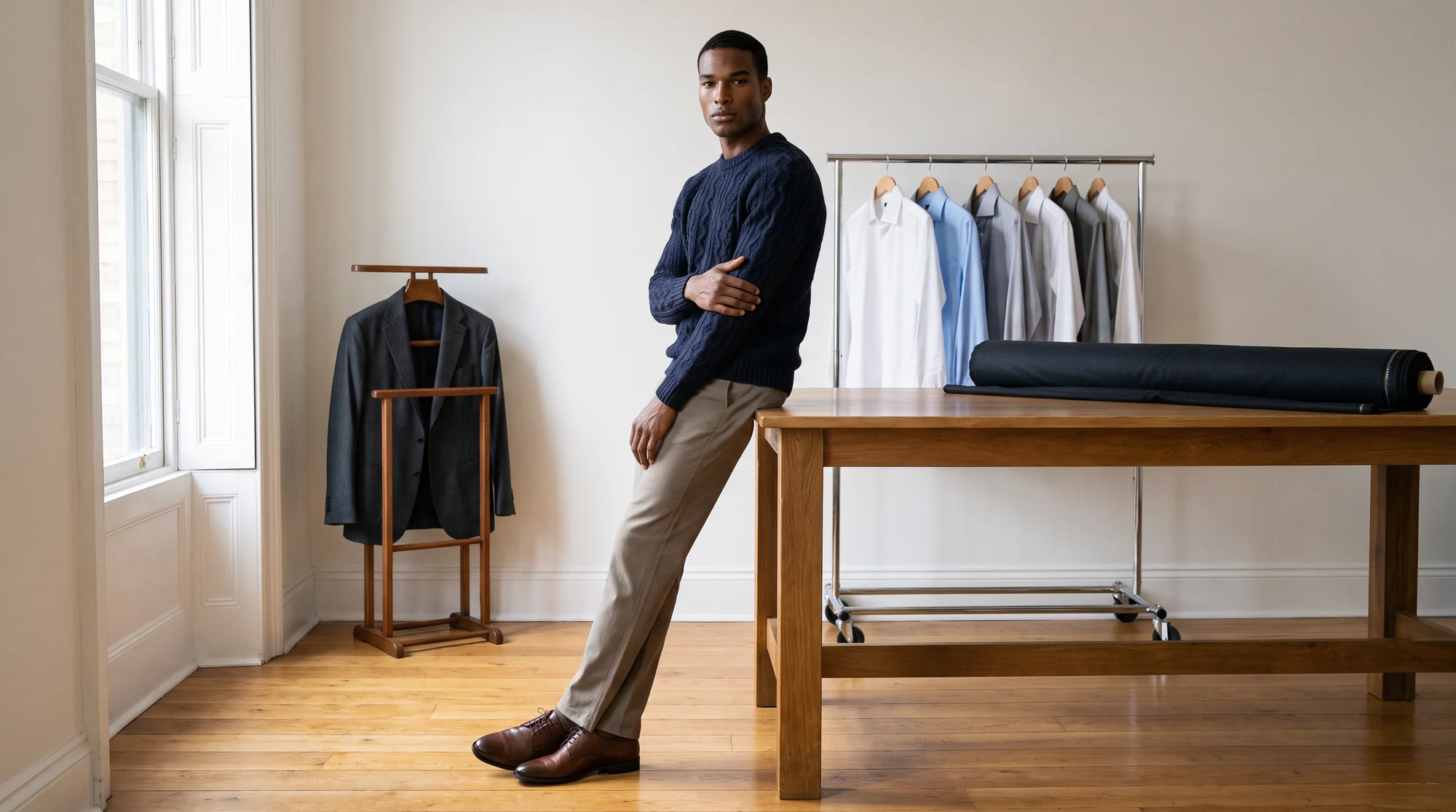
Menswear looks simple on a product page until you try to photograph it at volume. A navy crew neck, a pair of chinos and an oxford shirt are the backbone of most ranges, and they are exactly the pieces that look lifeless laid flat.
The shopper reading a menswear listing wants a handful of answers: where the shoulder seam lands, how the trouser breaks over the shoe, whether the knit has weight. A flat lay answers none of them. A model answers all of them in one frame.
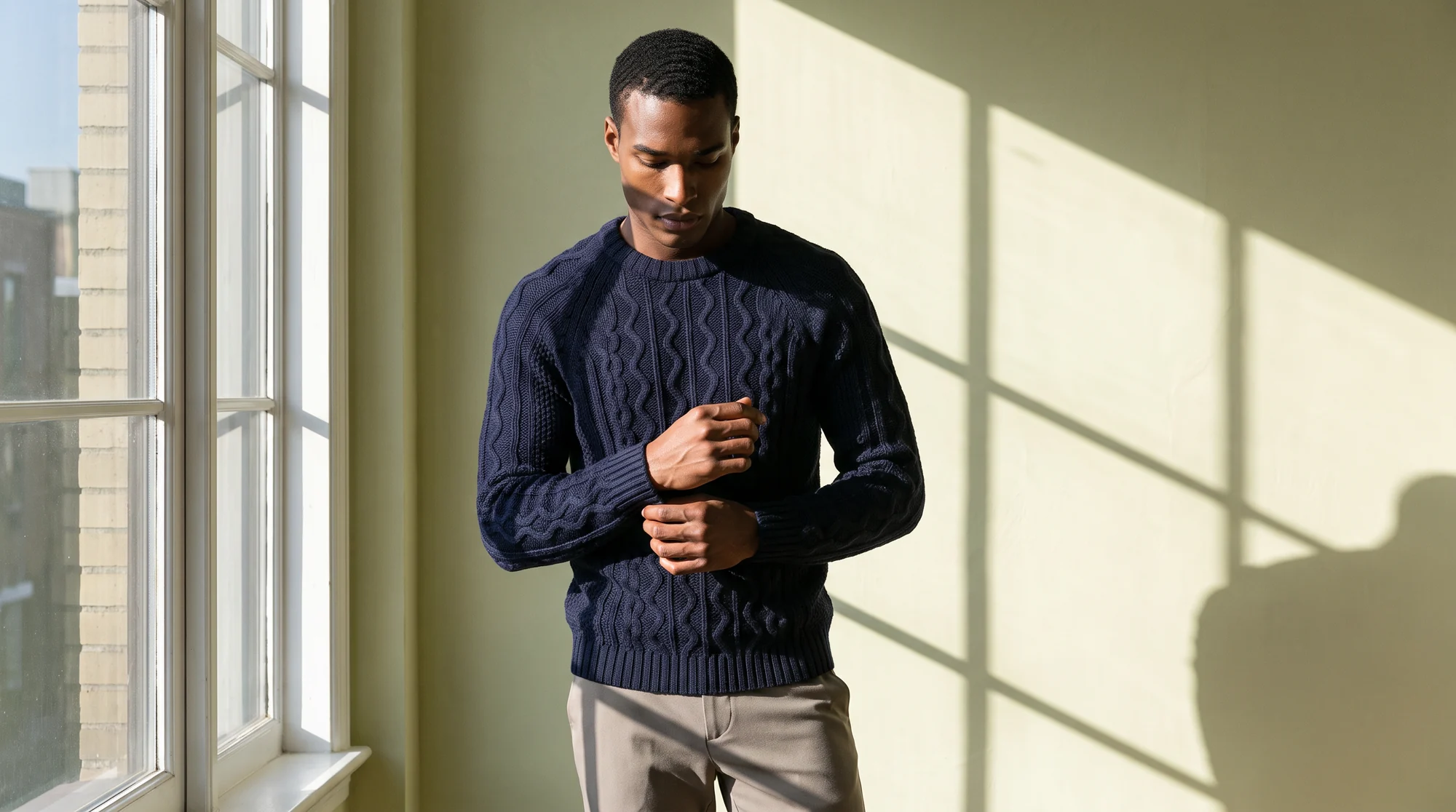
AI male models are fully synthetic male fashion models that wear your real garment in a generated on-model photo. The image is built from a product shot you already have, with the fabric, fit and detail kept intact, and no casting call or studio day behind it.
This guide covers what menswear asks of an AI model, the types of tools that offer male models today, and the checks that separate a usable catalog from a set of near misses.
Why menswear needs its own playbook
Most AI imagery was first built and judged on womenswear, because that is where the volume sits. Menswear has different failure points, and a tool that handles a slip dress well can still struggle with a structured jacket.
Tailoring is the first. A jacket is defined by its shoulder line, lapel roll and button stance, and a generated image that softens any of them reads as wrong to the exact shopper who buys that category.
Proportion is the second. Sleeve length, trouser rise and the break at the hem are fit signals, and fit is one of the main reasons online orders come back: in a YouGov survey, 39% of US shoppers who returned an item cited poor fit.
Range is the third. Menswear customers span far wider ages and builds than most campaign casting suggests, and the category is large enough to deserve better than one young model on every listing. US men’s apparel alone is a market of about $76 billion, and a growing share of it sells online: at department stores, online sales rose from 17 to 19 percent of menswear turnover.
Where AI male models fit in a menswear range
Start with the core: knitwear, shirting, tees, sweatshirts, denim and chinos. These pieces carry most of the volume, change colourway often, and convert cleanly from a flat lay or a ghost mannequin photo.
Framing follows the garment. Tops read best as an upper-body crop that shows collar and shoulder. Trousers and denim need a full-length frame with the shoe chosen deliberately, because the break over the shoe is part of what the shopper is buying.
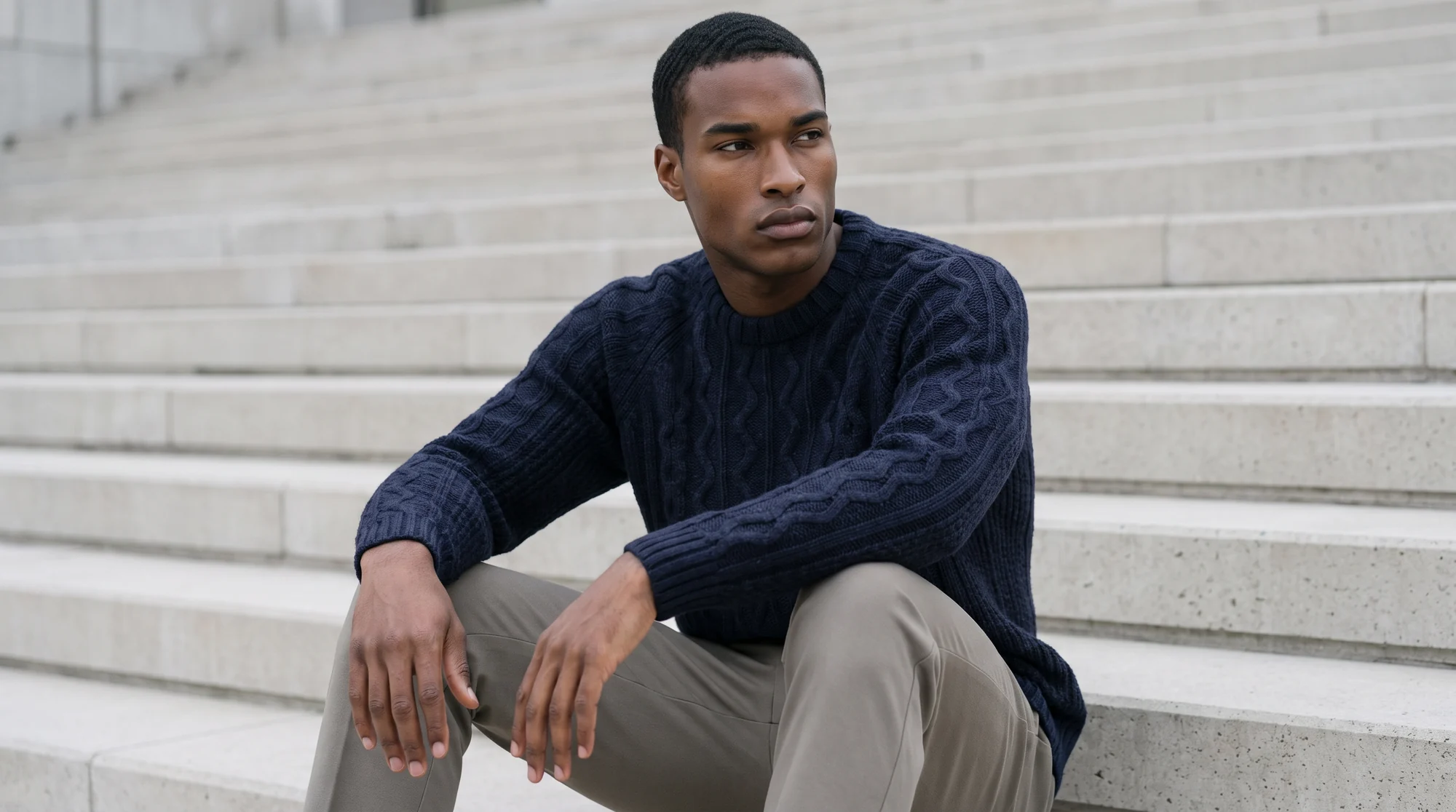
Then use the part a shoot cannot do cheaply. The same shirt can appear on a model in his twenties and one in his forties, or on different skin tones for different markets, from one upload. The model gallery shows the full male range.
Once a still is approved, it can become a short fashion video, which is where knit weight and the swing of a trouser leg finally show.
The options for menswear on-model imagery, by type
When a buyer asks which tool is best for AI male models, the honest answer depends on the type of tool. There are four broad options, and each suits a different job.
A traditional menswear shoot
Still the reference for hero campaigns and complex tailoring. It means a model day, a studio, a photographer and retouching for every drop, so most brands reserve it for a handful of looks per season.
General-purpose AI image generators
Good for mood and concept work. They generate a garment from a text prompt, which means the jacket in the picture is not your jacket. Useful for a moodboard, not for a product page.
Fashion-specific platforms with a male gallery
Built to place your real garment on a model. The breadth of the male cast, the quality of tailoring output and the review behind each image vary widely, which is what the checklist below is for.
A custom or exclusive male model
For brands that want one recognisable face across every product, a brand-exclusive model gives a consistency no shared gallery can. Our guide to custom AI models and digital twins covers how that works.
What to check before you commit
Run these seven checks on your own garments, not on a vendor's showcase. Menswear errors are small and specific, so they only show on real product.
1. Tailoring that holds its structure
Test a jacket or an overshirt first. The shoulder line, lapel and button stance should match the source exactly, and the cloth should keep its weight rather than going soft.
2. Knit and weave texture you can read
Cable, rib and twill are where generated images blur. Open the full-size file and check that the texture is the garment's own, not a generic pattern laid over it.
3. Proportion that matches the product
Sleeve length, trouser rise and hem break should match your size spec. If every trouser breaks the same way regardless of cut, the model is guessing.
4. A male gallery with real range
Look for breadth in age, build and skin tone, not twenty variations of one twenty-five-year-old. Botika's gallery carries 150+ models across womenswear and menswear, selectable by body type, skin tone and market.
5. The same face across the catalog
Shoppers browsing a collection page read a consistent cast as a deliberate brand choice and a new face on every product as noise. Confirm you can keep one model across a range and across seasons.
6. Footwear and styling that belong to your brand
Default shoes and generic styling undo the work. Check that you can choose the shoe and the second garment, and that the finished outfit reads like your own lookbook.
7. Output that is ready to publish
Check resolution, background options and who looks at each file before it goes live. On managed accounts, Botika Creative Ops reviews and retouches every visual before it is published.
Getting the source photos right
The output can only be as accurate as the input. Photograph shirts buttoned, with the collar shaped and the placket straight. A crumpled flat lay produces a crumpled shirt.
For jackets and coats, a ghost mannequin photo usually beats a flat lay, because the shoulder structure is already there. Botika converts ghost mannequin shots into on-model images directly.
For trousers, show the full length with the hem visible. A cropped detail shot makes the engine guess at length, and a guessed length is a fit complaint waiting to happen.
Colour matters most in menswear neutrals. Navy, charcoal and black separate cleanly on an evenly lit photo and merge on a dark one, so shoot inputs in soft, consistent light. Our guide to menswear photography covers the basics.
Bringing AI male models into your workflow
Pick a pilot that covers the hard cases: one jacket, one knit, one shirt and one pair of trousers. If those four come back right, the rest of the core range will follow.
Choose a small recurring cast of two or three male models and keep them consistent across categories. It reads as brand identity, and it makes approvals faster because the team knows what good looks like.
Then scale by category rather than by season. Botika works from flat lays, mannequin shots and existing photos, so the inputs your team already produces become the on-model range.
What holds quality at volume is the pairing of AI and people. The platform does the generation, and on managed accounts a dedicated Botika team checks every image against the source before it goes live. Brands on Botika cut production costs by 90% and move from sample to live 10x faster.
Common questions about AI male models
What is the best AI male model generator for menswear?
For product pages, a fashion-specific platform that places your real garment on a male model, rather than a general image generator that invents the garment. Judge it on tailoring structure, knit texture and the breadth of its male gallery.
Can AI male models wear tailoring convincingly?
Yes, when the source shows the structure. A ghost mannequin or a well-shaped flat lay gives the model a clear shoulder line and lapel to reproduce. Check every tailoring piece at full resolution before publishing.
Are AI male models real people?
No. Botika's gallery models are fully synthetic, built from the ground up with no real person and no photo reference behind them, and they are licensed for commercial use.
Can one garment appear on several male models?
Yes. The same upload can produce the same shirt on models of different ages, builds and skin tones, which is how brands reflect their real customers without booking more shoots.
What inputs work best for menswear?
Ghost mannequin shots for jackets and coats, buttoned flat lays for shirts, and full-length photos with the hem visible for trousers. Existing on-model photos, including cropped ones, also work.
How long does an AI menswear photo take?
About 15 minutes per photo, with no daily cap on uploads. Managed accounts add review and retouching by Botika Creative Ops before images go live.
Where this is heading
Menswear has spent years as the less photographed half of many catalogs. AI male models remove the main reason for that, which was the cost of putting every piece on a person.
The brands that pull ahead will treat their male cast like a brand asset: chosen deliberately, kept consistent and reviewed to the same standard as womenswear. The same thinking applies on the other side of the range, covered in our guide to AI female fashion models.
See the male range in the model gallery, or put one jacket, one knit and one pair of trousers through on-model photography with a free trial.