Fashion product image generators: What they actually produce

The phrase turns up in a dozen forms. Product image generator, garment photo generator, clothing product image generator. They all describe the same hope: put a product in, get a publishable photograph out.
A fashion product image generator is a tool that produces publish-ready product photography from source material you already own, usually a flat lay, a packshot or a ghost mannequin shot, without a studio booking. The useful question is not whether one exists. It is what comes out the other side, and whether it can go on a product page unedited.
That distinction decides everything. A generator that returns something interesting is a demo. A generator that returns something you can publish four hundred times without a human fixing each frame is a production tool.
Here is what these tools actually produce, and the specification your output has to meet before it earns a place on your storefront.
What "generated" covers, and what it does not
The category is broader than it looks, and the differences matter more than the branding does.
Some tools generate a garment from a text description. That is design work: it invents a product that does not exist. Useful early in a range, useless for selling something you already stock.
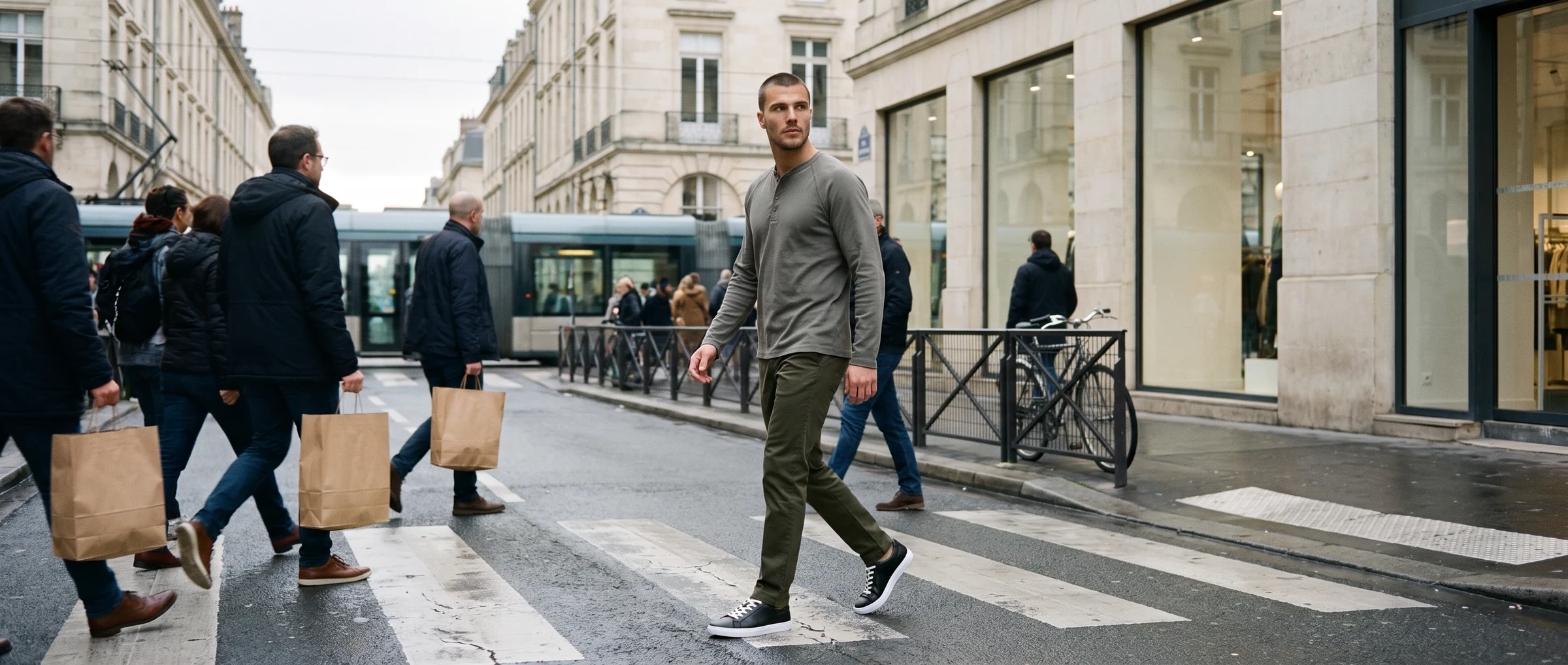
Others take your existing product image and place that exact garment on a model. That is imagery work, and it is the only version that can serve a product page, because the thing in the photograph has to be the thing in the warehouse.
Everything downstream follows from which of those two you are actually buying. A design tool asked to do imagery work will invent details, and on a product page an invented detail is a return waiting to happen.
The specification your output has to clear
Product imagery is not judged on whether it looks good in isolation. It is judged against a set of requirements, some of which are set by platforms rather than by taste.
Google's Merchant Center image requirements ask for at least 500 x 500 pixels, recommend 1500 x 1500 or above, and disallow watermarks, promotional overlays and placeholder images. If your products appear in Shopping listings, that is a floor rather than an aspiration.
Resolution is only the first gate. The garment itself has to survive the process: print placement, seam lines, button spacing, hardware and the way fabric falls all have to match the physical product.
Then there is volume. The 2024 Web Almanac media chapter found the median mobile page carries 13 image elements, rising to 56 at the 90th percentile. Catalogue pages sit at the heavy end of that, so file weight and format are part of the output spec, not an afterthought.
Finally, machine readability. Search engines and AI answer engines read your imagery through markup, and schema.org's ImageObject is the vocabulary they read it with. An image with no structured context is a picture; an image with it is data.
Where generated imagery fits in a real workflow
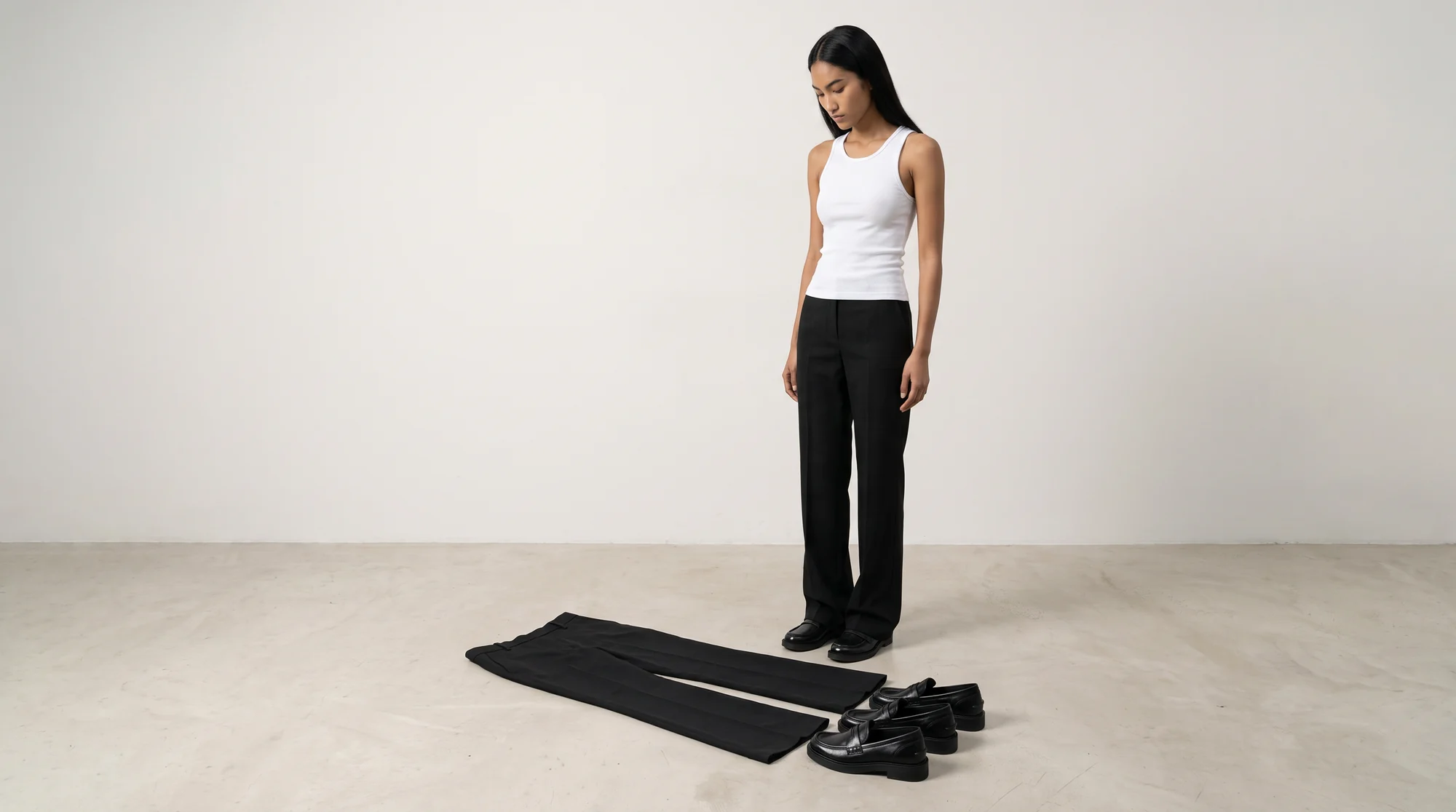
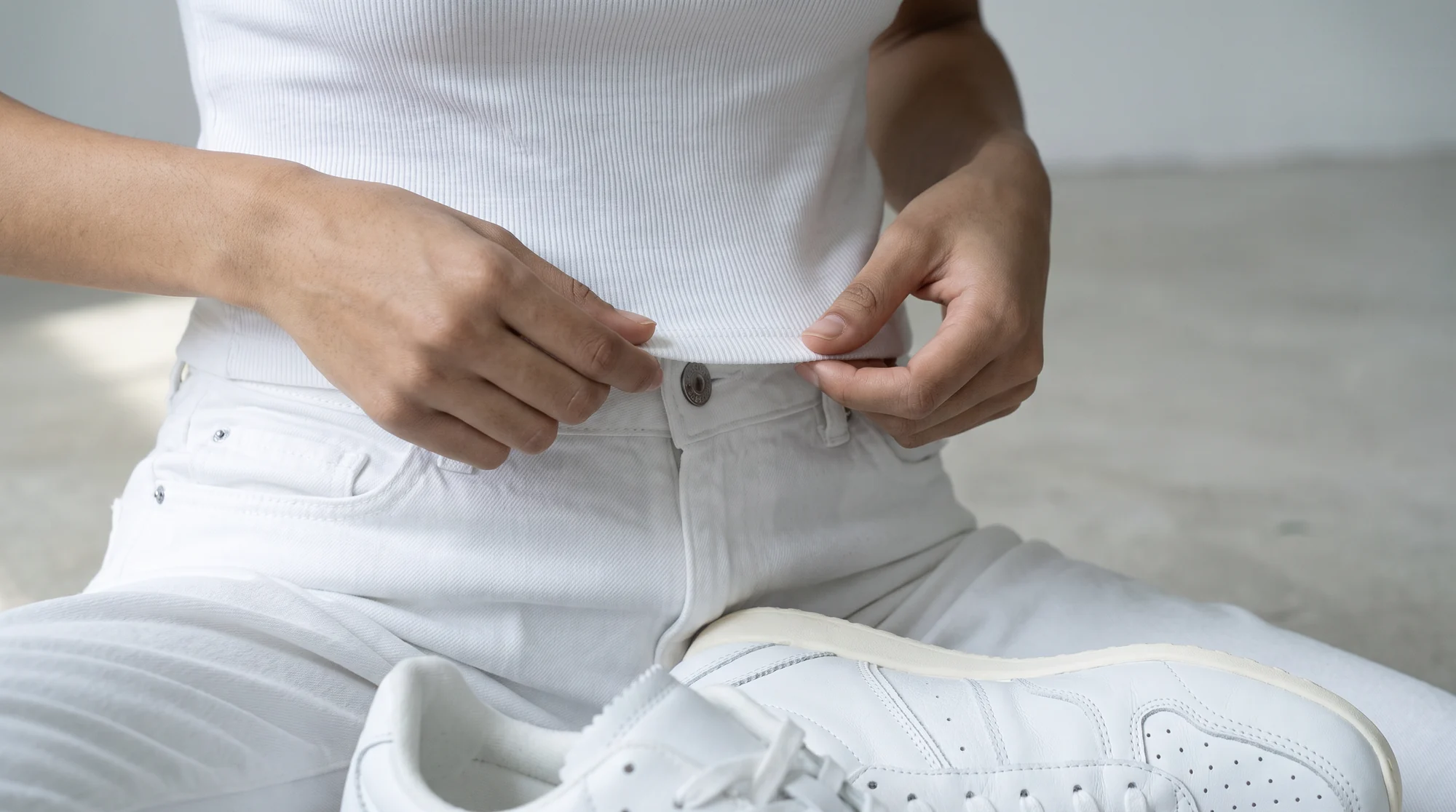
The practical entry point is whatever you already have most of. For most brands that is flat lays and packshots, which is convenient, because those are exactly the inputs an on-model generator works from.
Production runs from the file rather than the garment. Nothing ships anywhere, no model is cast, and no studio day is booked, so imagery stops being blocked by sample logistics.
That also changes when imagery can happen. A product photographed as a flat lay on Monday can have on-model imagery the same day, instead of waiting for the next shoot window.
What brands get from generating rather than shooting
1. Garment accuracy you can publish on
The product in the photograph is the product in the box, down to print scale and stitching. This is the requirement everything else depends on.
2. One visual standard across the range
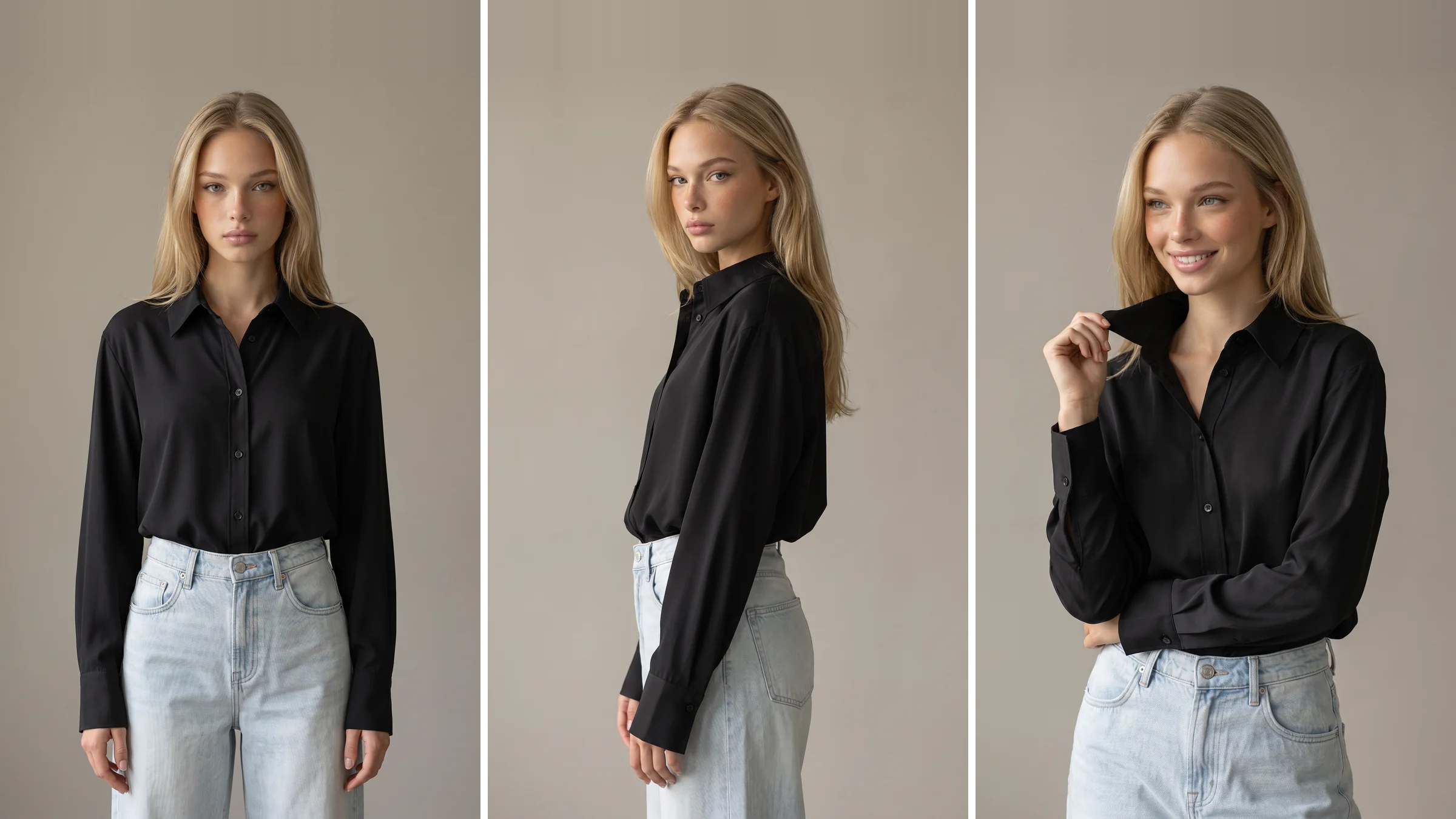
Lighting, crop, posture and background hold steady from the first style to the last, so a collection page reads as one considered set rather than three separate projects.
3. Coverage for the long tail
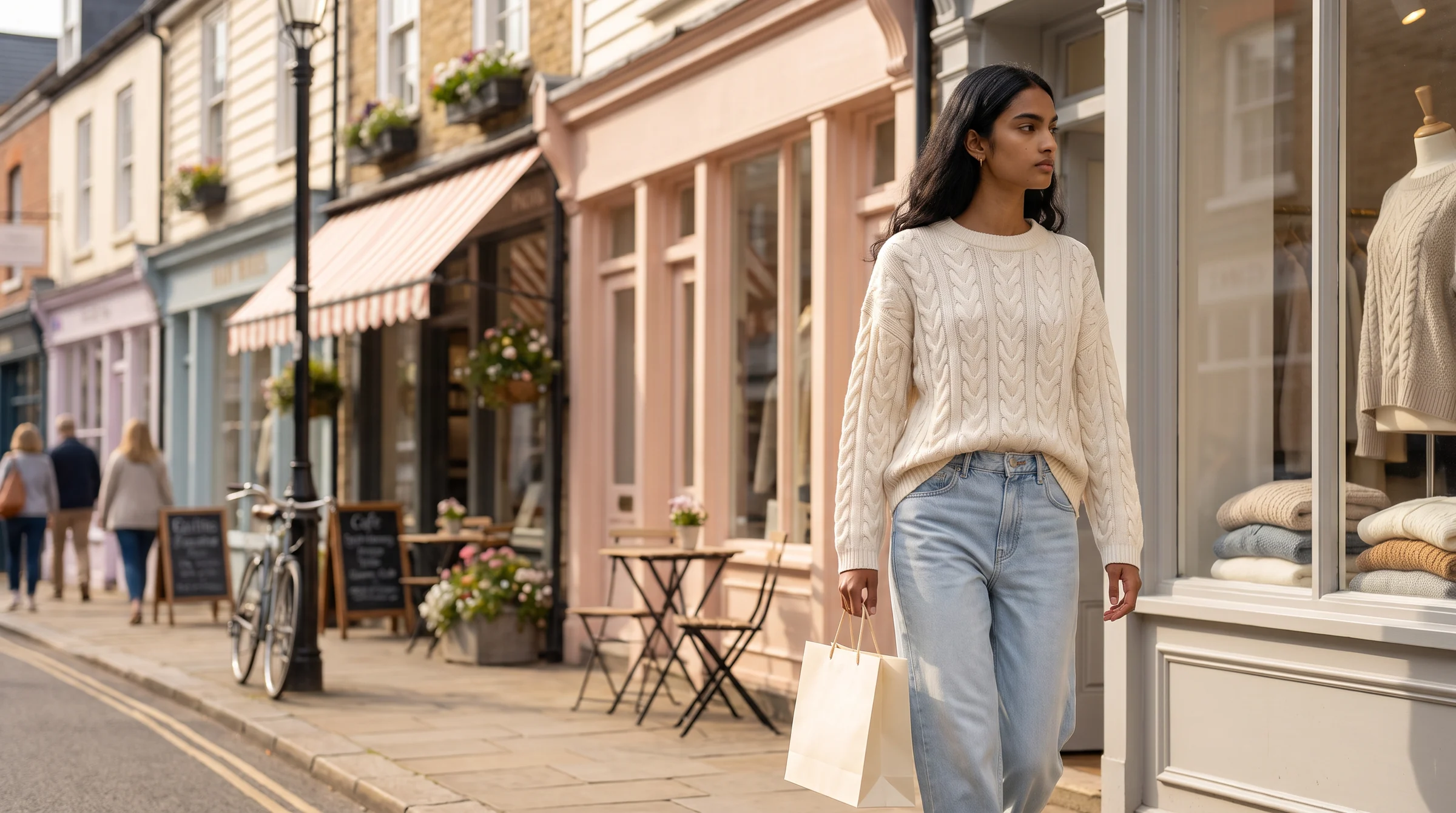
Products that never justified a shoot slot get proper on-model imagery. Since most shoppers arrive on a product page rather than a homepage, that tail carries more weight than it usually gets.
4. Output specs you set once
Dimensions, format and compression are decided as a rule and applied to every file, which keeps collection pages fast as the catalogue grows.
5. Cost that follows the assortment
Imagery becomes a per-image line item, so adding two hundred styles carries a known cost rather than triggering a new production cycle.
6. Human review before delivery
Generative output always produces near-misses. Botika pairs proprietary AI with a fashion-trained QA and retouching team, so what arrives has already been checked by people who understand garments.
What makes a good source image
Output quality is decided by the input more than by anything else, and this is the part most buyers skip. A generator can only work with what the source shot actually shows.
The garment needs to be complete in frame. A cropped detail shot forces the tool to reconstruct the parts it cannot see, and reconstruction is where invented details come from. If the hem is out of frame, the hem in the output is a guess.
Shape helps enormously. A flat lay that has been arranged so sleeves, shoulders and hem read clearly gives far better results than one where the garment is bunched, and a ghost mannequin shot is better still because the three dimensional form is already there.
Colour should be accurate at source. No process fixes a source image that was shot under mixed lighting, because the tool has no way to know which cast is the garment and which is the room.
Resolution matters last but still matters. Start higher than you need, because detail that is not in the source cannot appear in the output.
How to test a generator on your own products
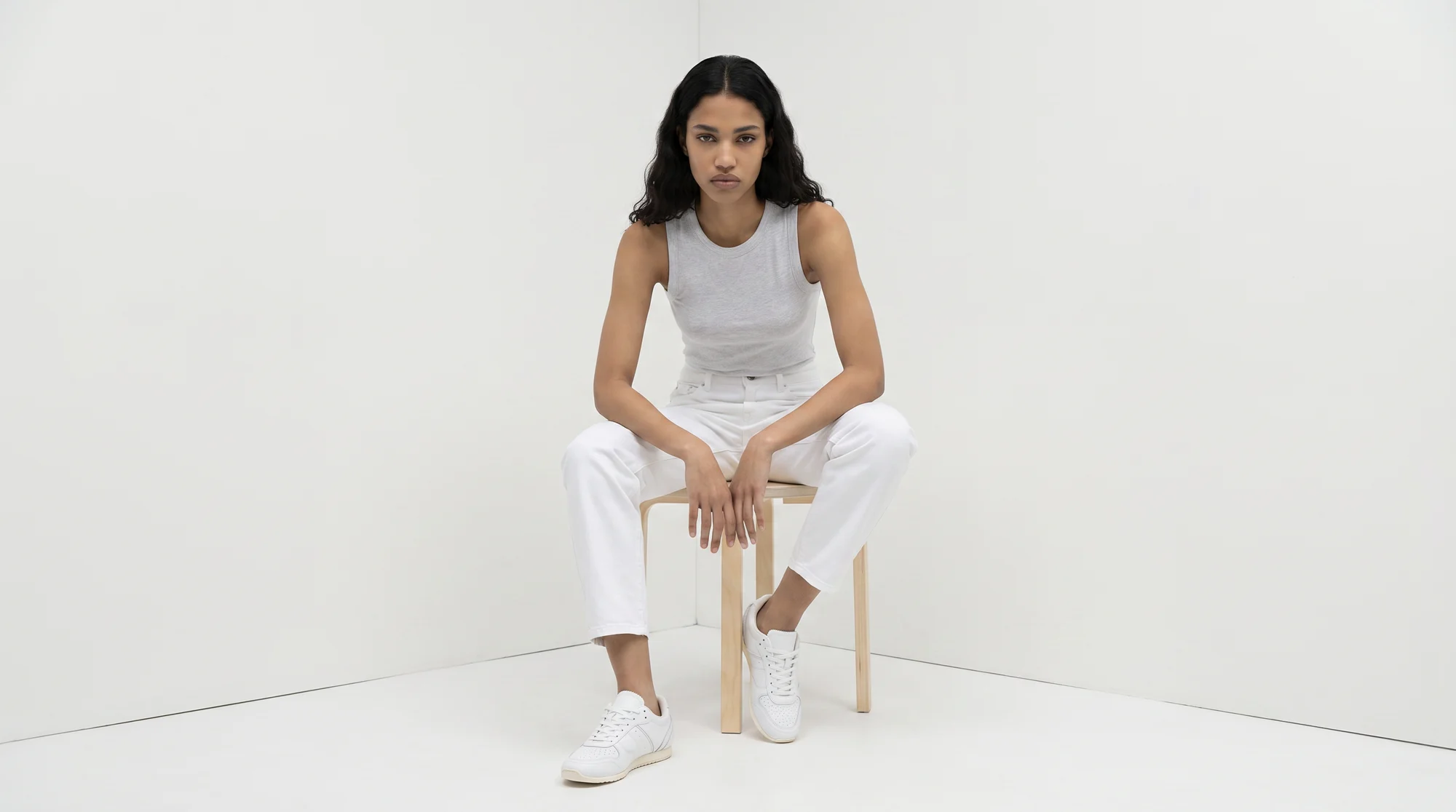
Start with your hardest garment, not your easiest. A busy print, a technical fabric or something with structured tailoring will expose weaknesses that a plain tee hides completely.
Run it through and then judge the result where it will actually live. Put it on a staging product page at full size, beside your existing photography, and zoom in the way a shopper does before spending money.
Check the four gates in order: is the garment accurate, does resolution hold at zoom, can you produce the same look across a hundred styles, and do you have commercial rights for paid media.
If all four hold, the economics follow. Begin with flat lay conversion if that is most of your library, look through the model range to check the casting suits your customer, and compare per-image pricing on the pricing page once you have seen your own output.
Where this is heading
Generating product imagery is becoming an ordinary production method rather than a novelty, which means the interesting question has moved from "can this be done" to "what standard does every image have to meet".
Brands that write that standard down get a catalogue that looks deliberate at any size. Start with a single category on on-model photography and measure it against what you have now.
Common questions about fashion product image generators
What is a fashion product image generator?
A tool that produces product photography from source images you already have, typically flat lays, packshots or ghost mannequin shots. The output can be on-model imagery, alternate angles or video, without a physical shoot.
Can it generate images of my actual products?
Yes, if it works from your product photography rather than from a text description. Tools that generate garments from text invent a product; tools that work from your images preserve the one you stock. For product pages you need the second kind.
What resolution do generated product images need?
At least 500 x 500 pixels for Google Shopping, with 1500 x 1500 or above recommended, and no watermarks or promotional overlays. For your own product pages, aim higher so the image holds up at zoom.
Do I still need a photographer?
For catalogue and product page imagery at volume, generally not. For a brand-defining campaign with a specific creative vision, a photographer is still the right choice. Most brands run both and use each where it fits.
How do generated images stay consistent across a catalogue?
By writing the specification down (lighting, crop, background, model treatment, output format) and producing everything through one pipeline, then reviewing each batch against that document rather than trusting the first result.
Is generated product imagery allowed in paid ads?
It depends on your licence, which is where free tiers most often differ from paid ones. Confirm commercial usage rights explicitly before putting imagery behind media spend.